VS Code extension
Build and run Day apps
for any platform from VS Code-compatible editors
Drive the complete Day app development process from VS Code. Build, launch, debug, and lint conventional Day projects from the comfort of your IDE.
code --install-extension daybrite.day-vscode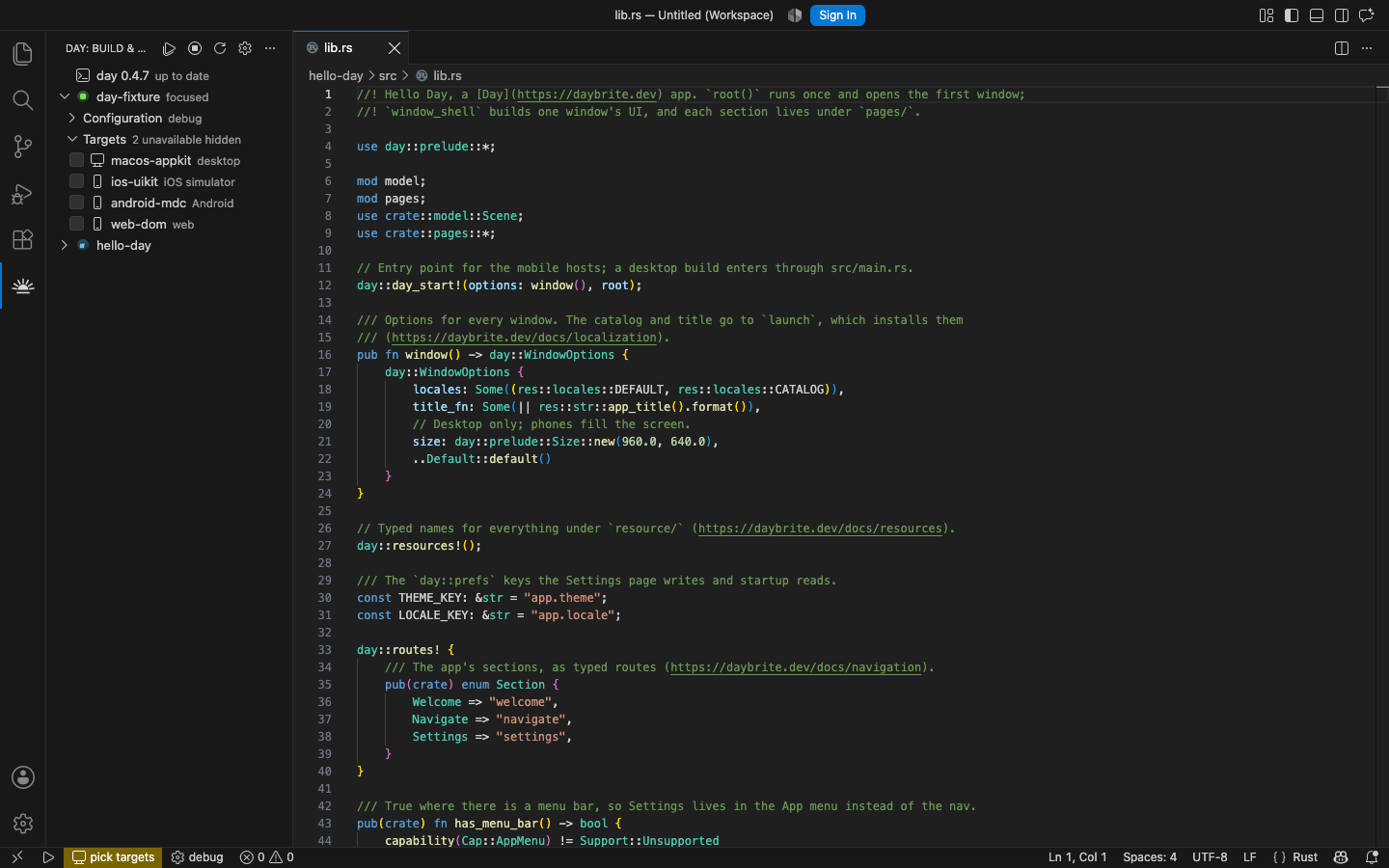
What it adds
One sidebar, a status bar, a task type, and a debug type. Everything it does, it does by running the CLI you already have.
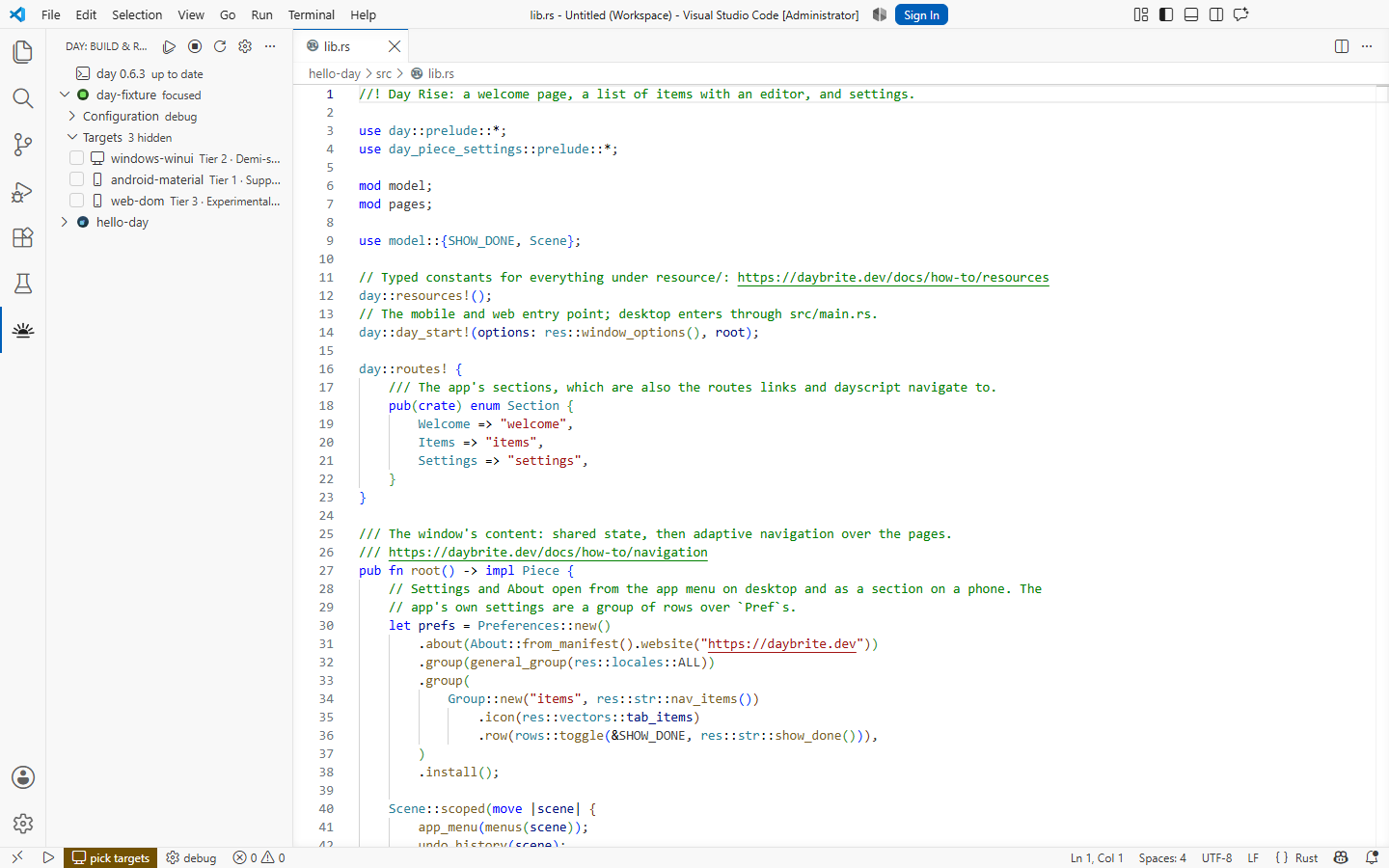
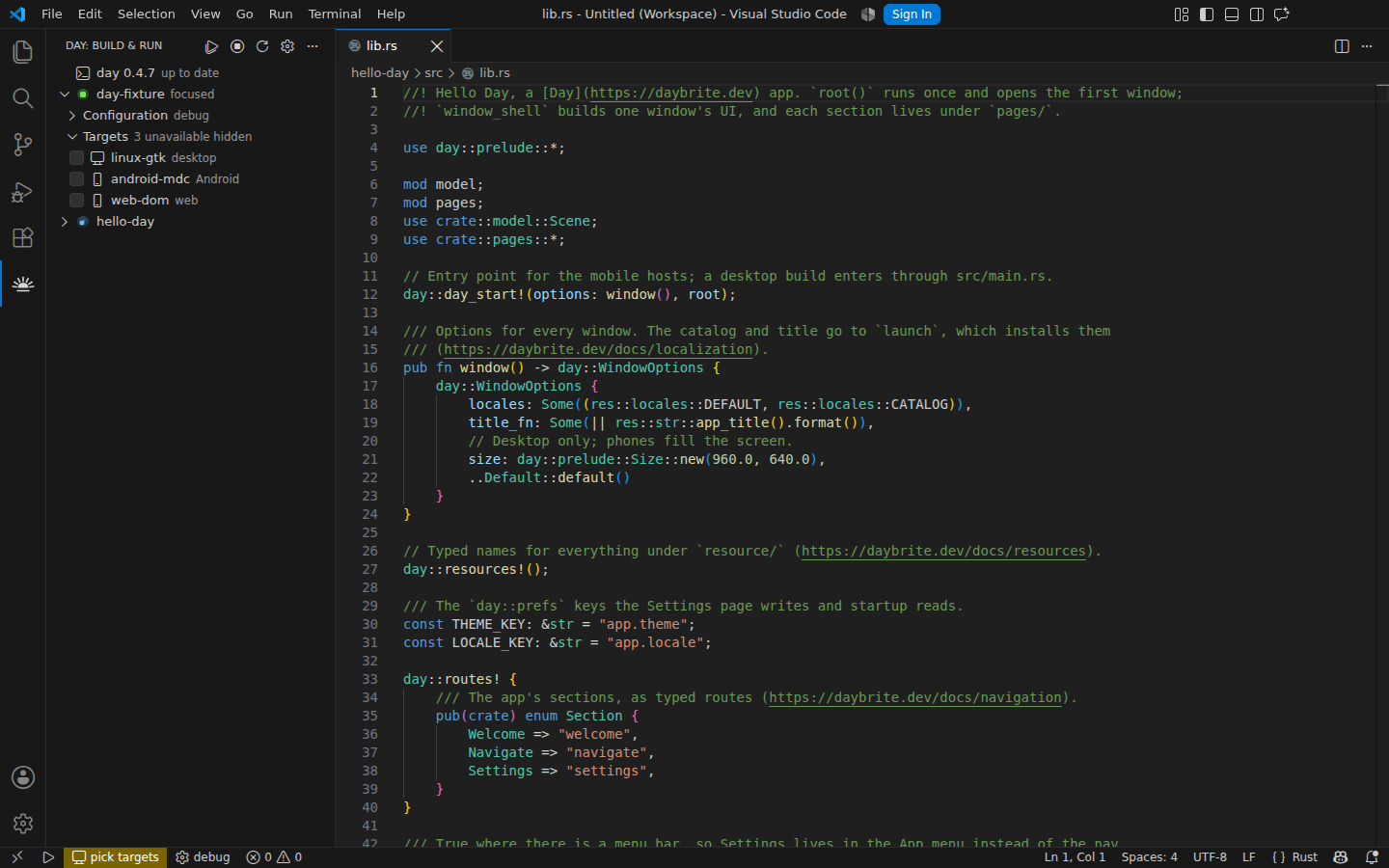
Every target in one list
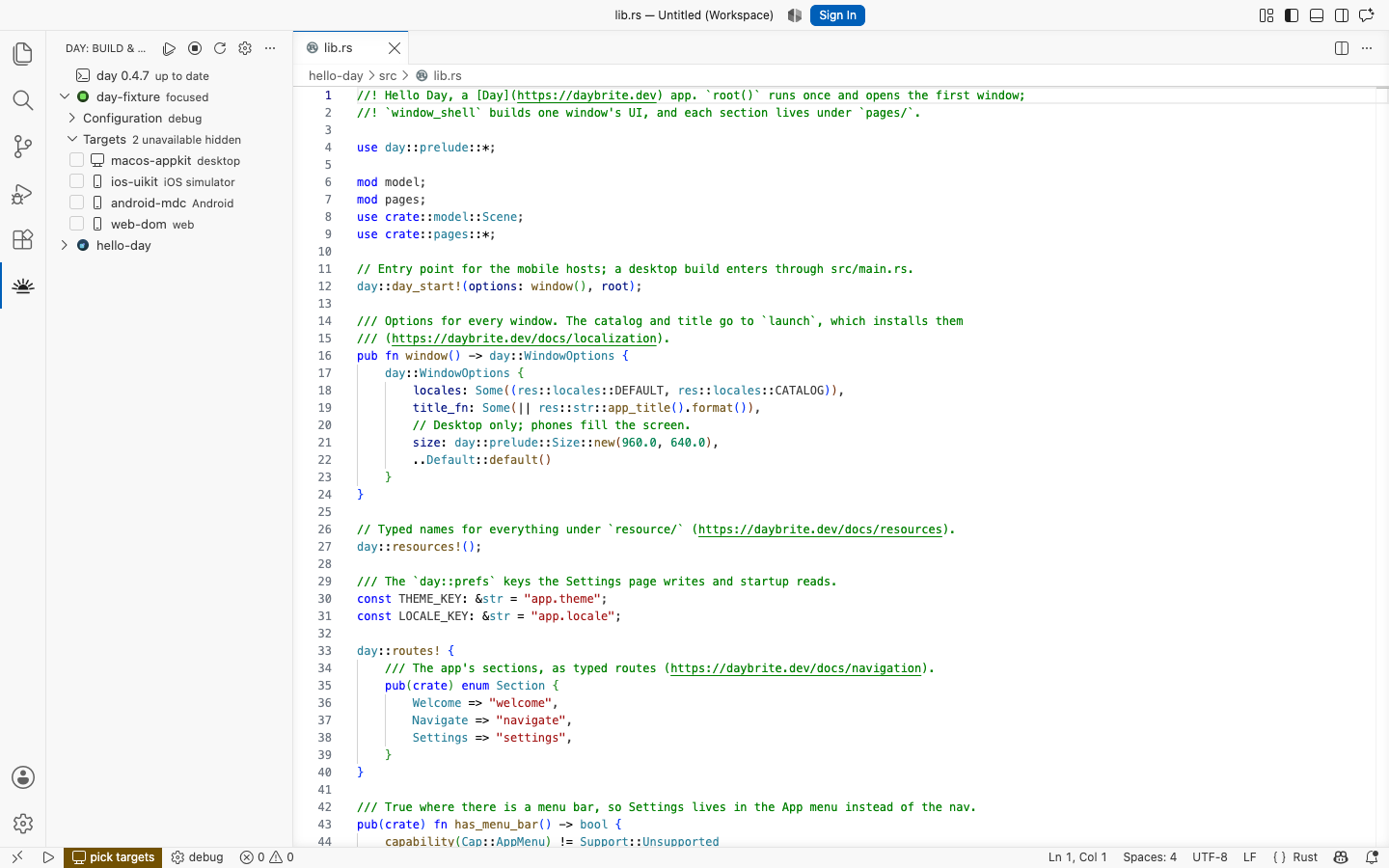
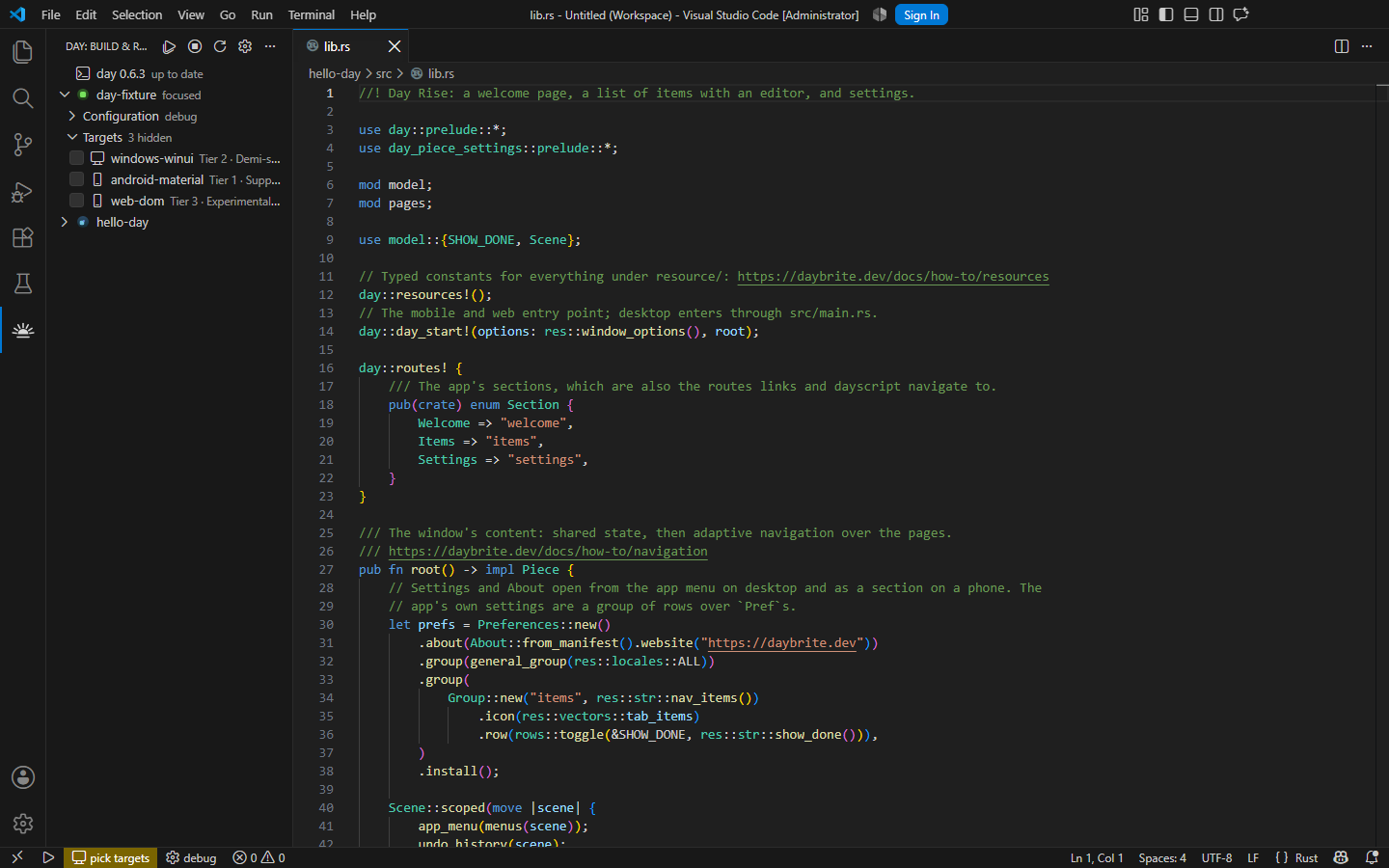
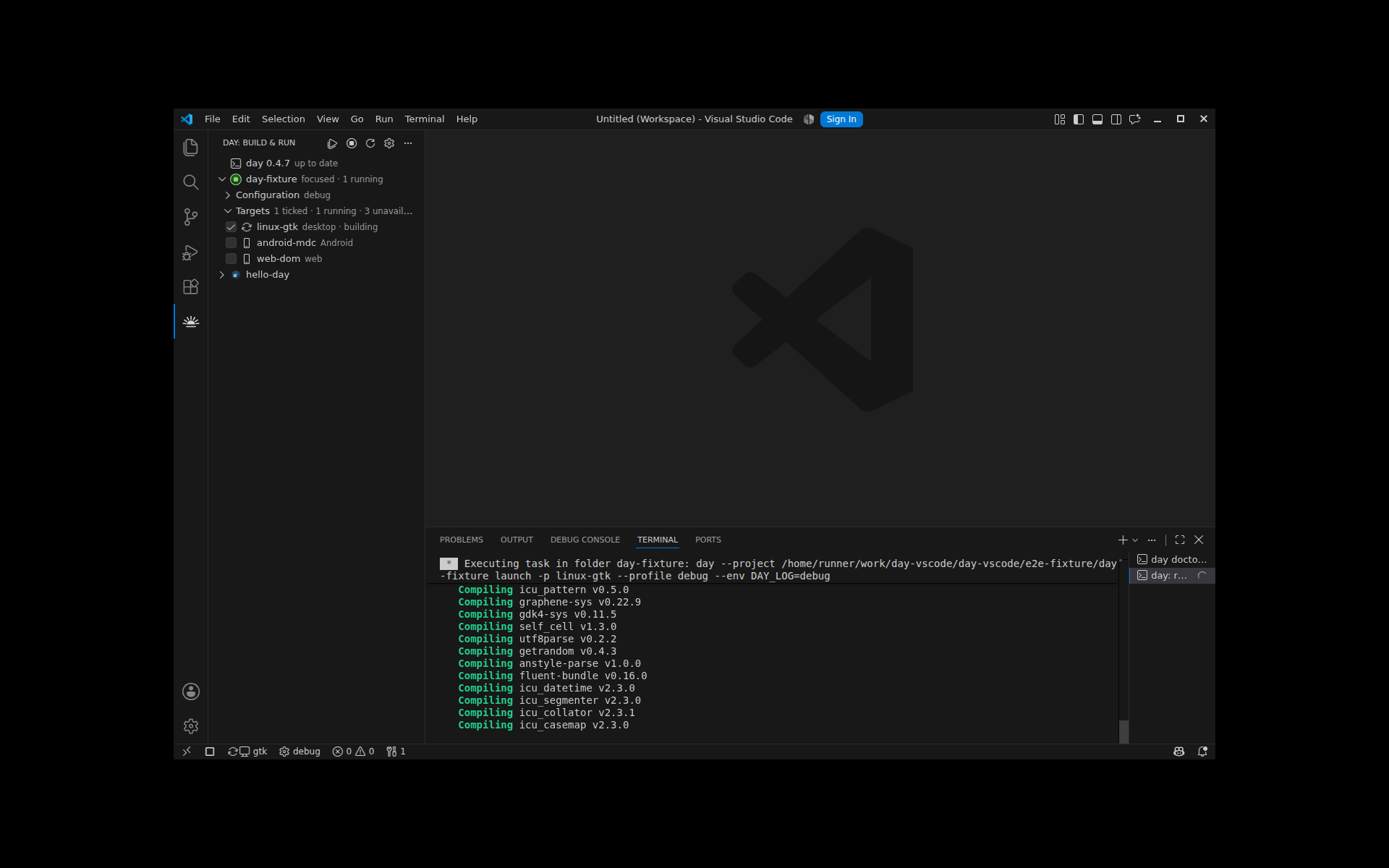
The Day view reads your Day.toml and lists each target. The ones this host cannot build are disabled with the reason, so you never start a build that was never going to work.
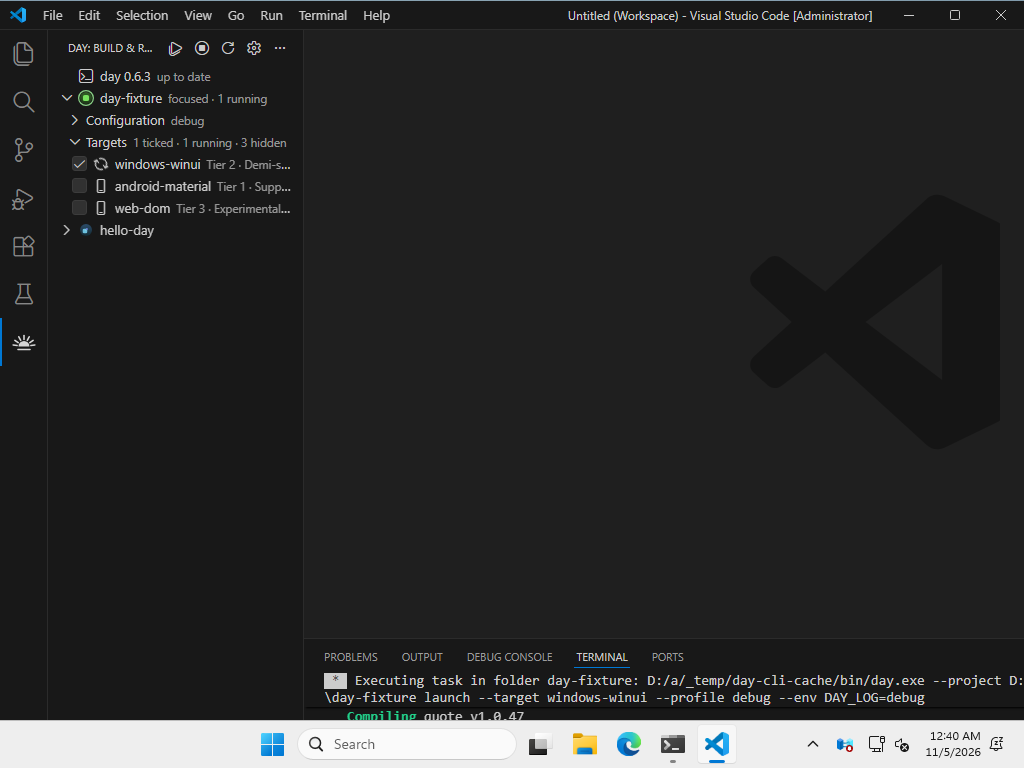
Run several at once
Tick two targets and both launch, each in its own terminal, each with its own stop and restart. Comparing AppKit against GTK is two clicks.
Real tasks, real problems
Every run is a VS Code task, so output keeps its colors and Rust errors land in the Problems panel through the $day-rustc matcher.
Mode, locale, and script
Debug or release, a --locale to test translations, and a dayscript to drive the app after launch — all from the sidebar, no launch.json required.
Toolchains, checked
Day: Doctor runs day doctor and reports what each toolkit needs and what is missing, which is the answer to most "it will not build" questions.
Open to agents
The extension registers Day’s MCP server with VS Code’s agent mode, so an agent can build, launch, drive the running app, and read screenshots back.
On every desktop it supports
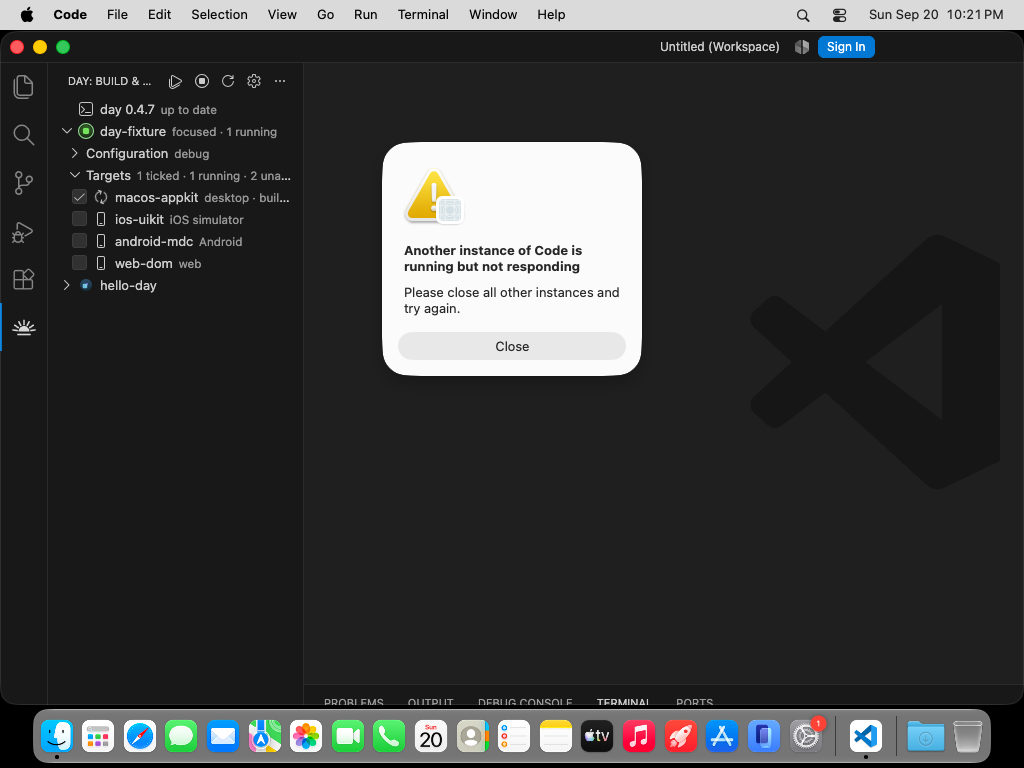
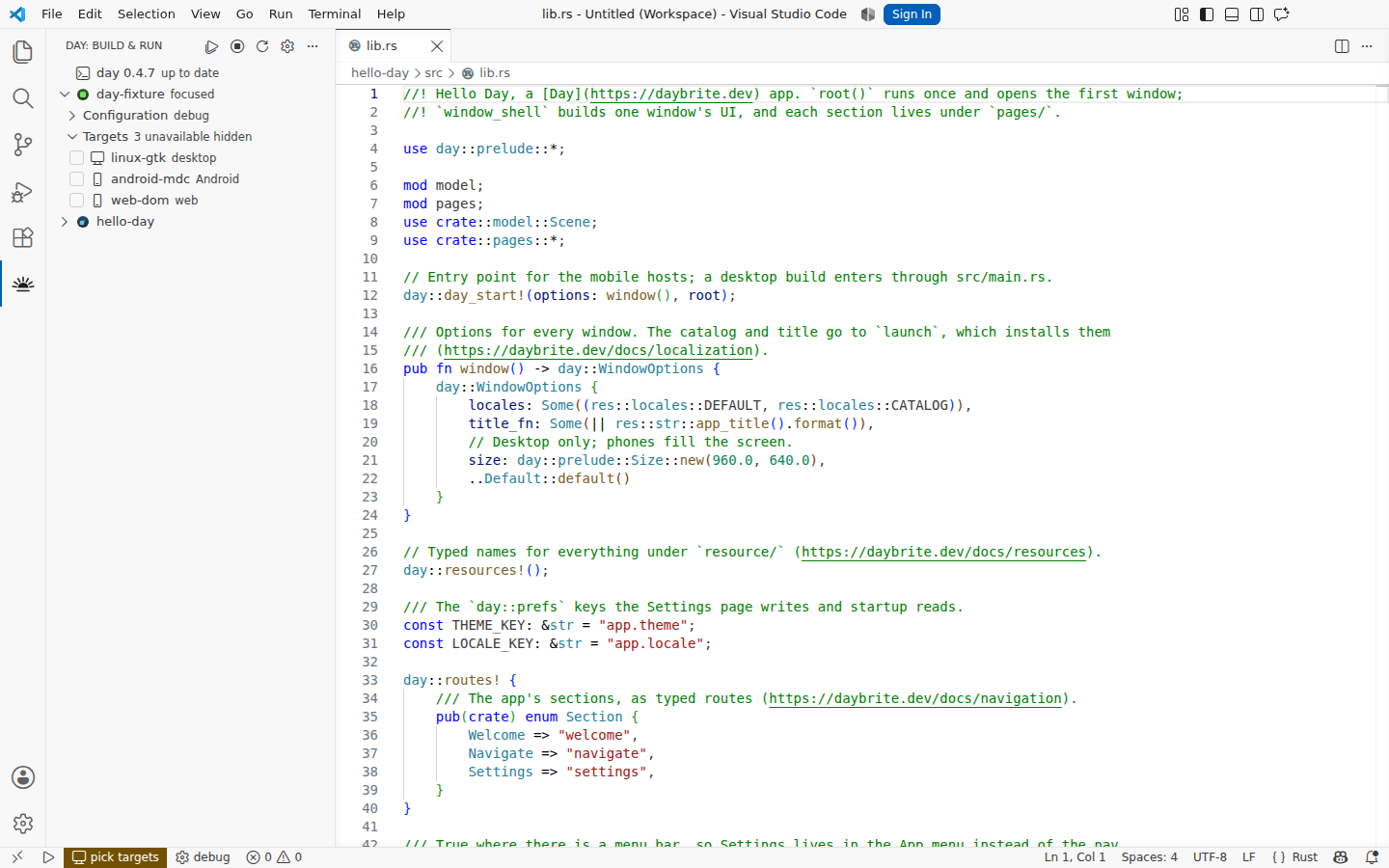
These are not staged. Each push to main installs the packaged extension into a real VS Code on macOS, Windows, and Linux, scaffolds a project, builds and runs it, and photographs the result. See the full set.
Where to go next
The extension's own documentation is short by design. Everything about the framework — the CLI, targets, project layout, scripting — lives on daybrite.dev.