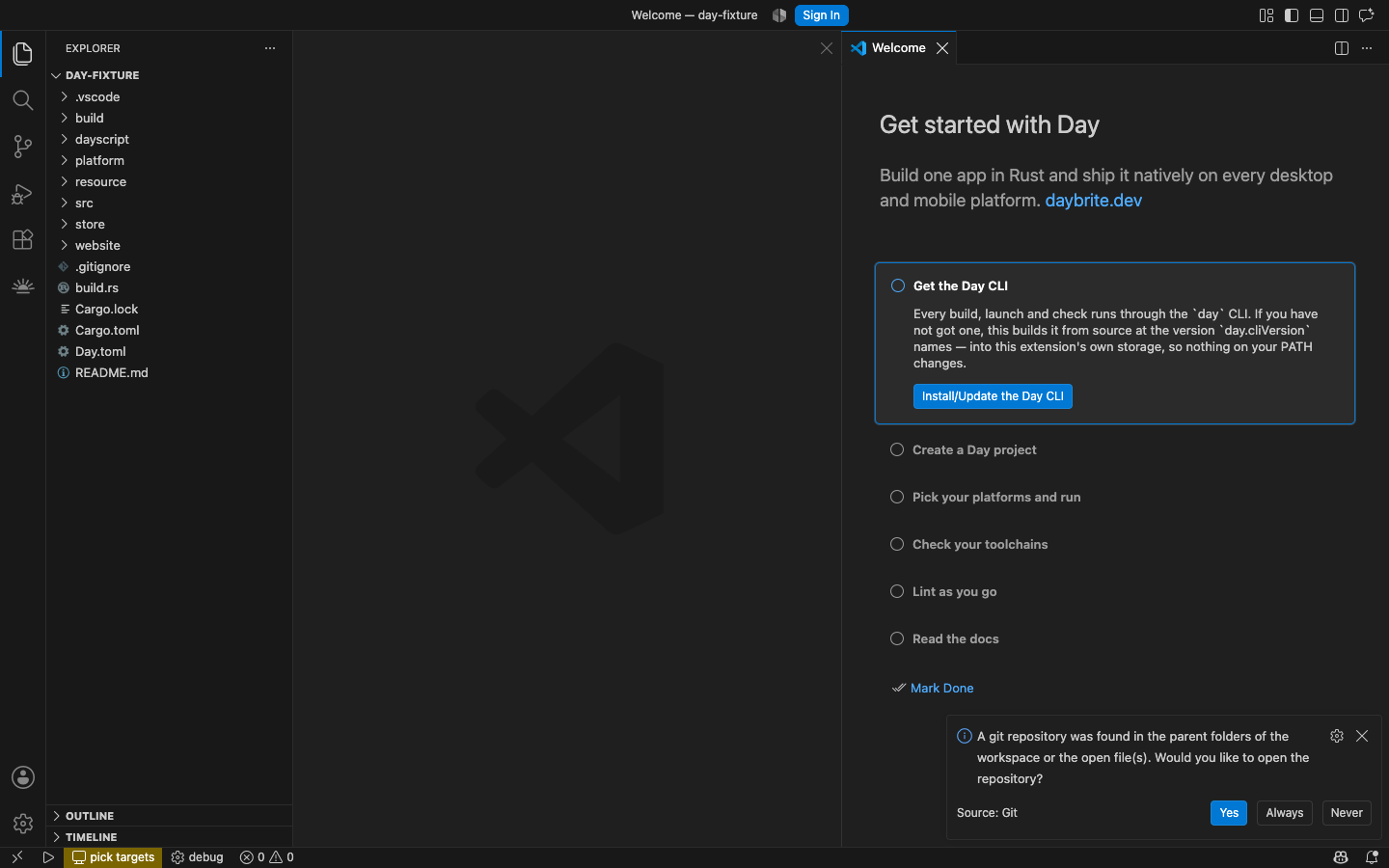
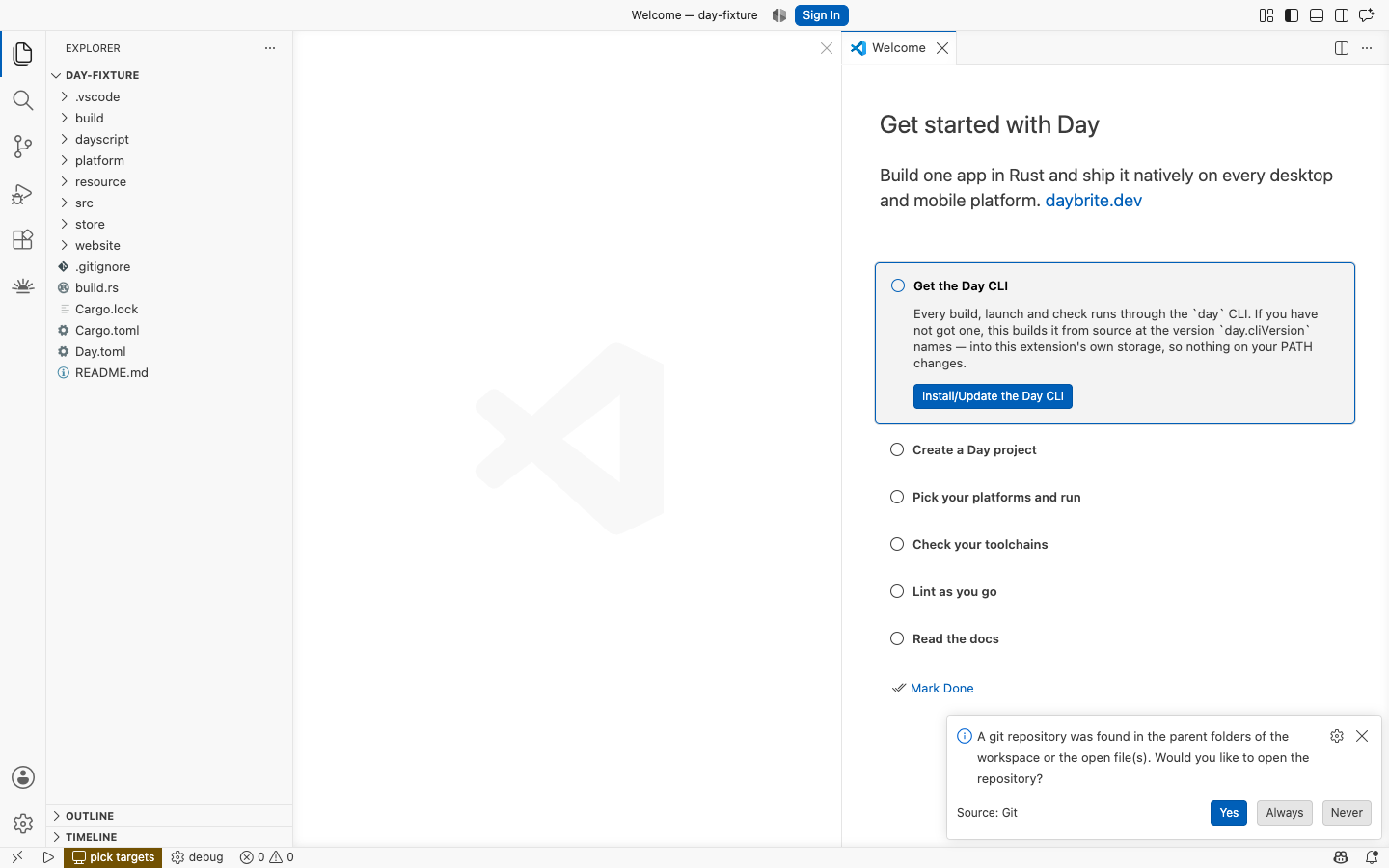
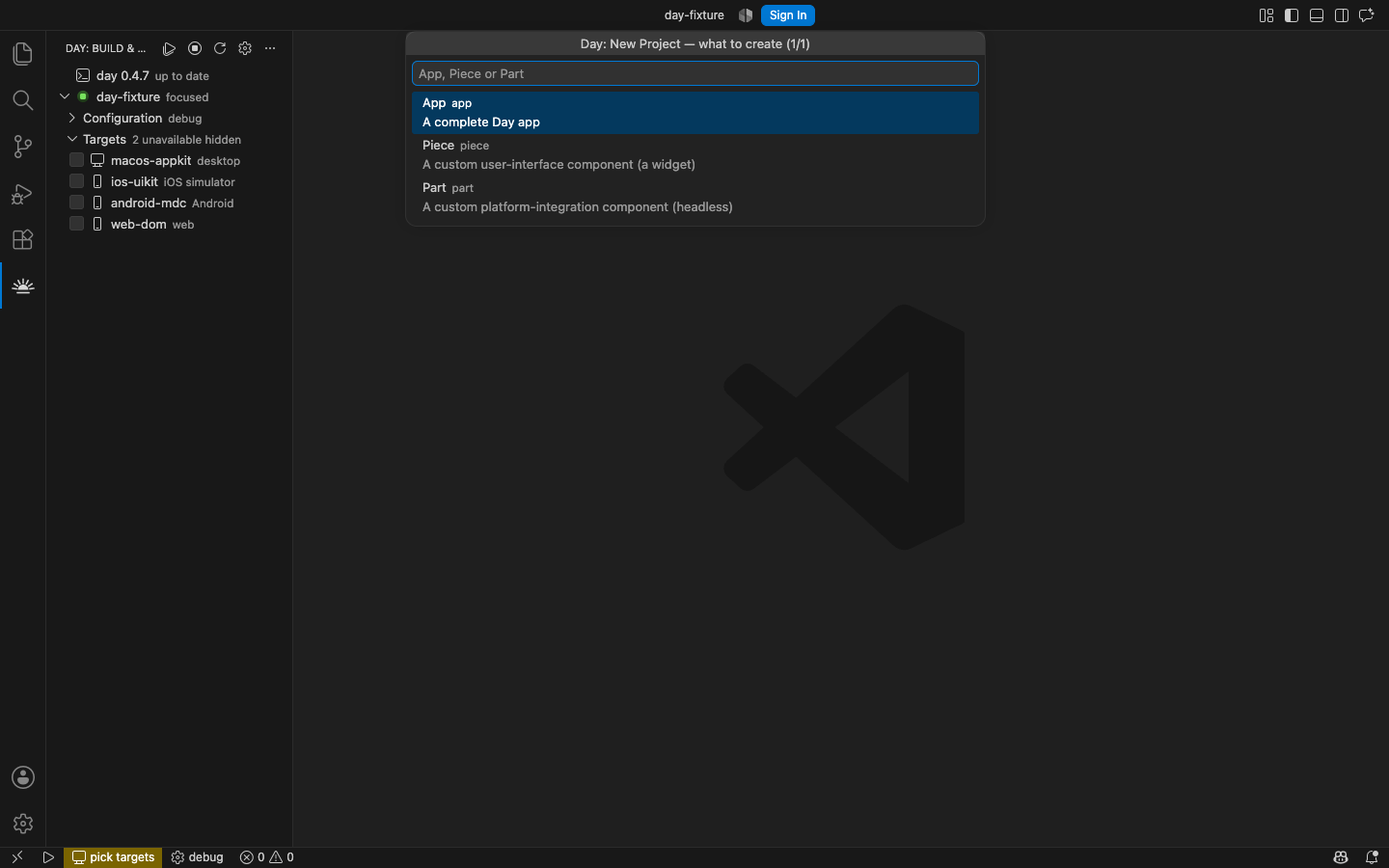
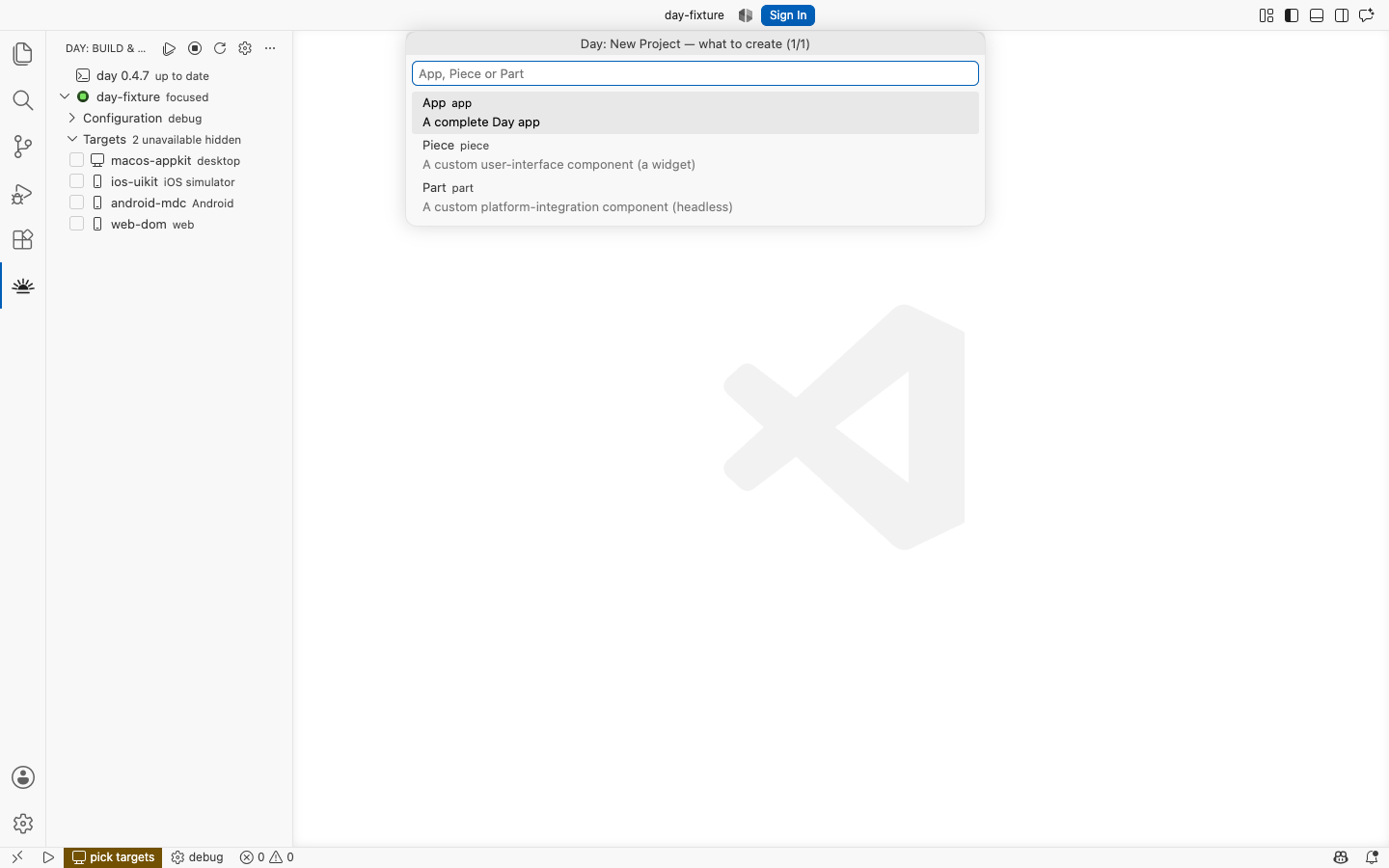
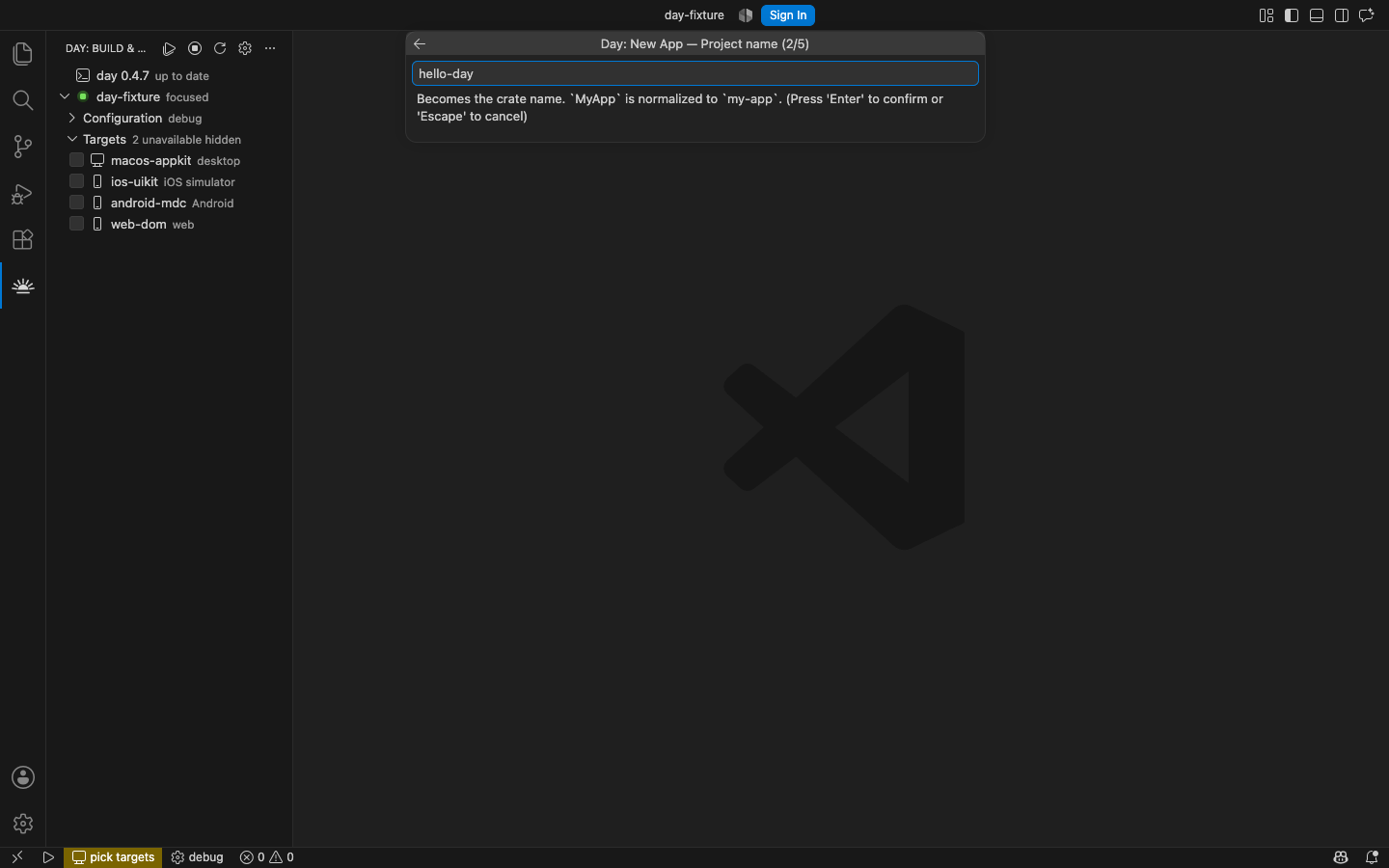
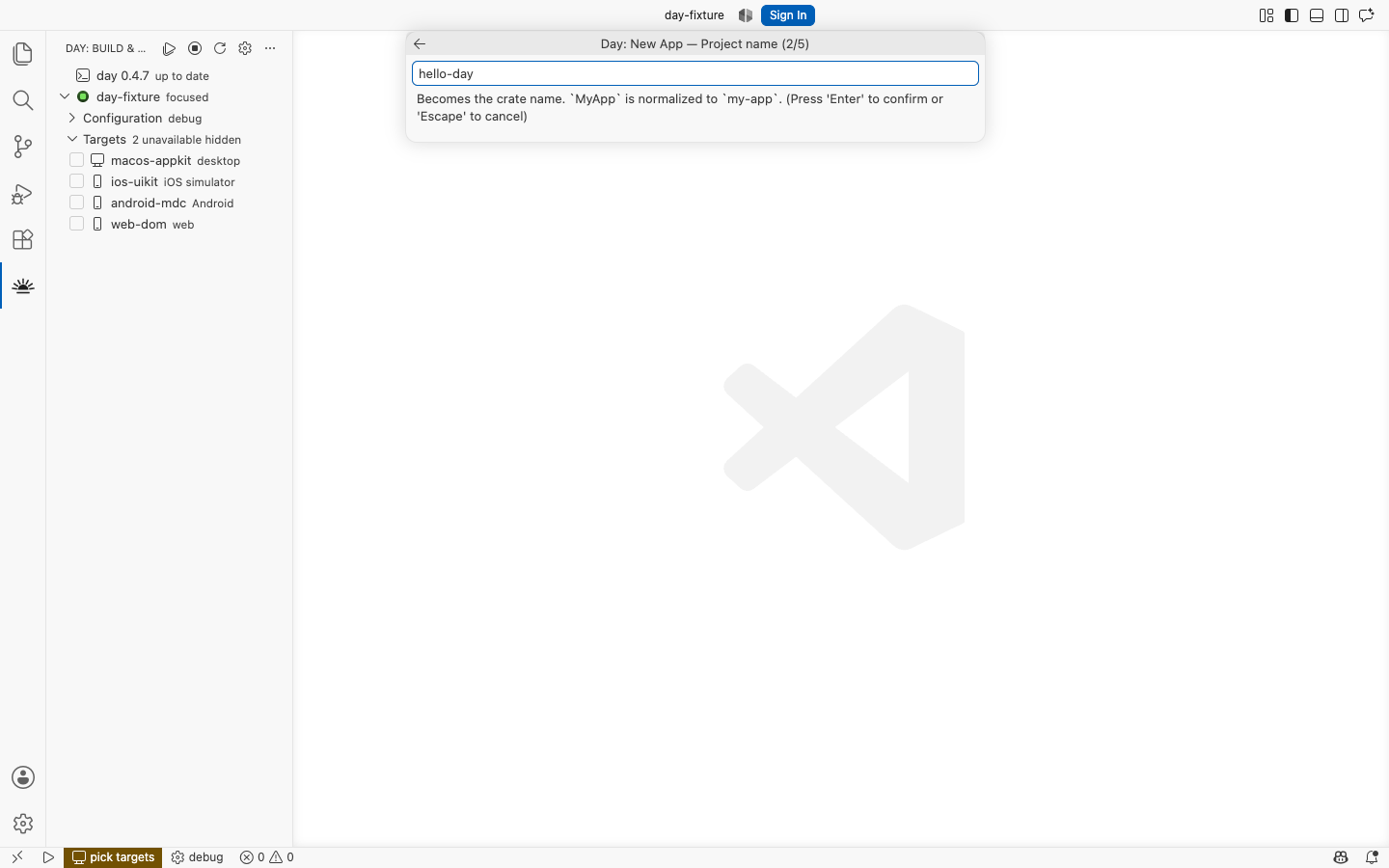
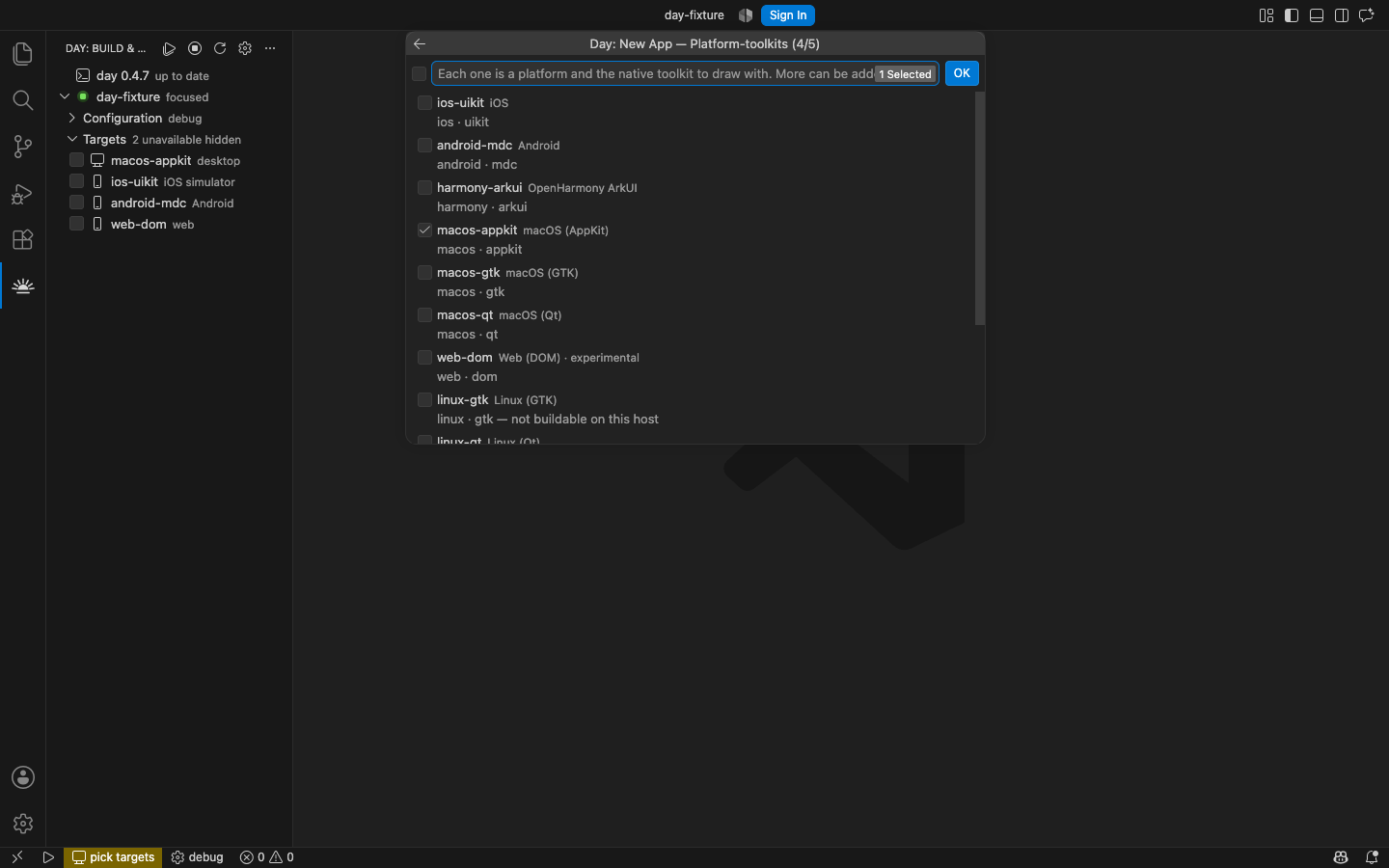
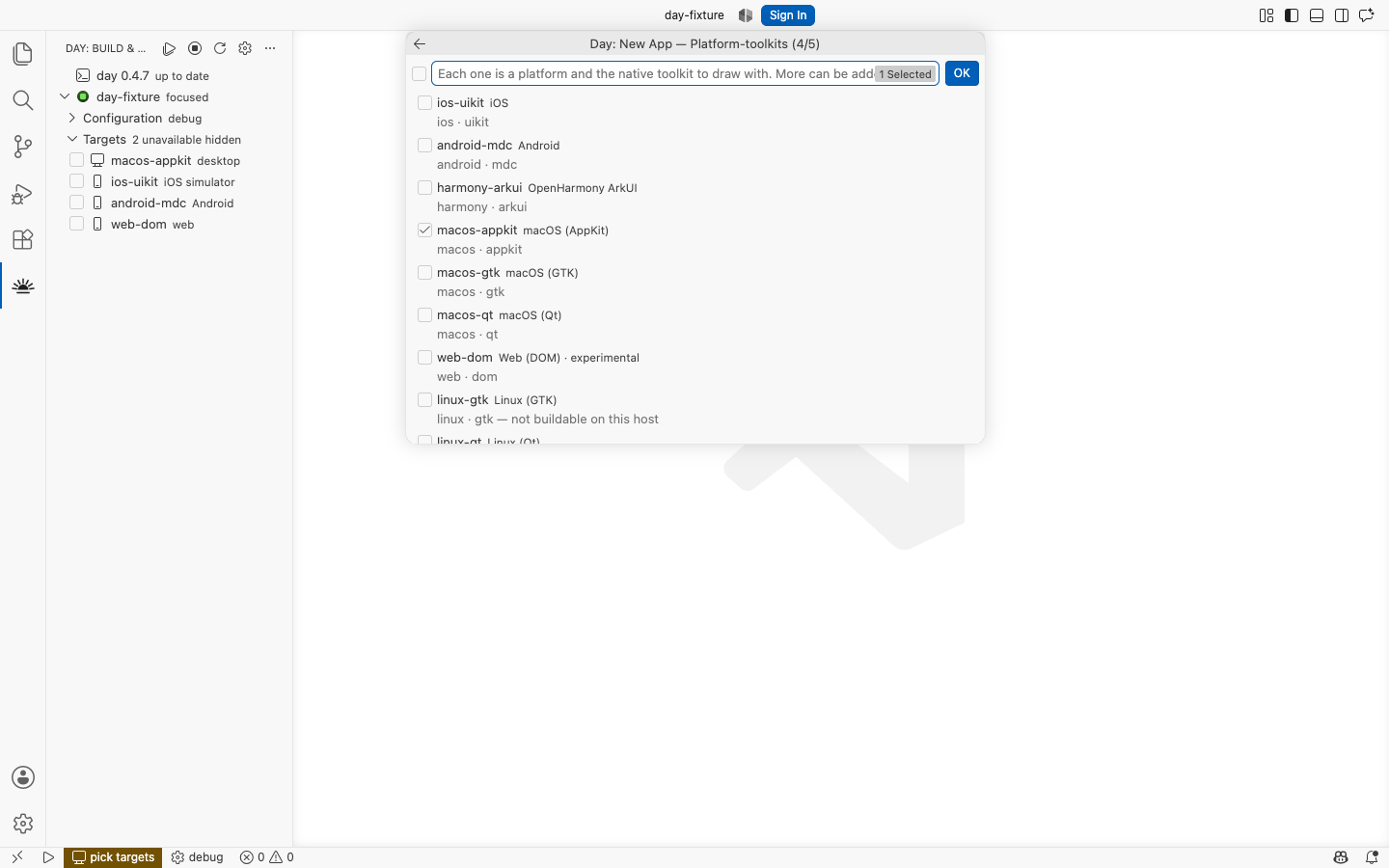
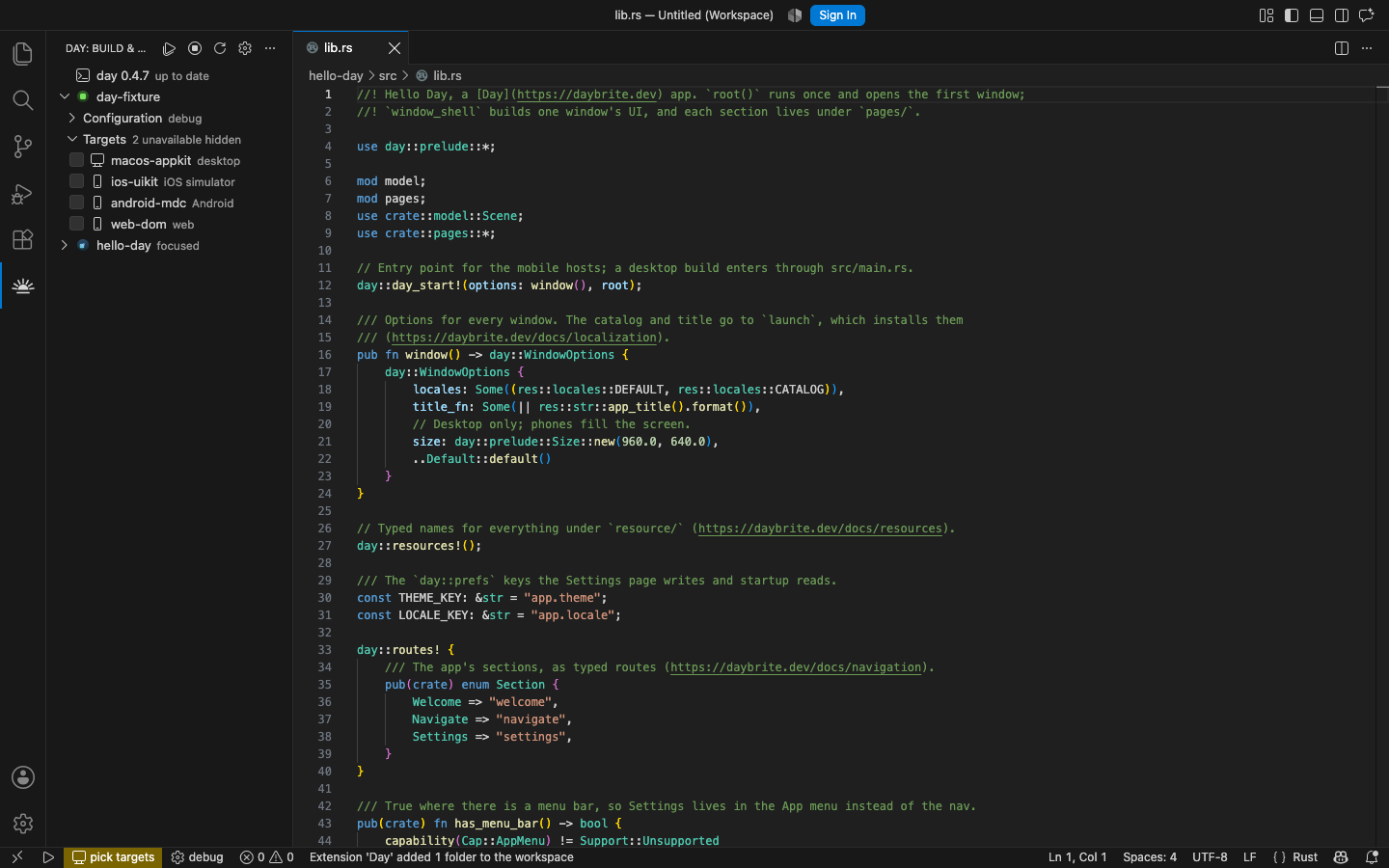
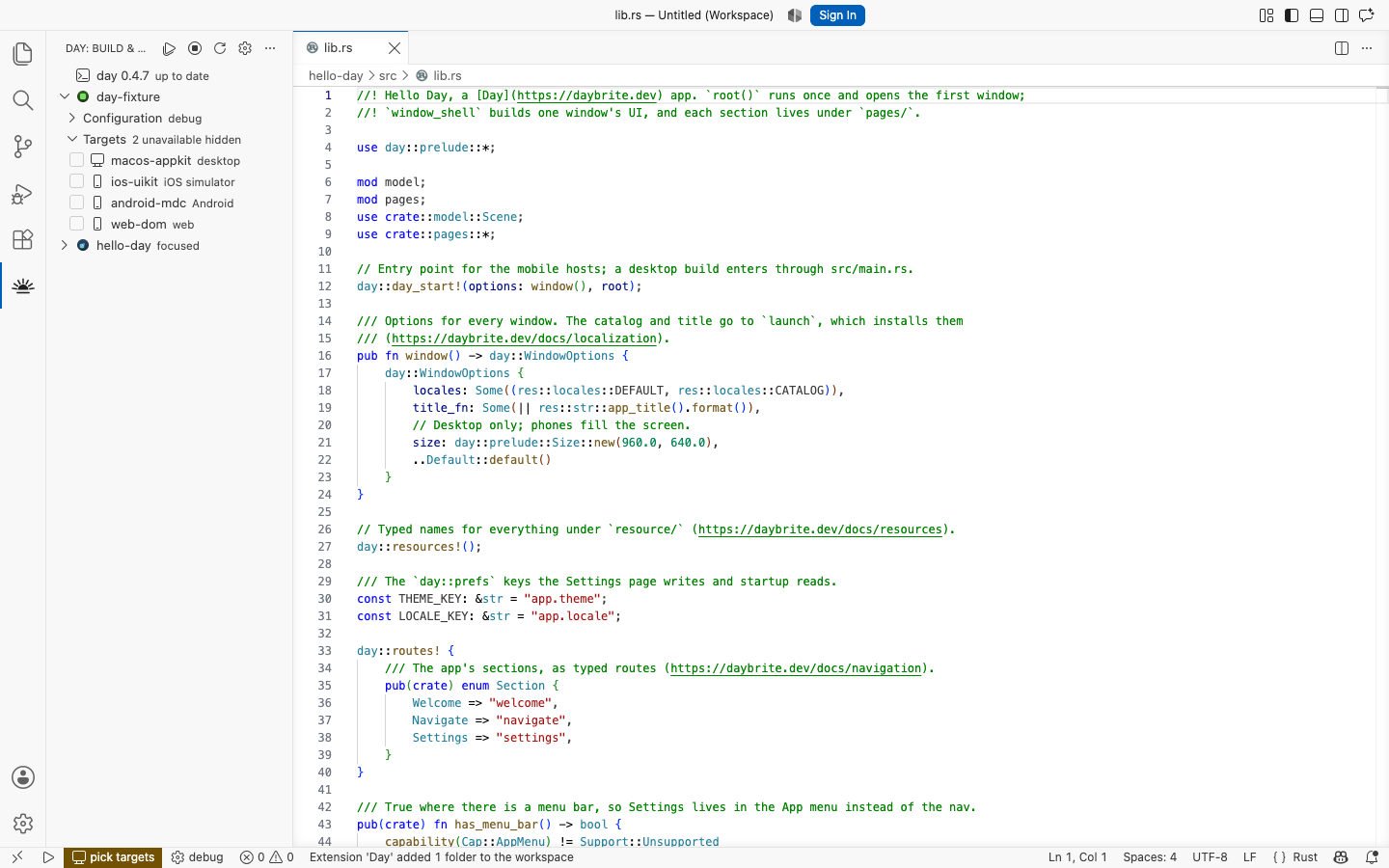
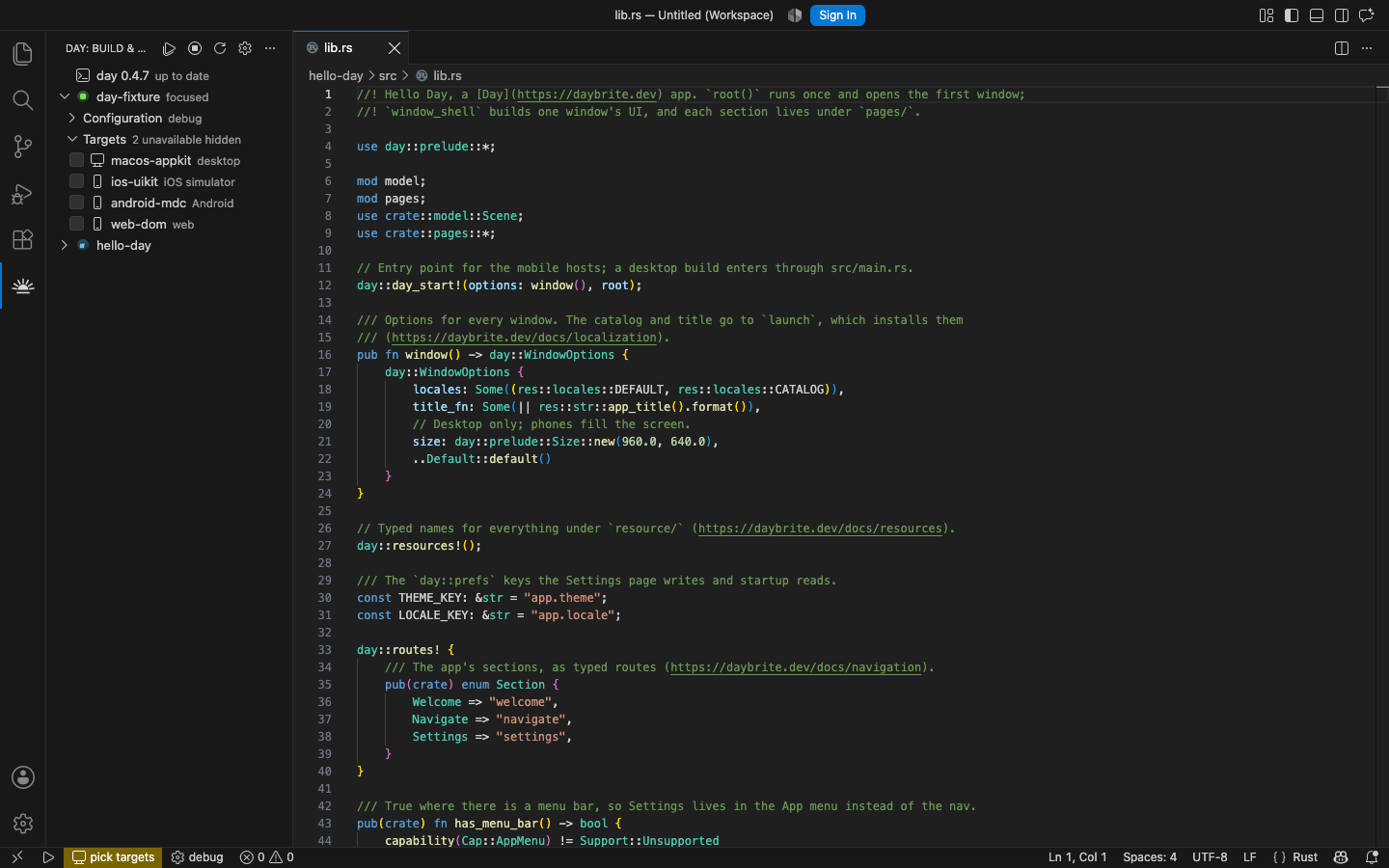
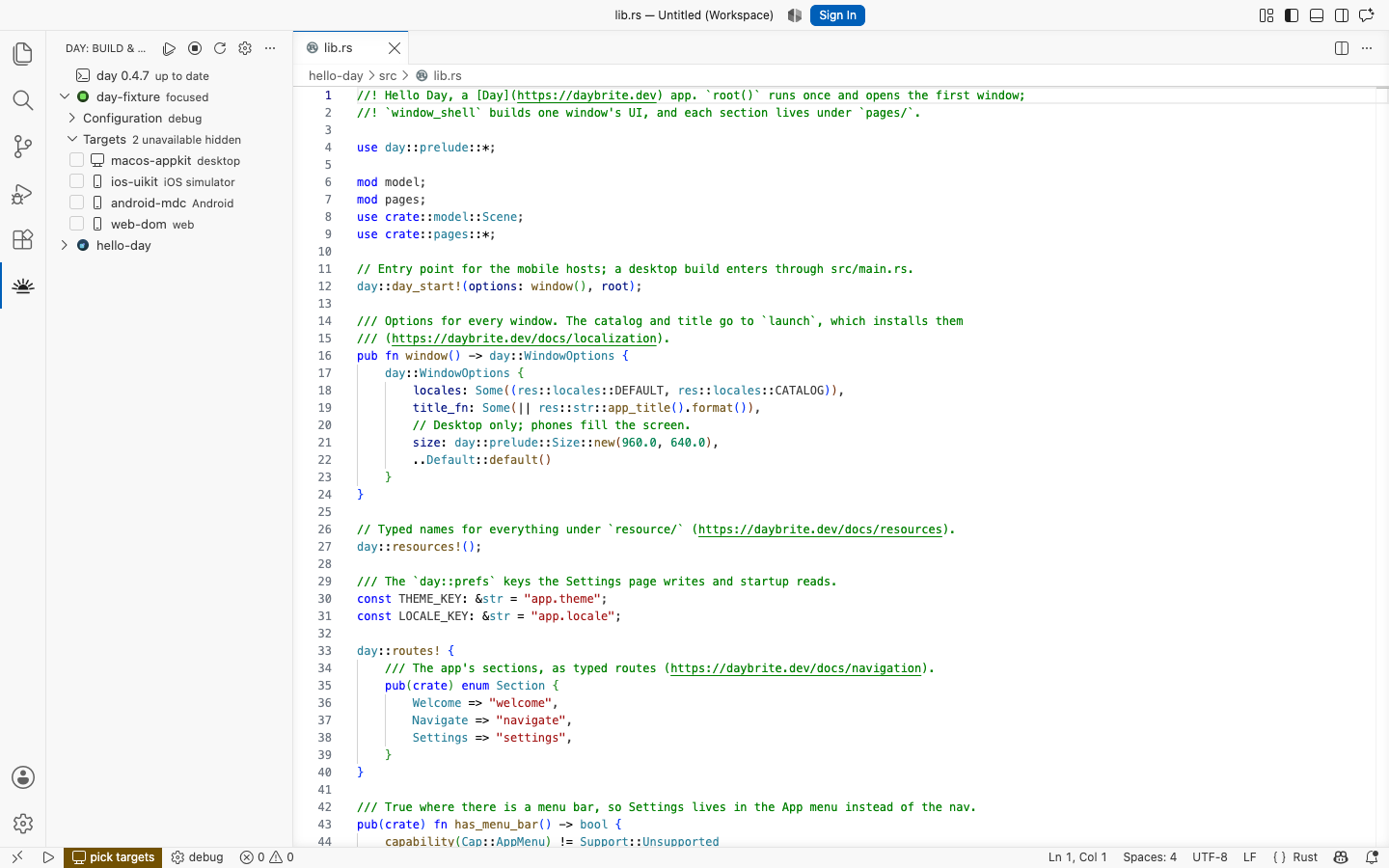
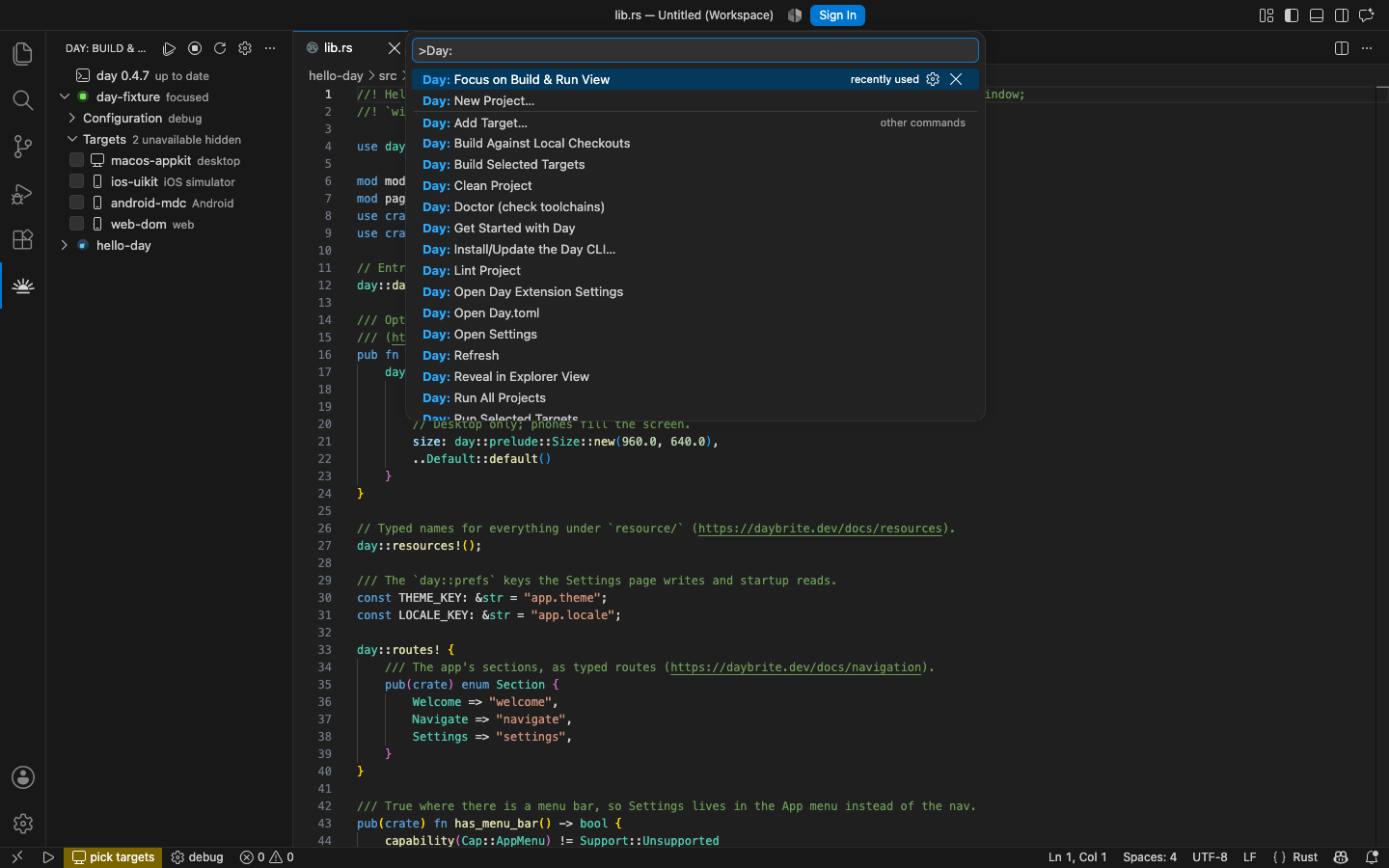
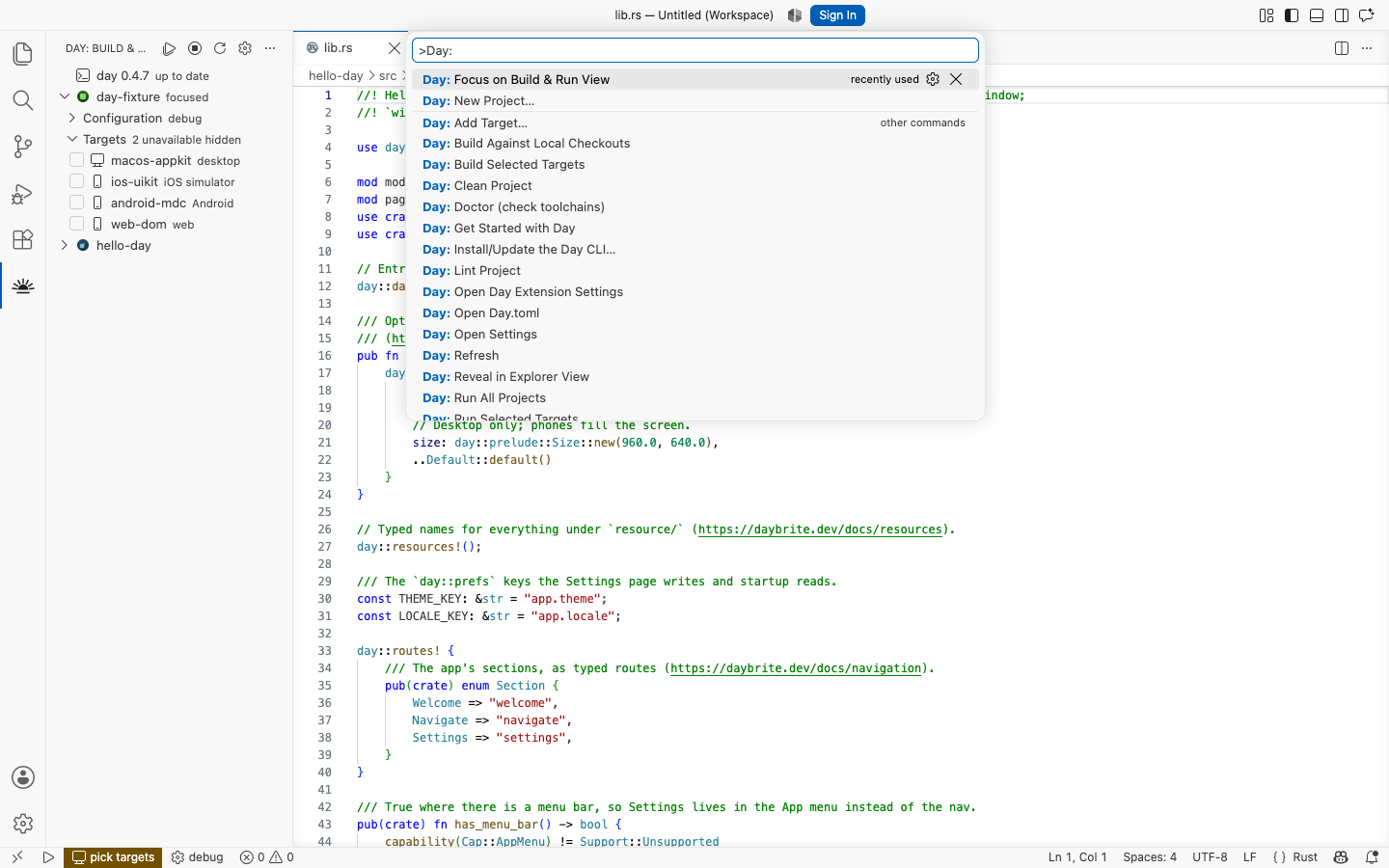
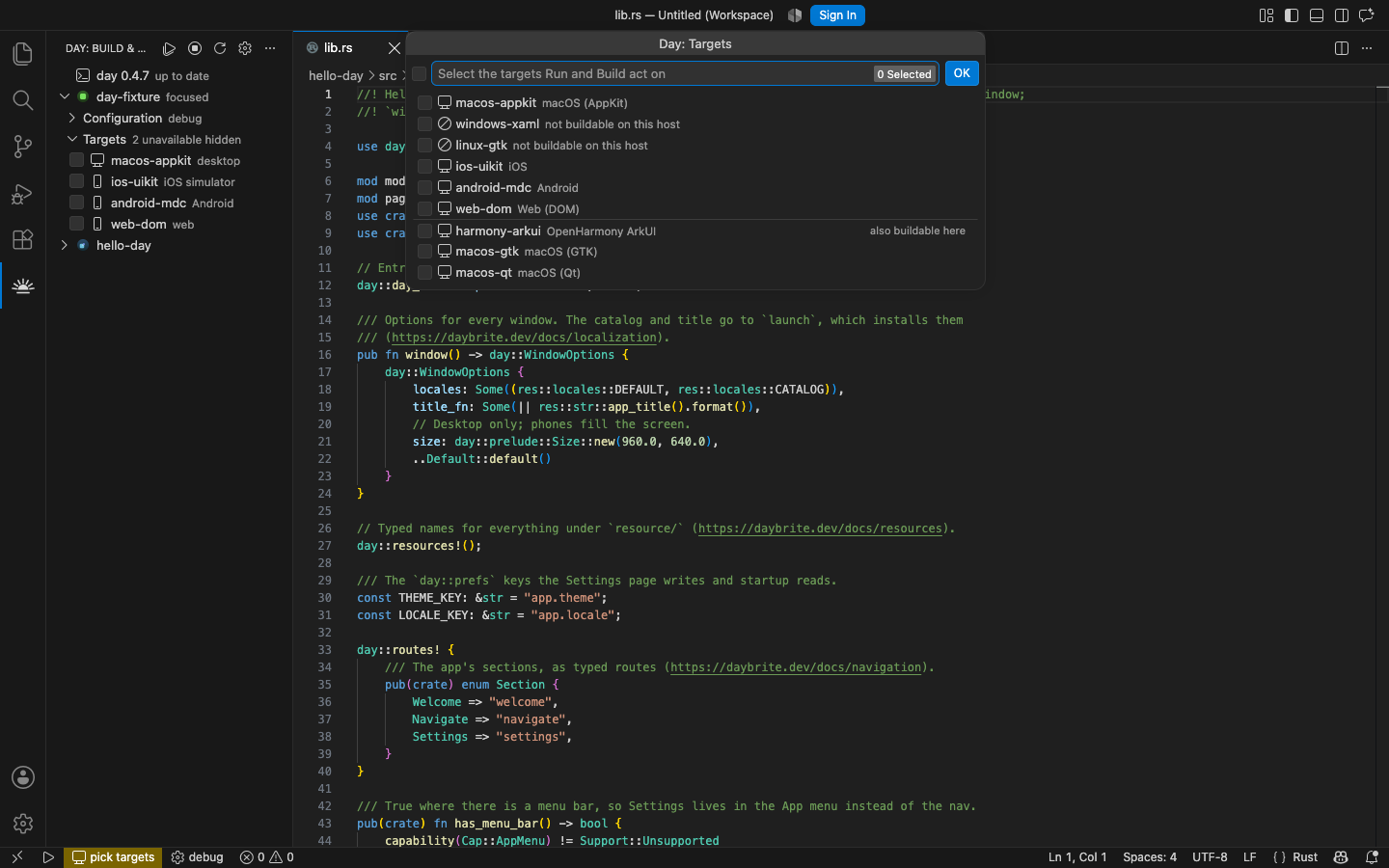
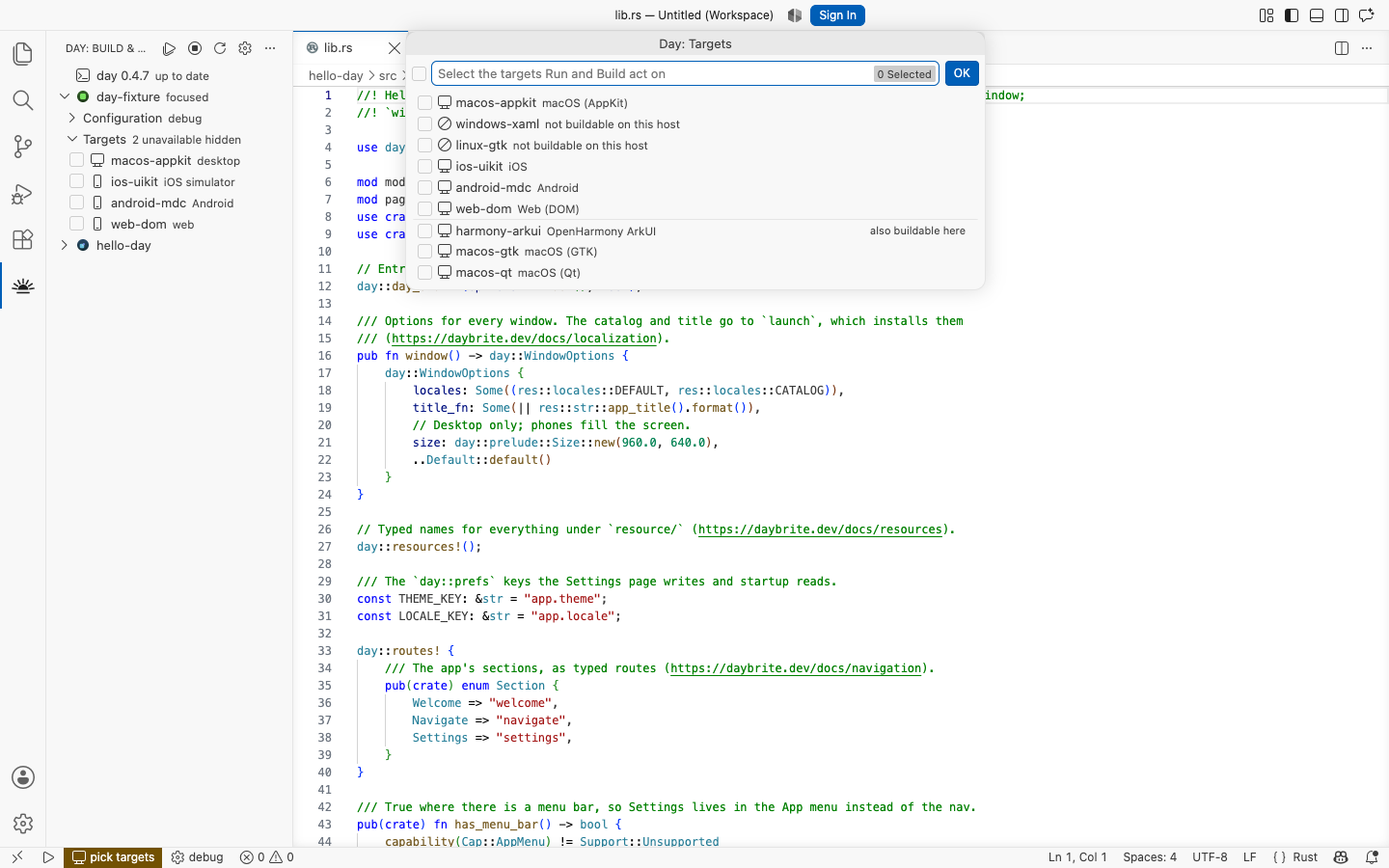
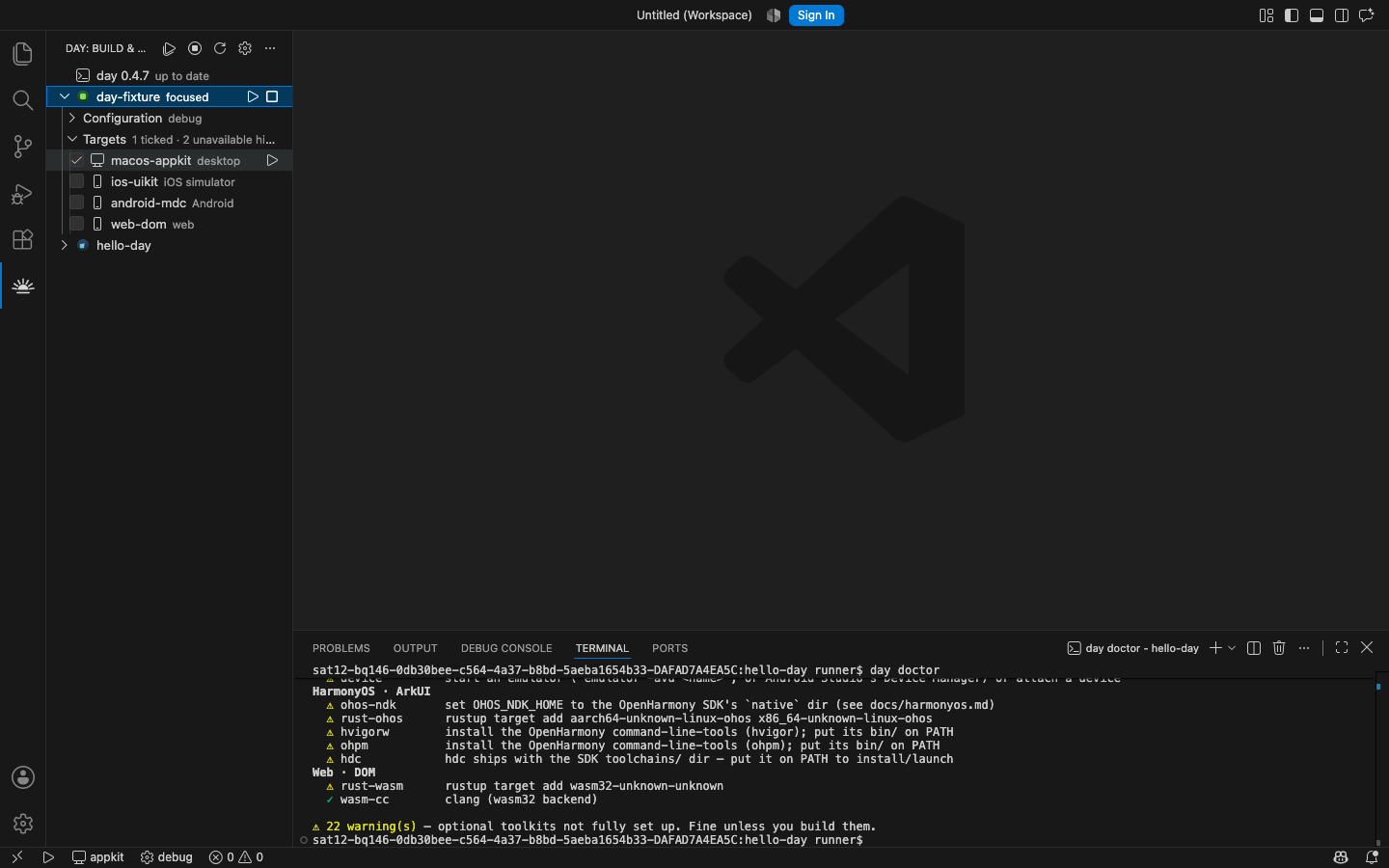
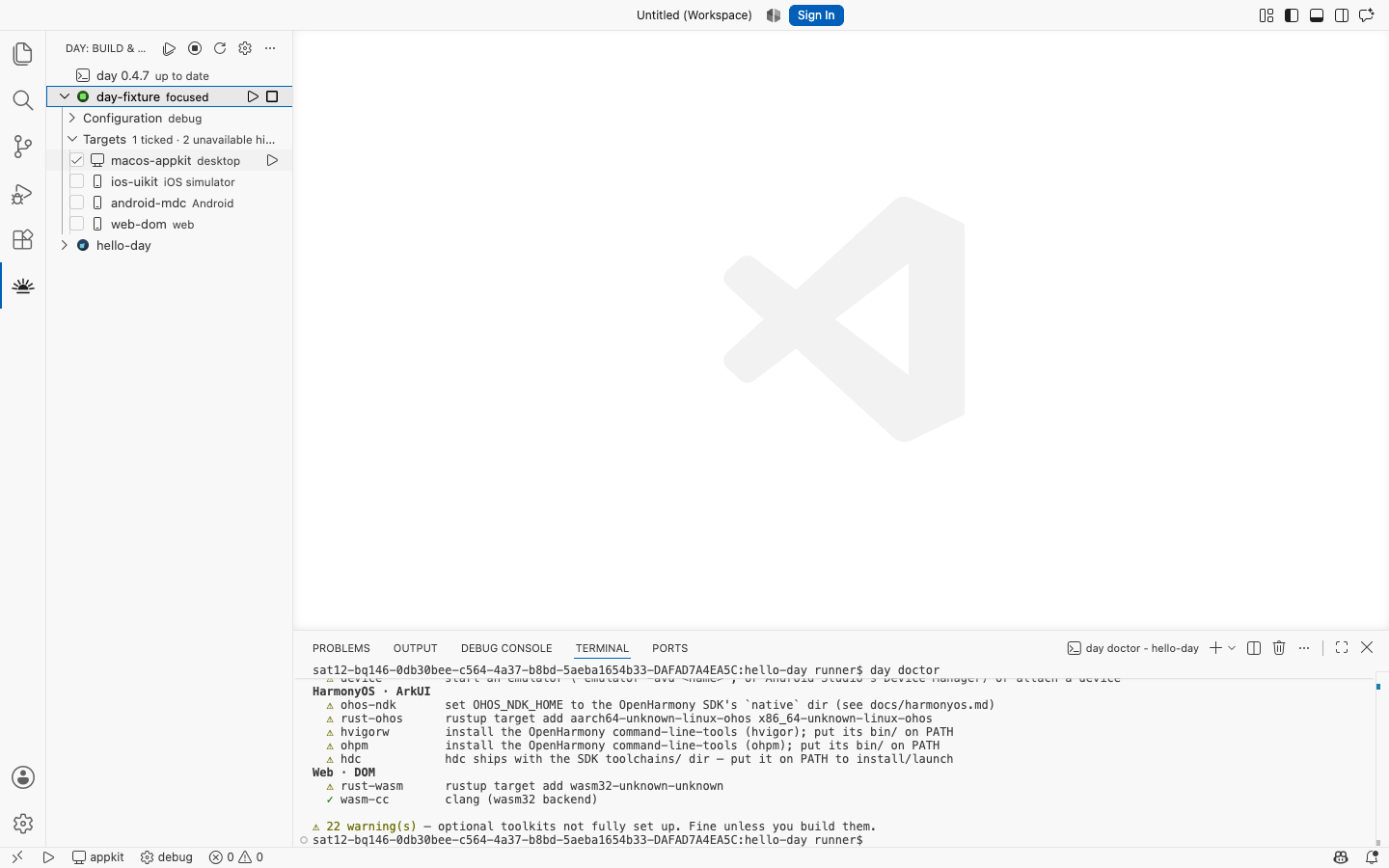
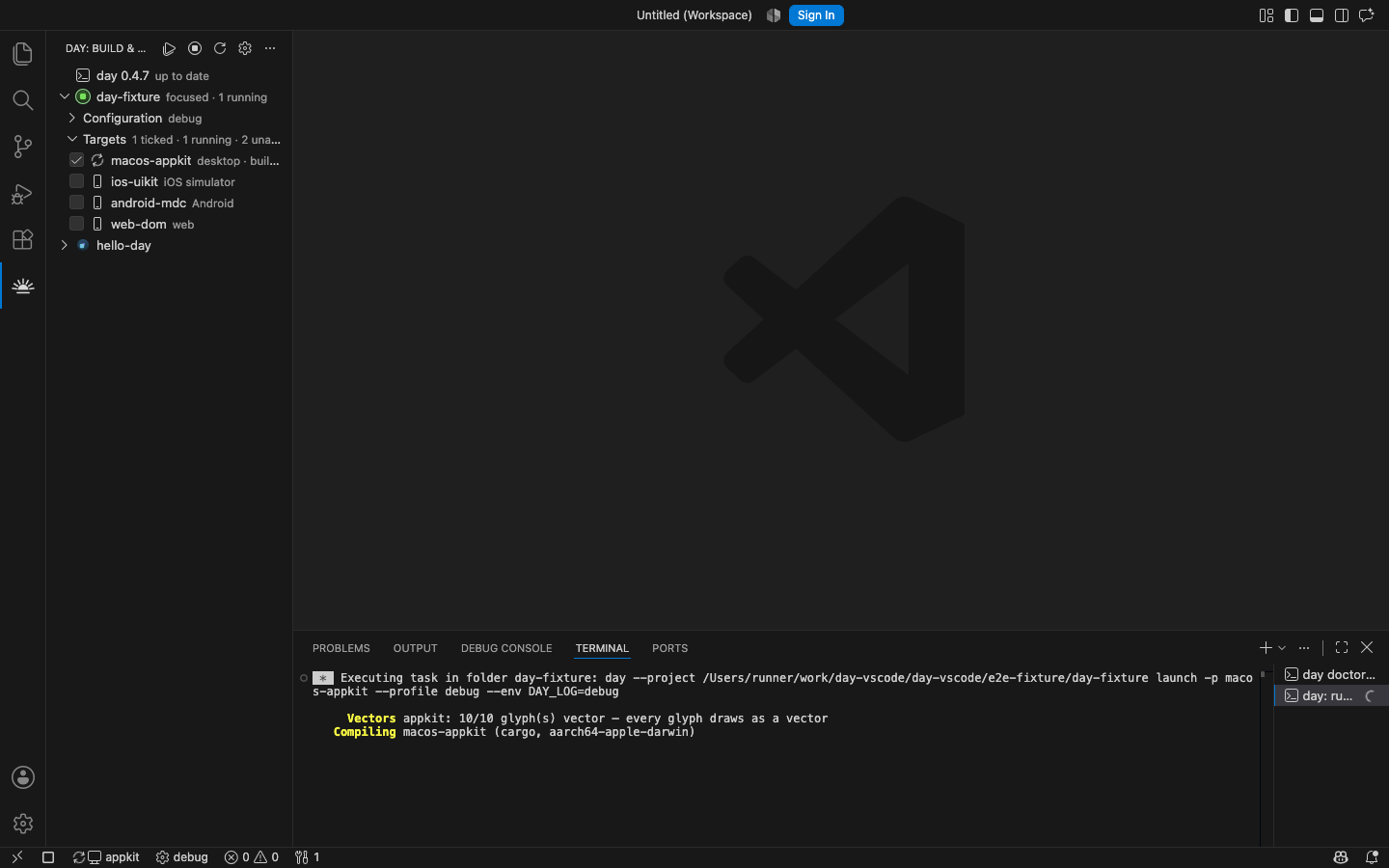
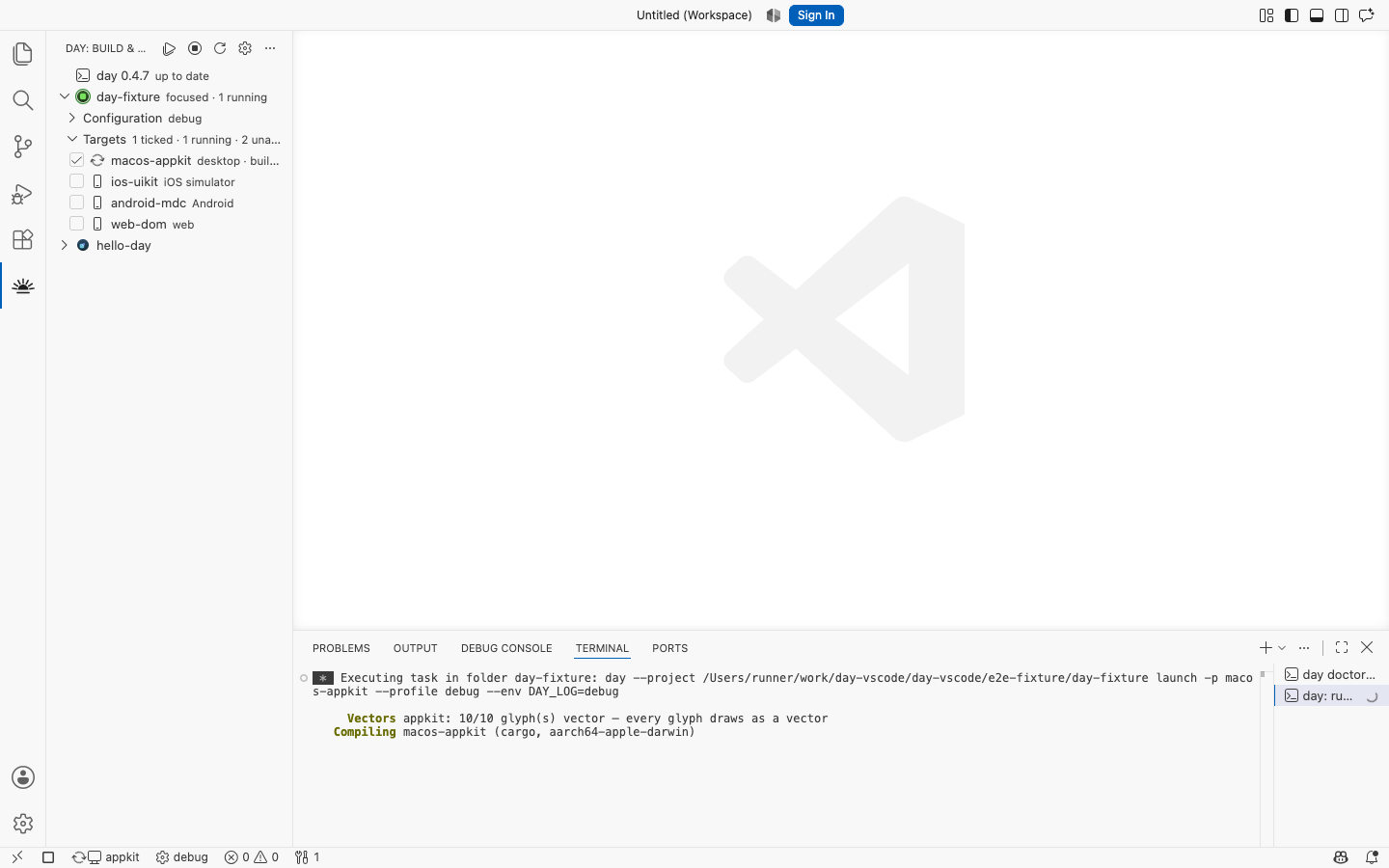
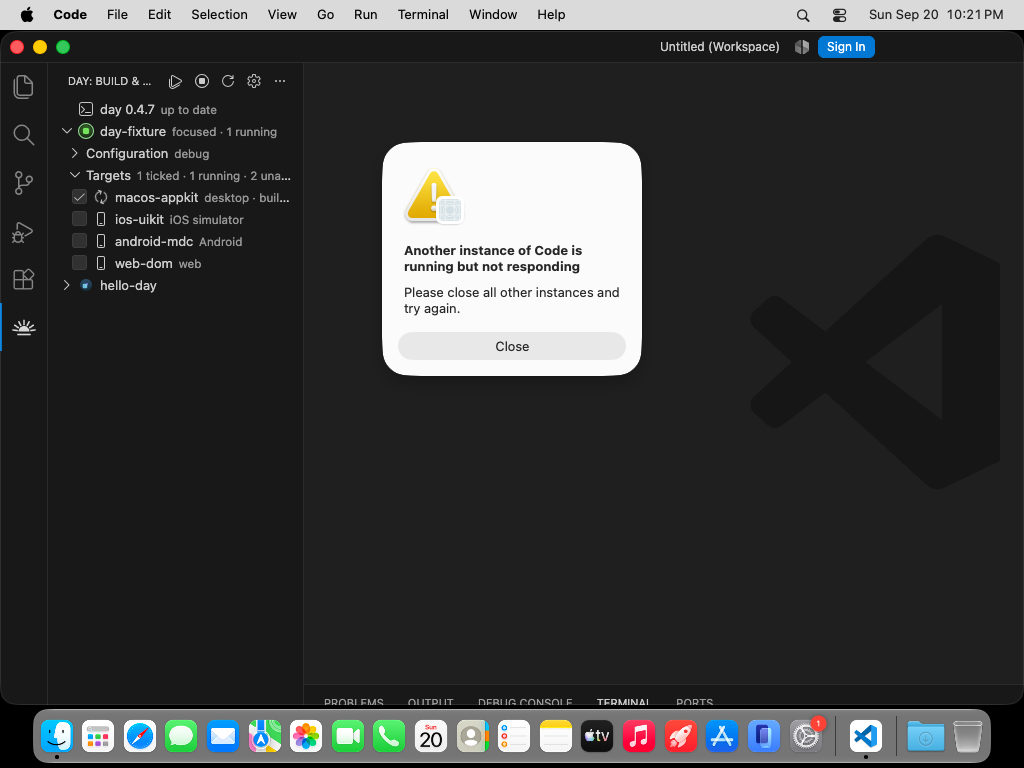
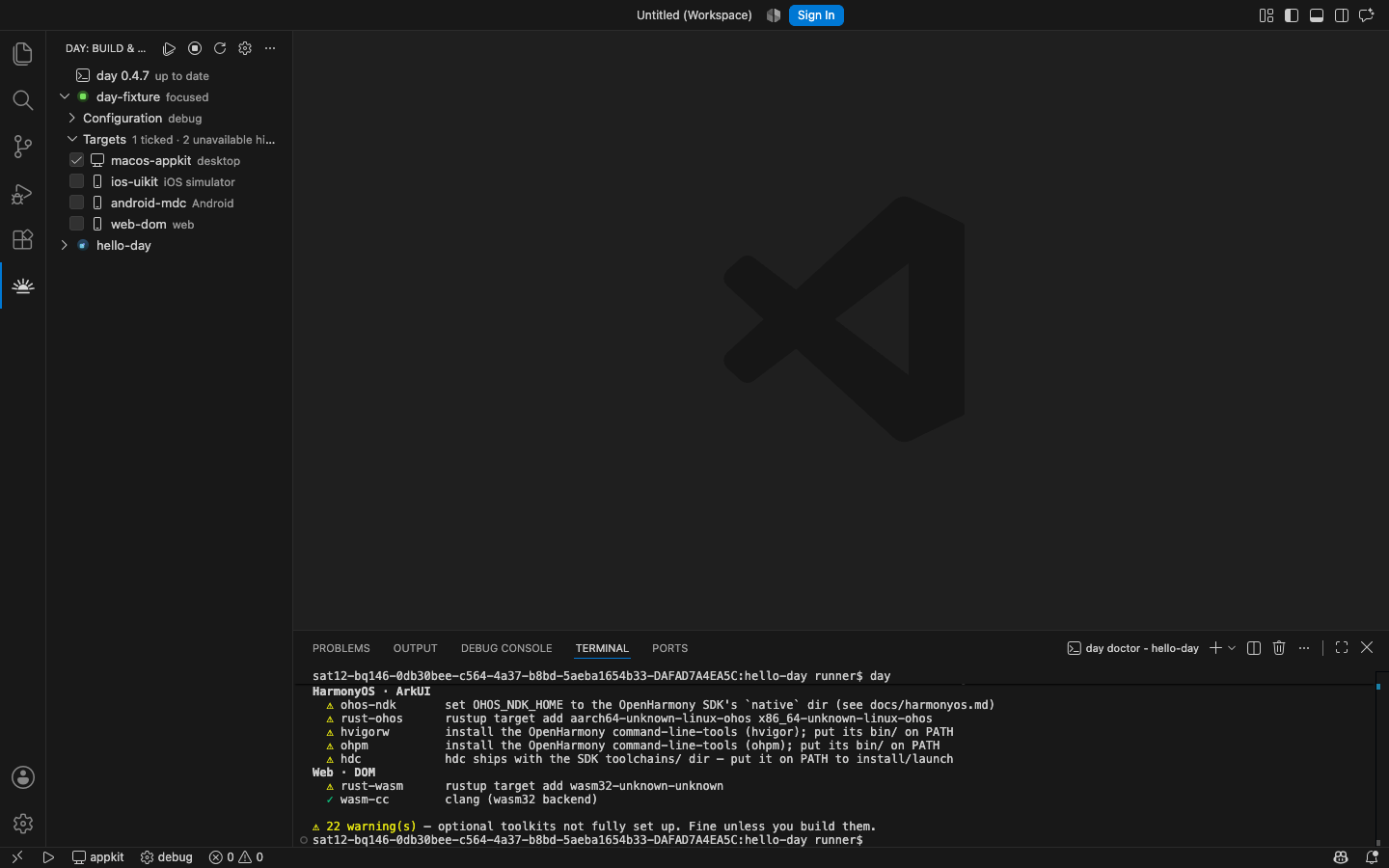
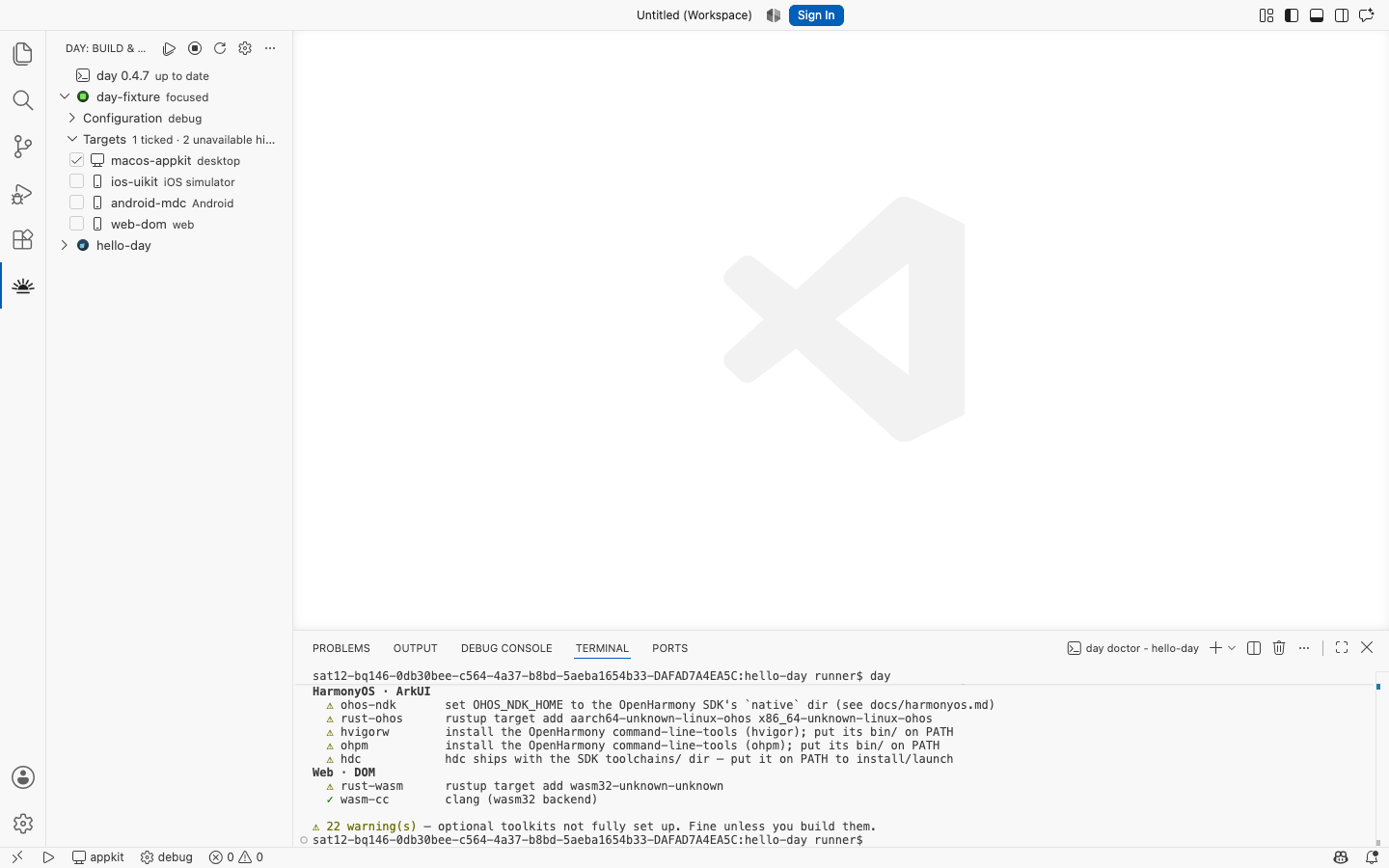
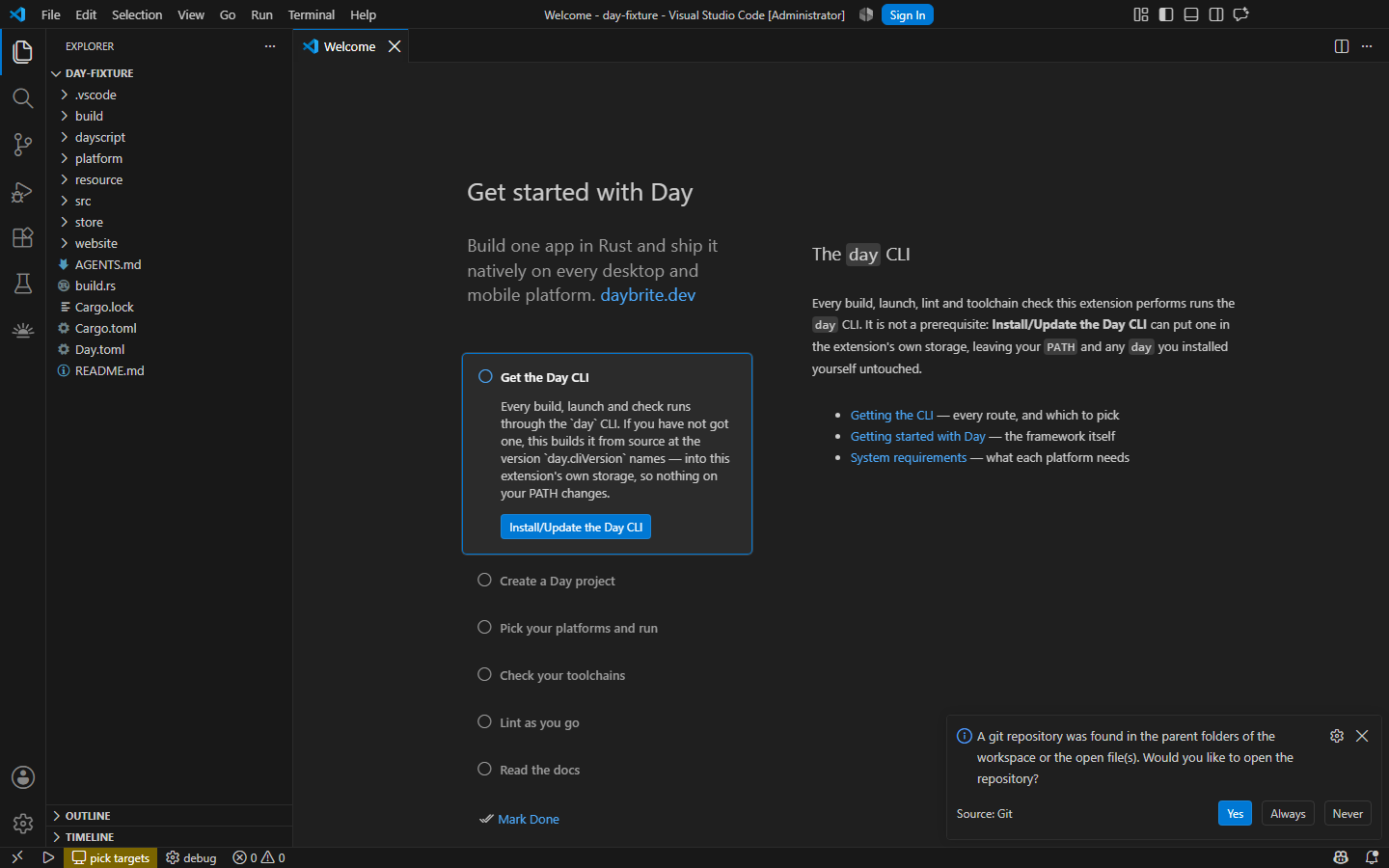
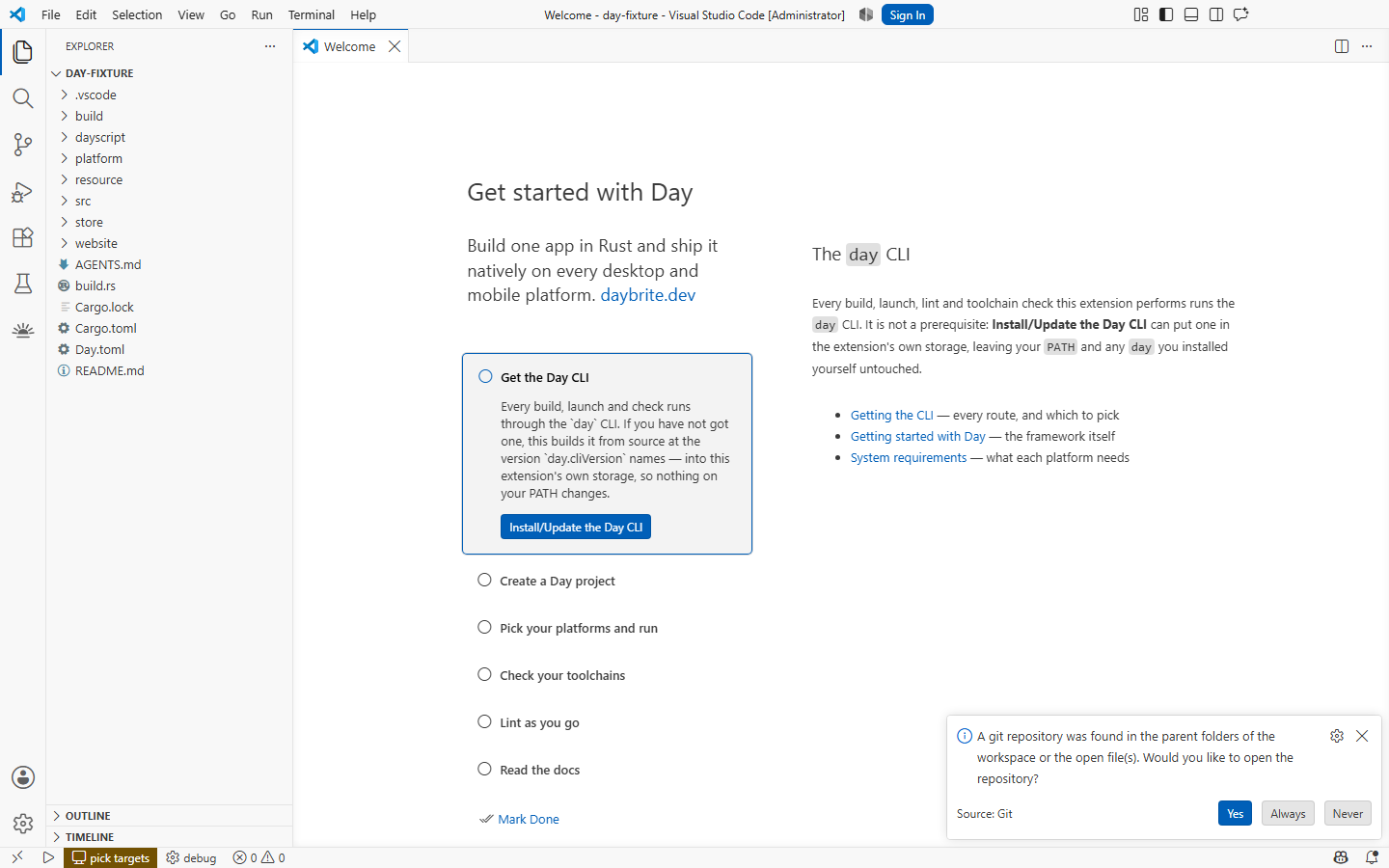
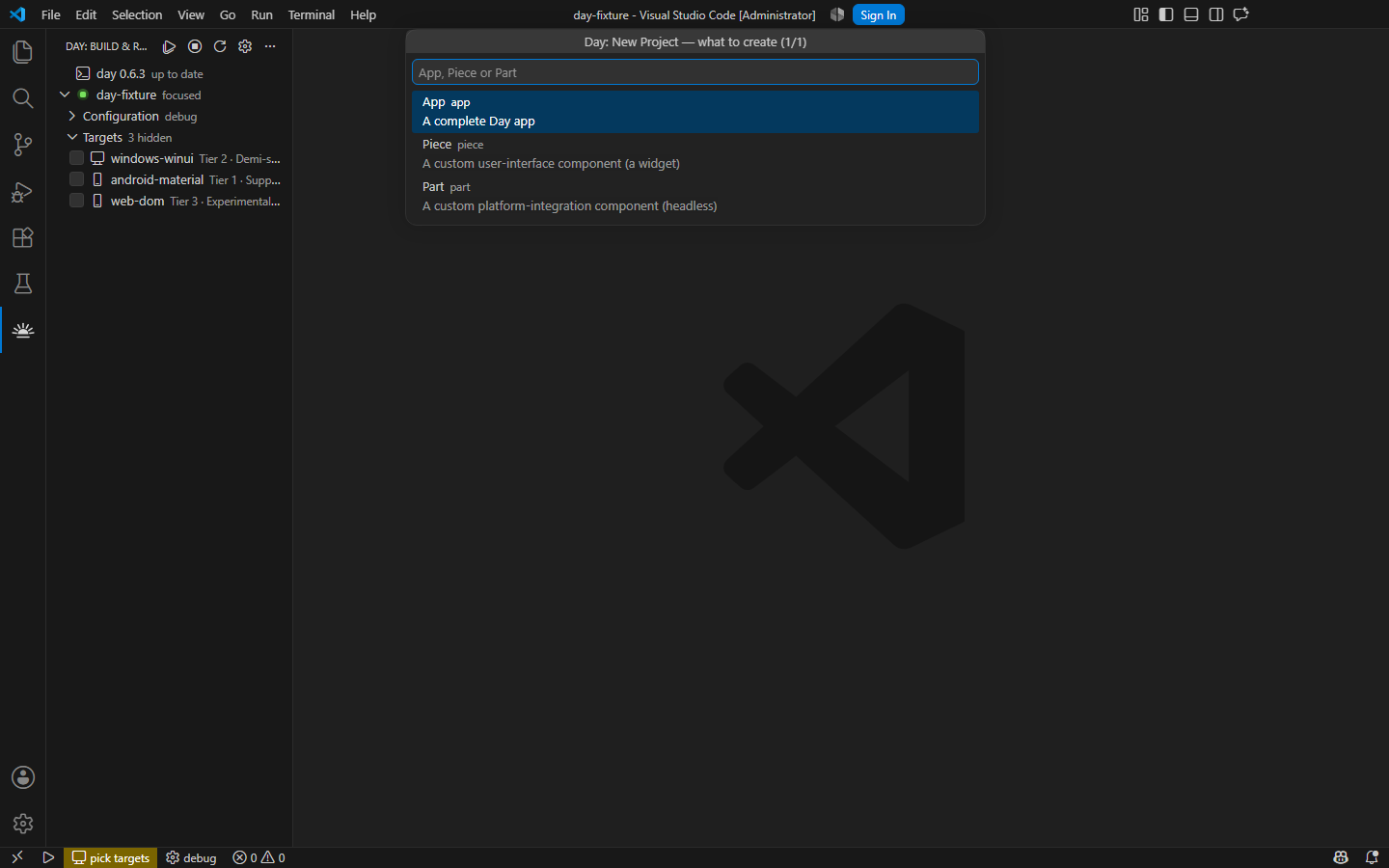
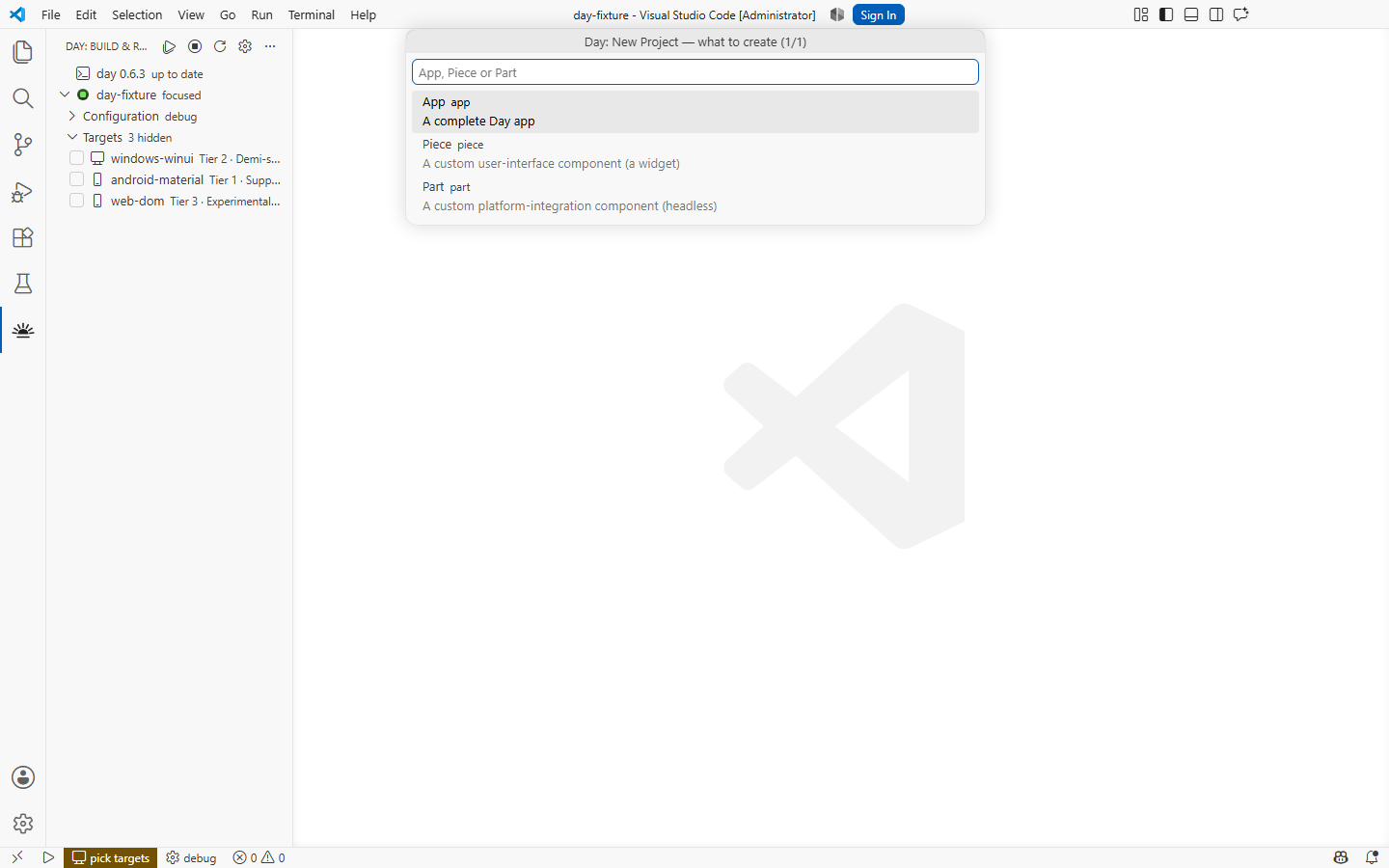
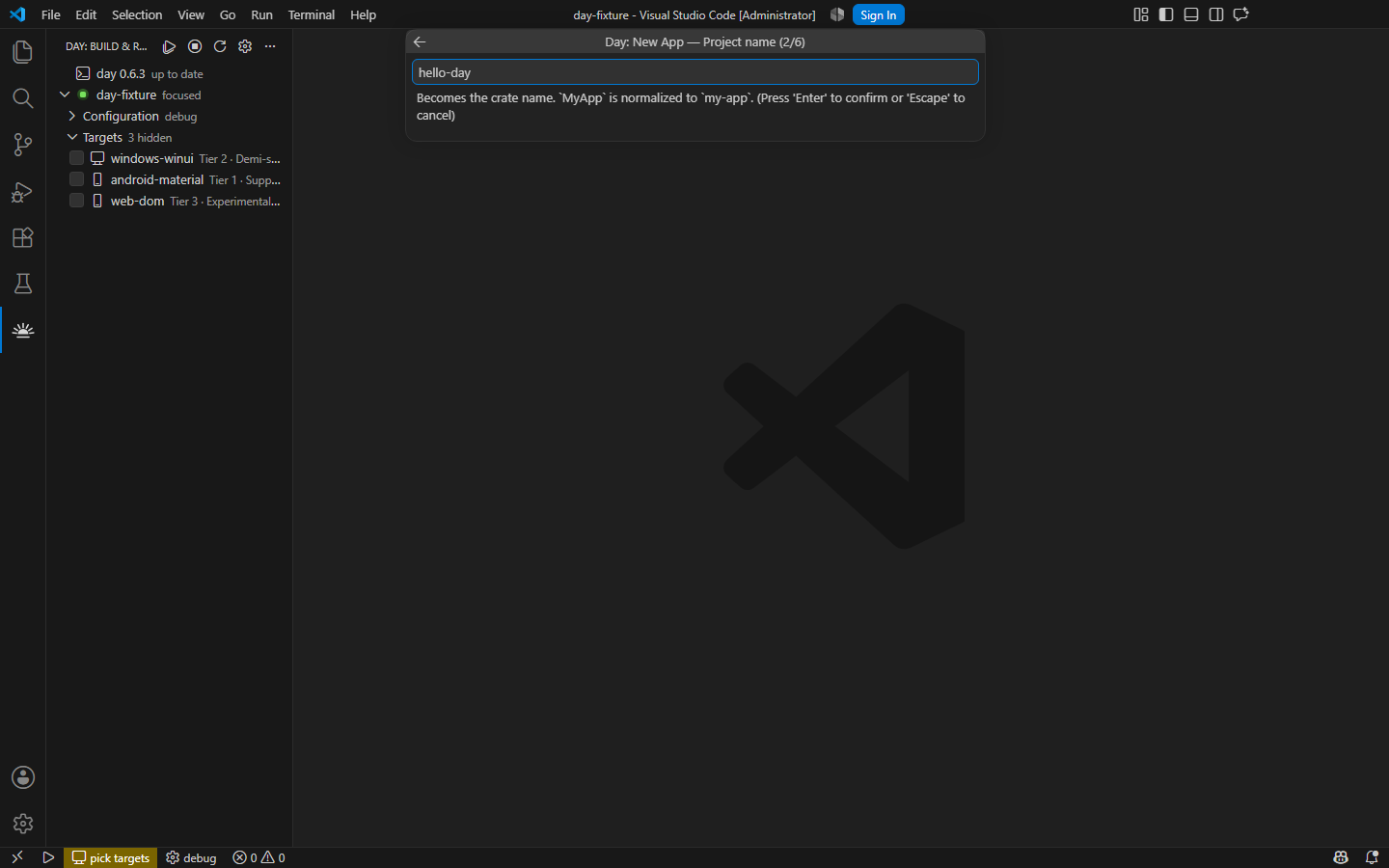
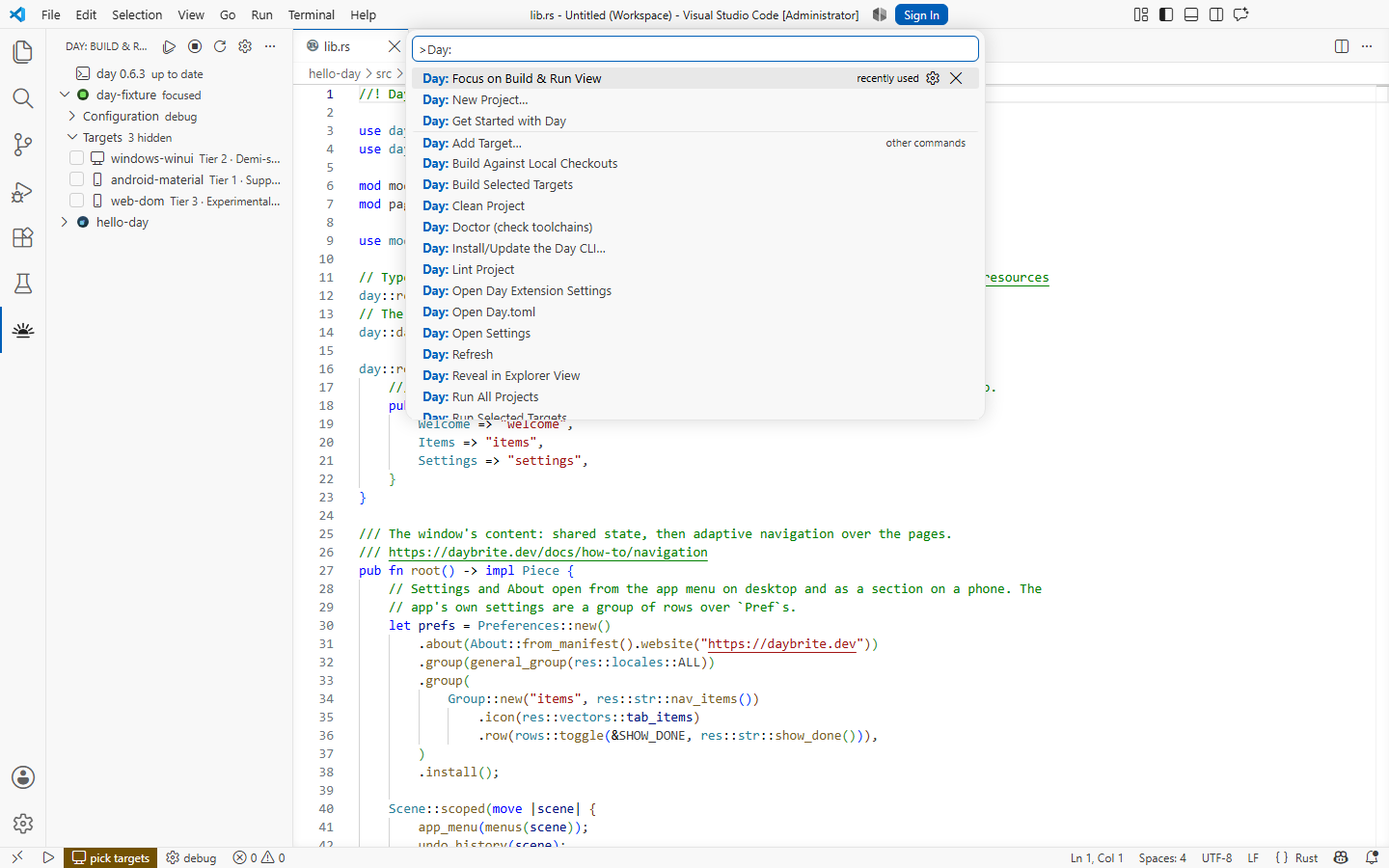
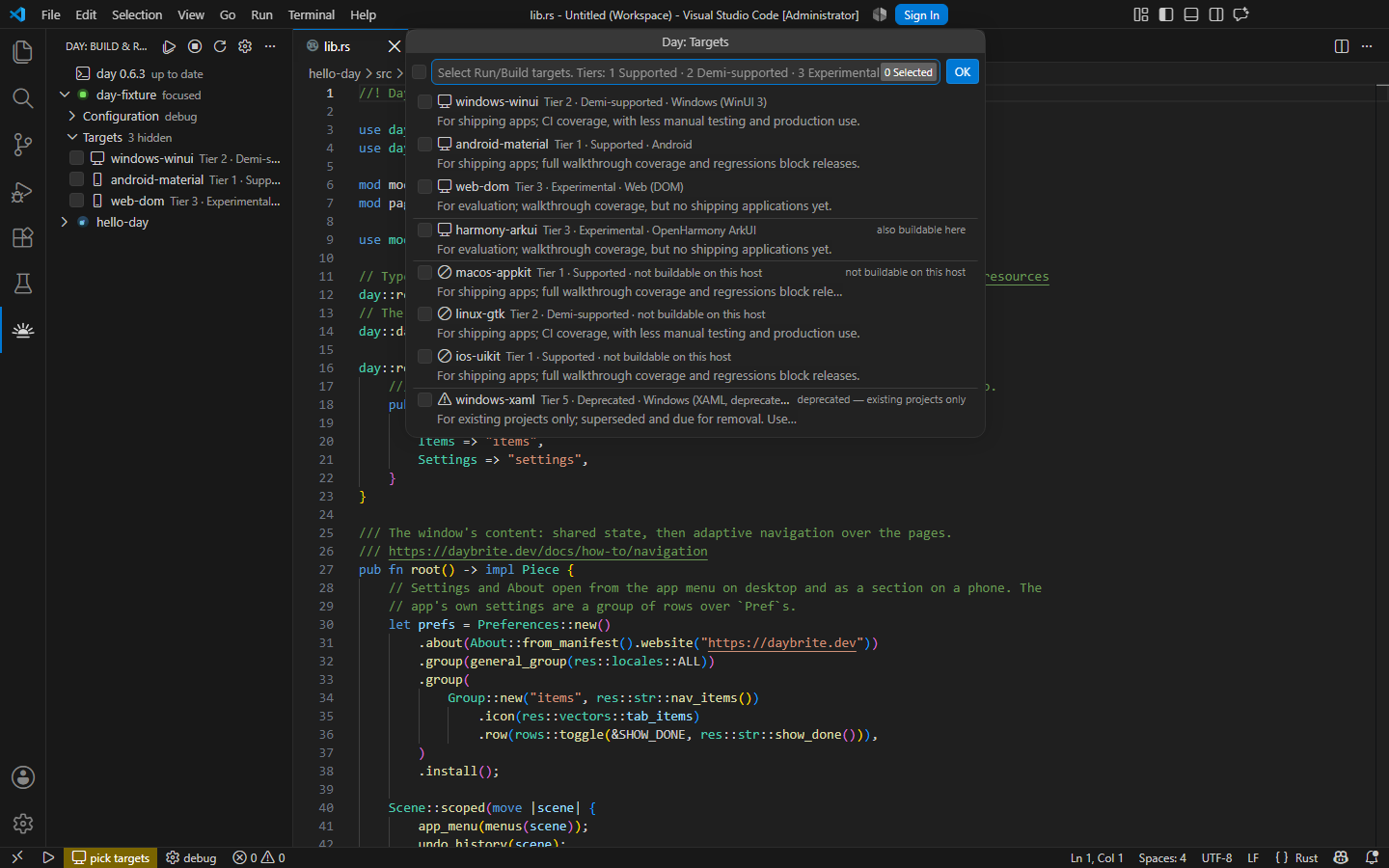
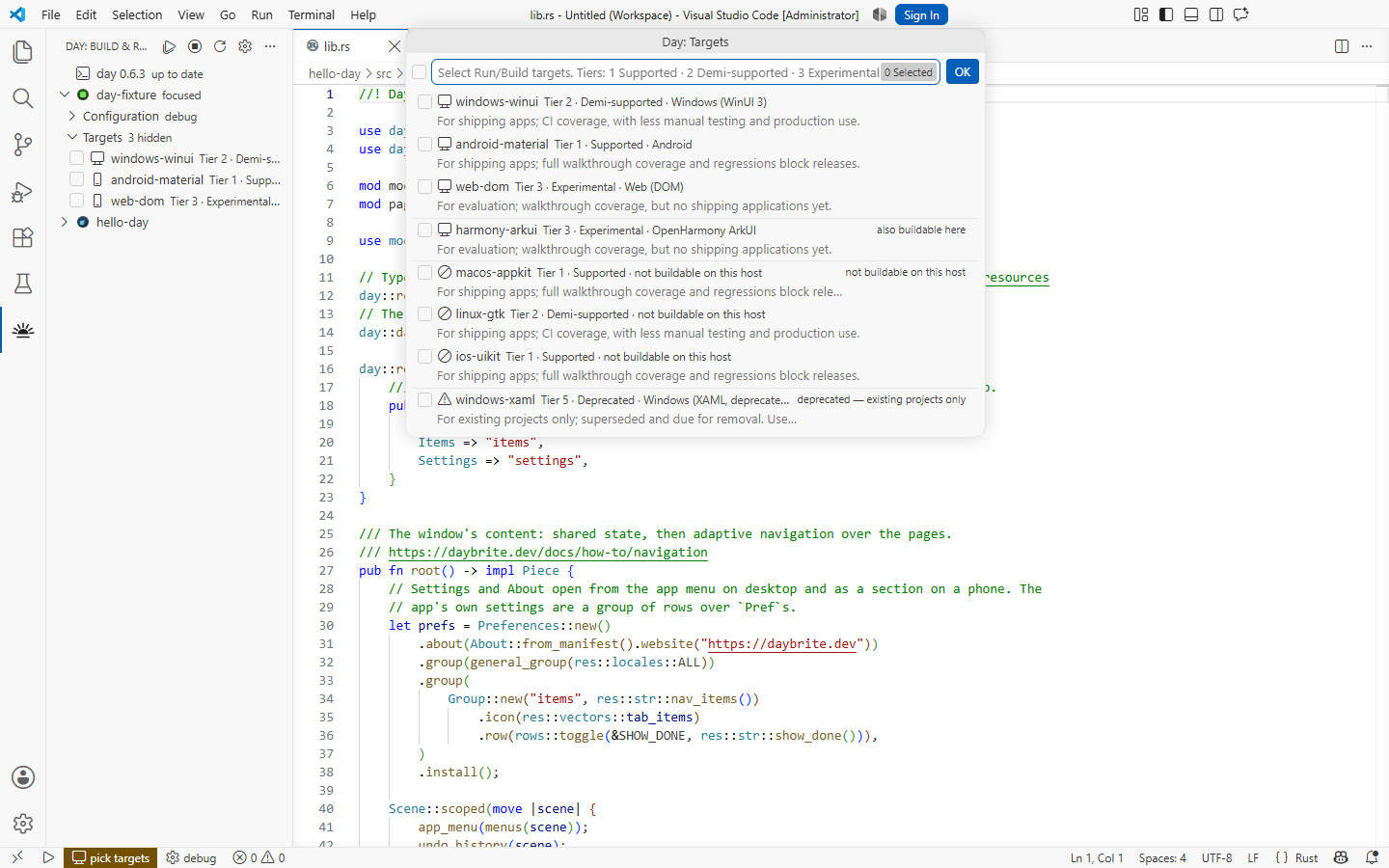
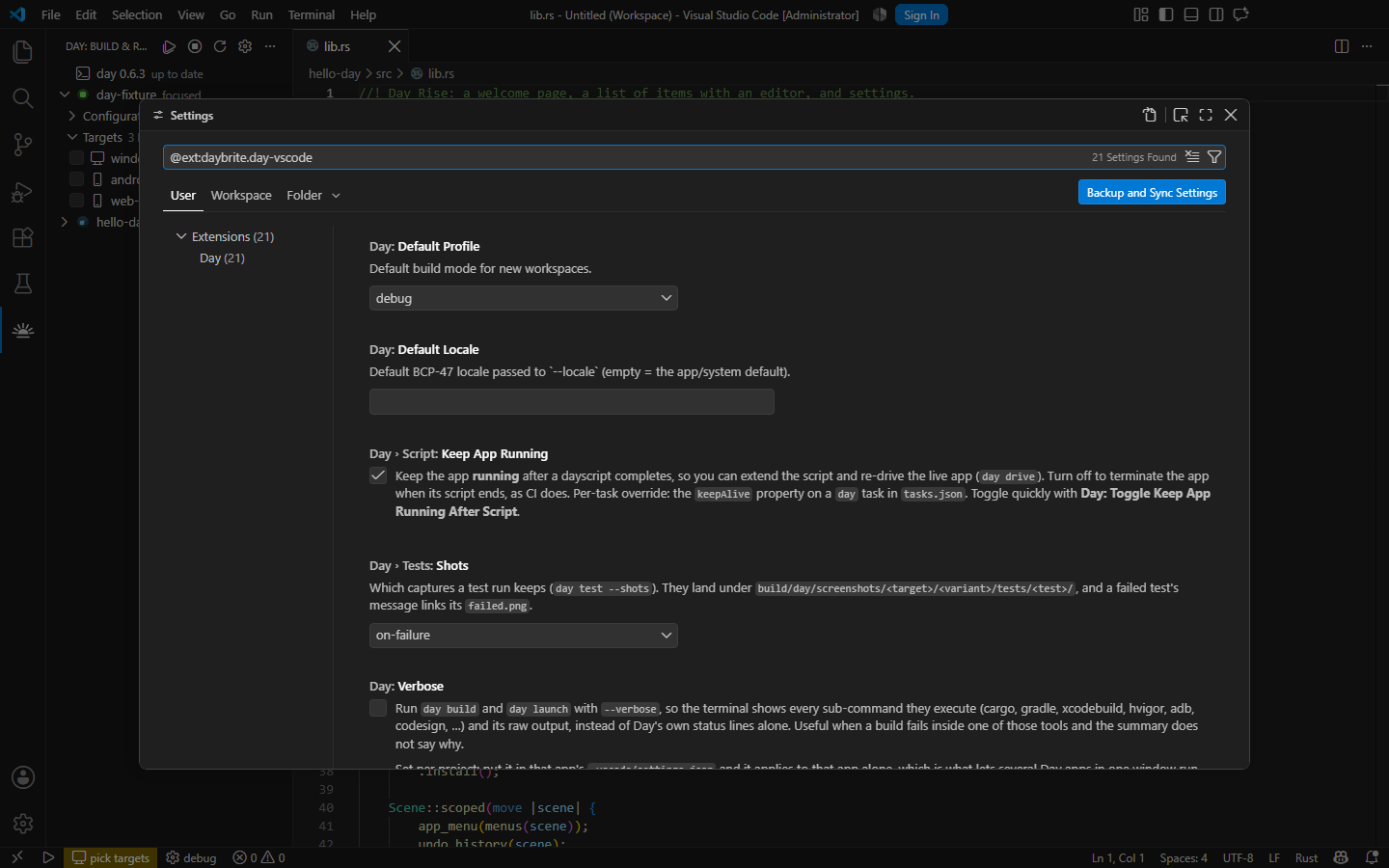
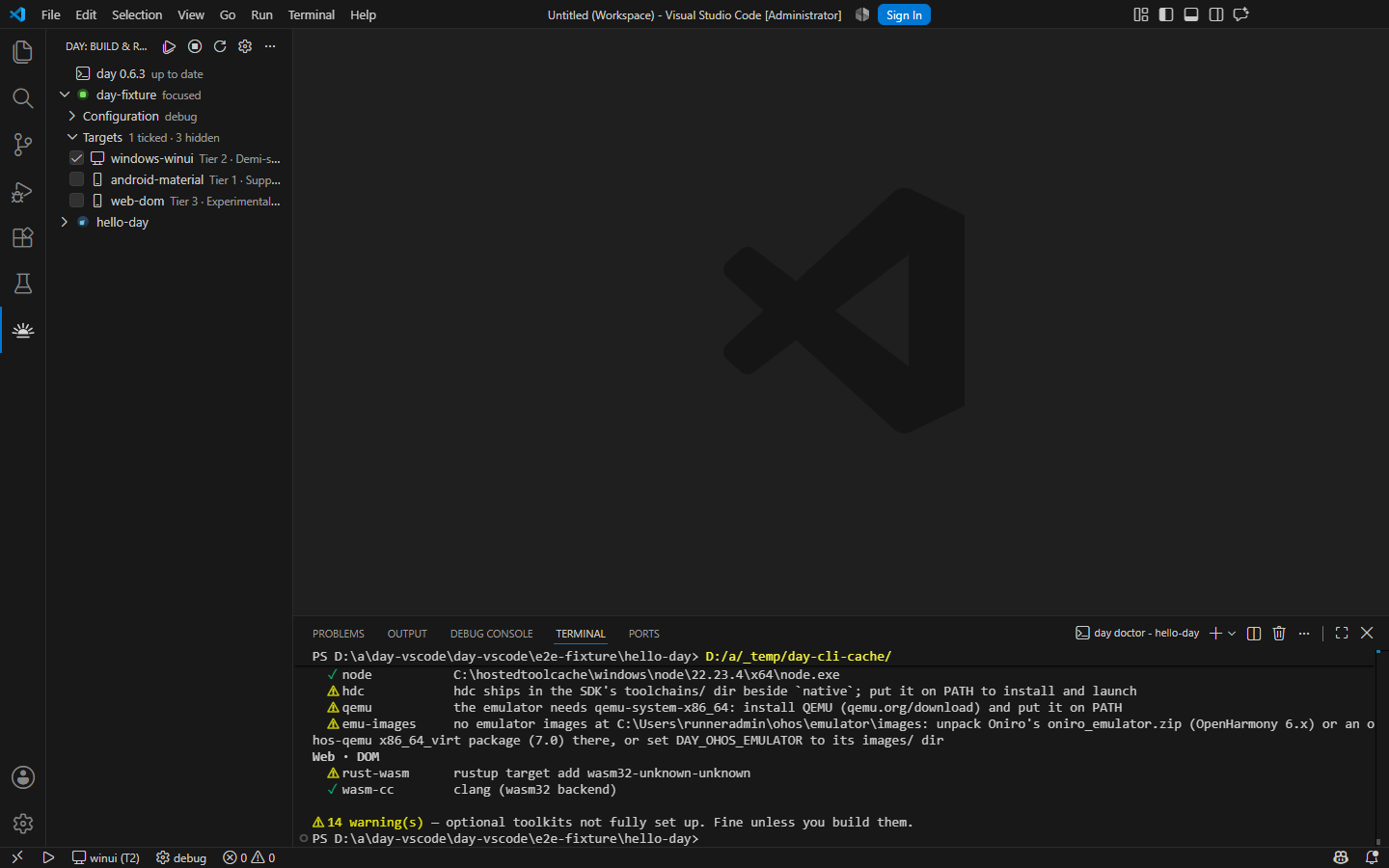
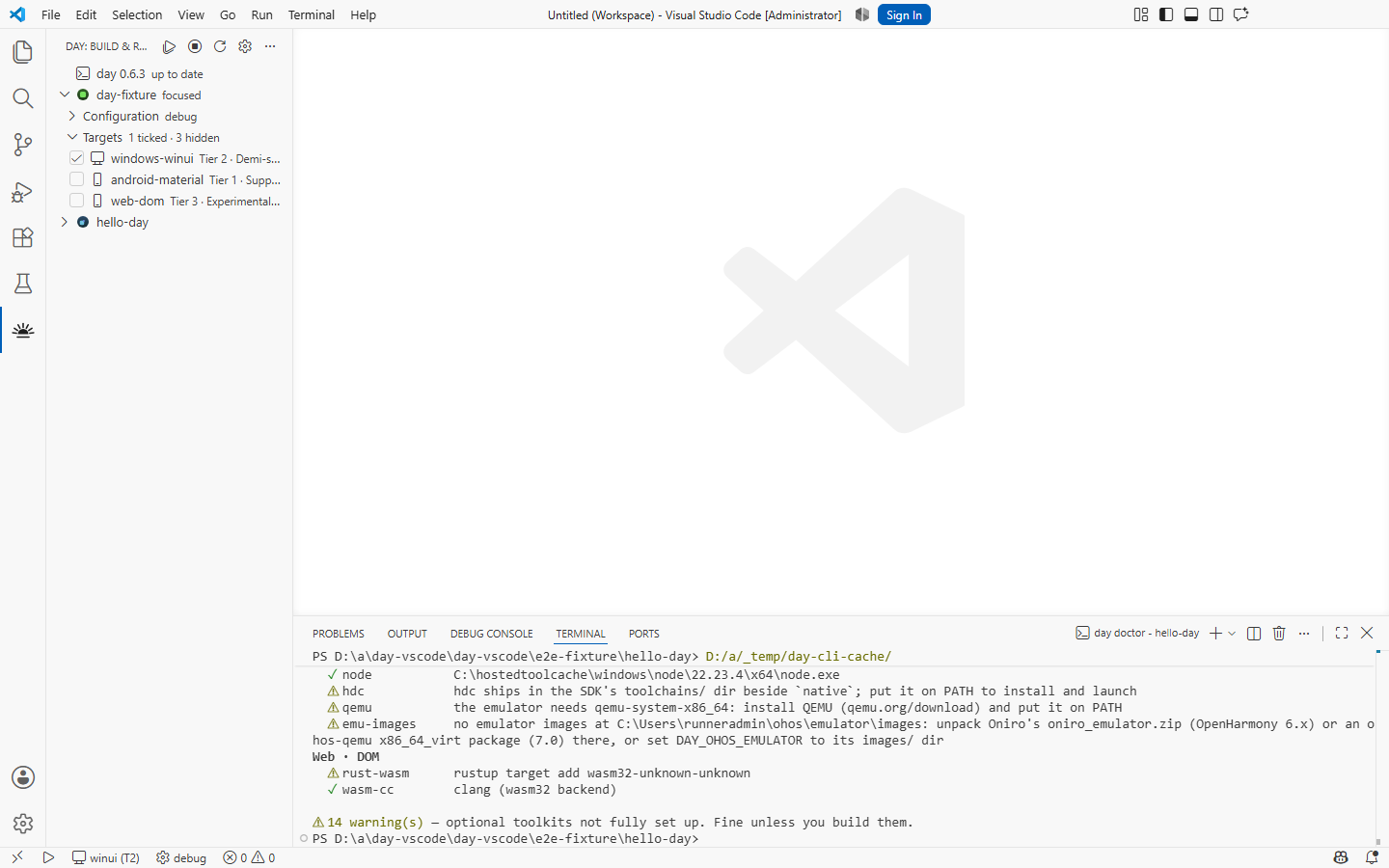
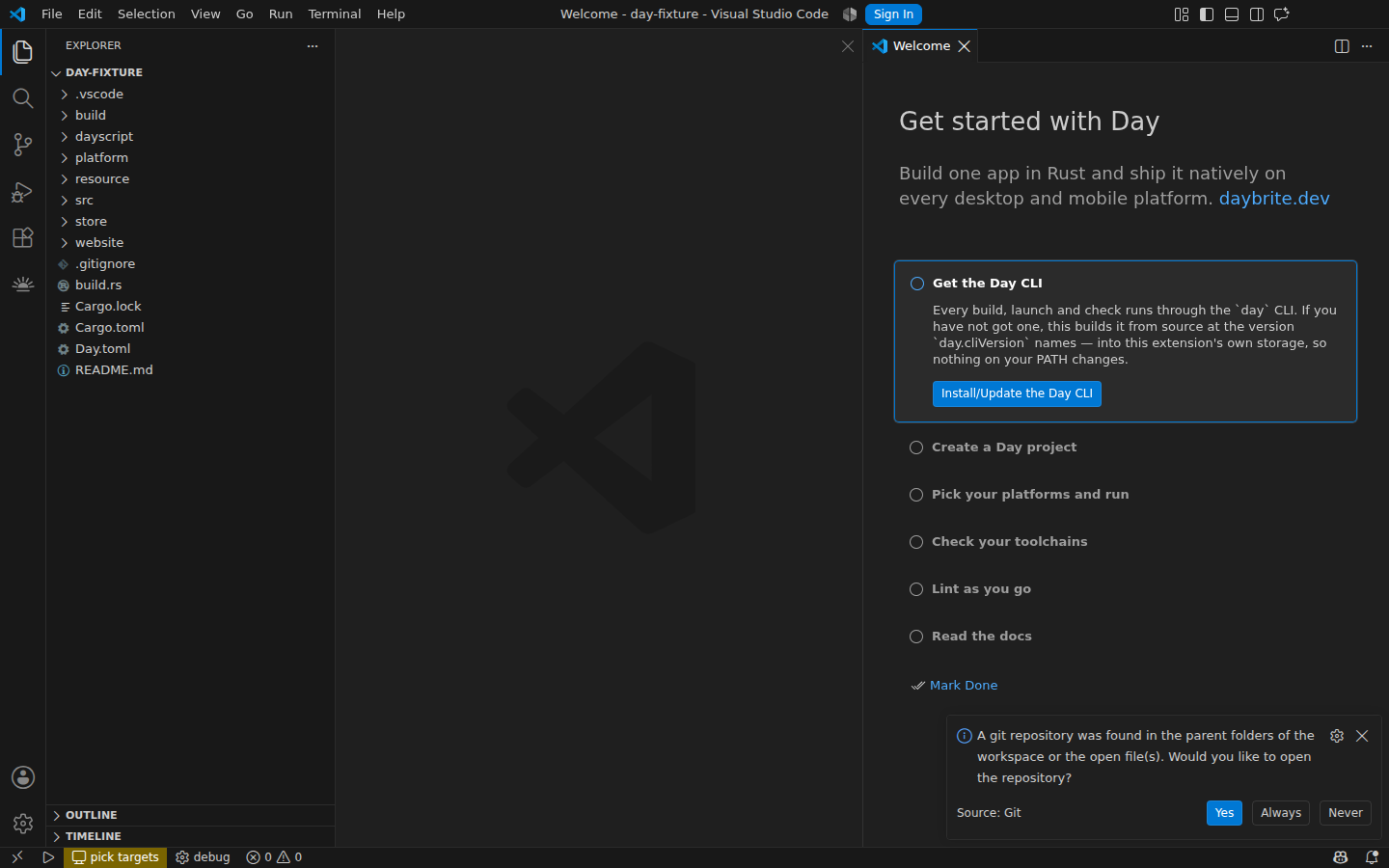
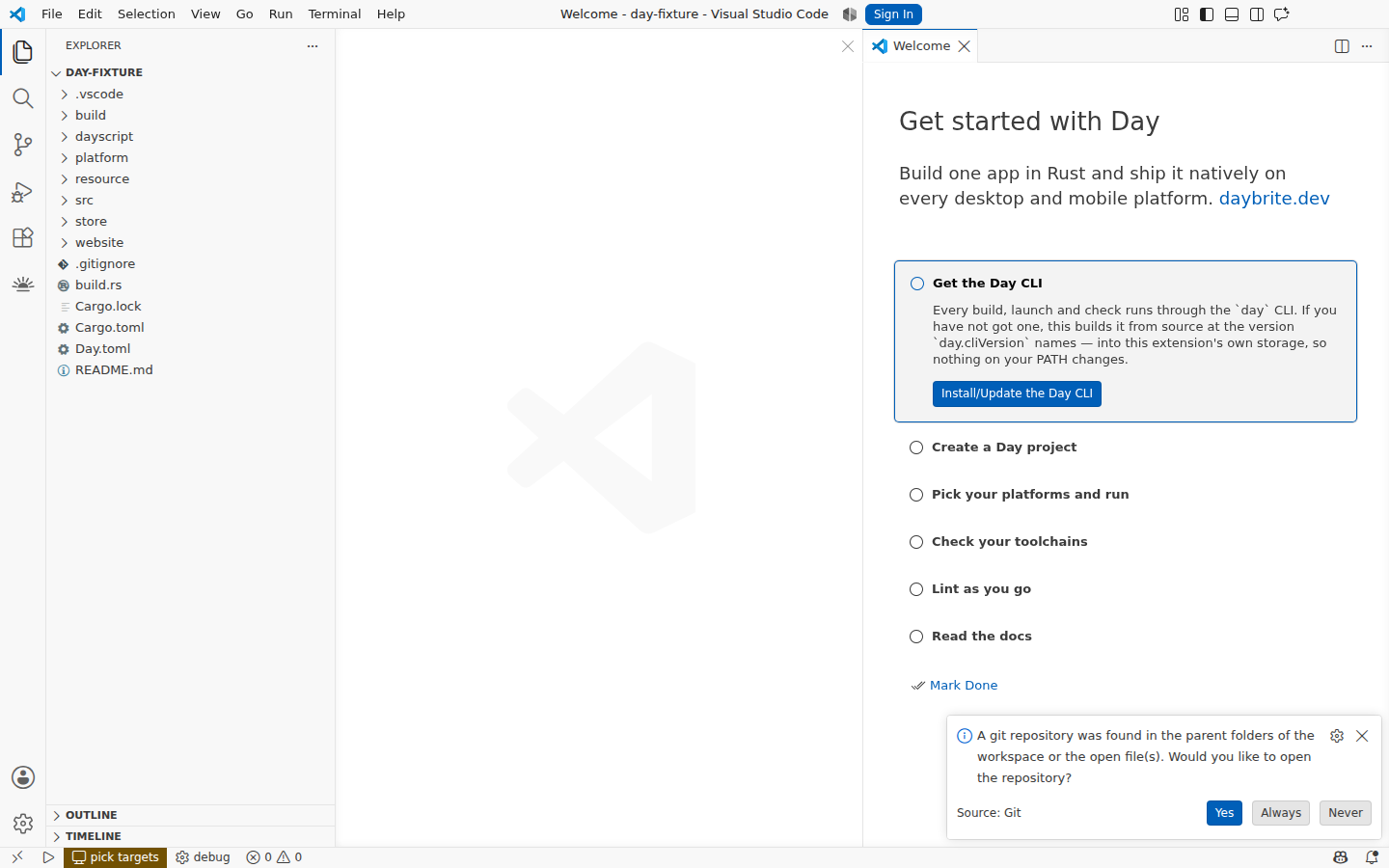
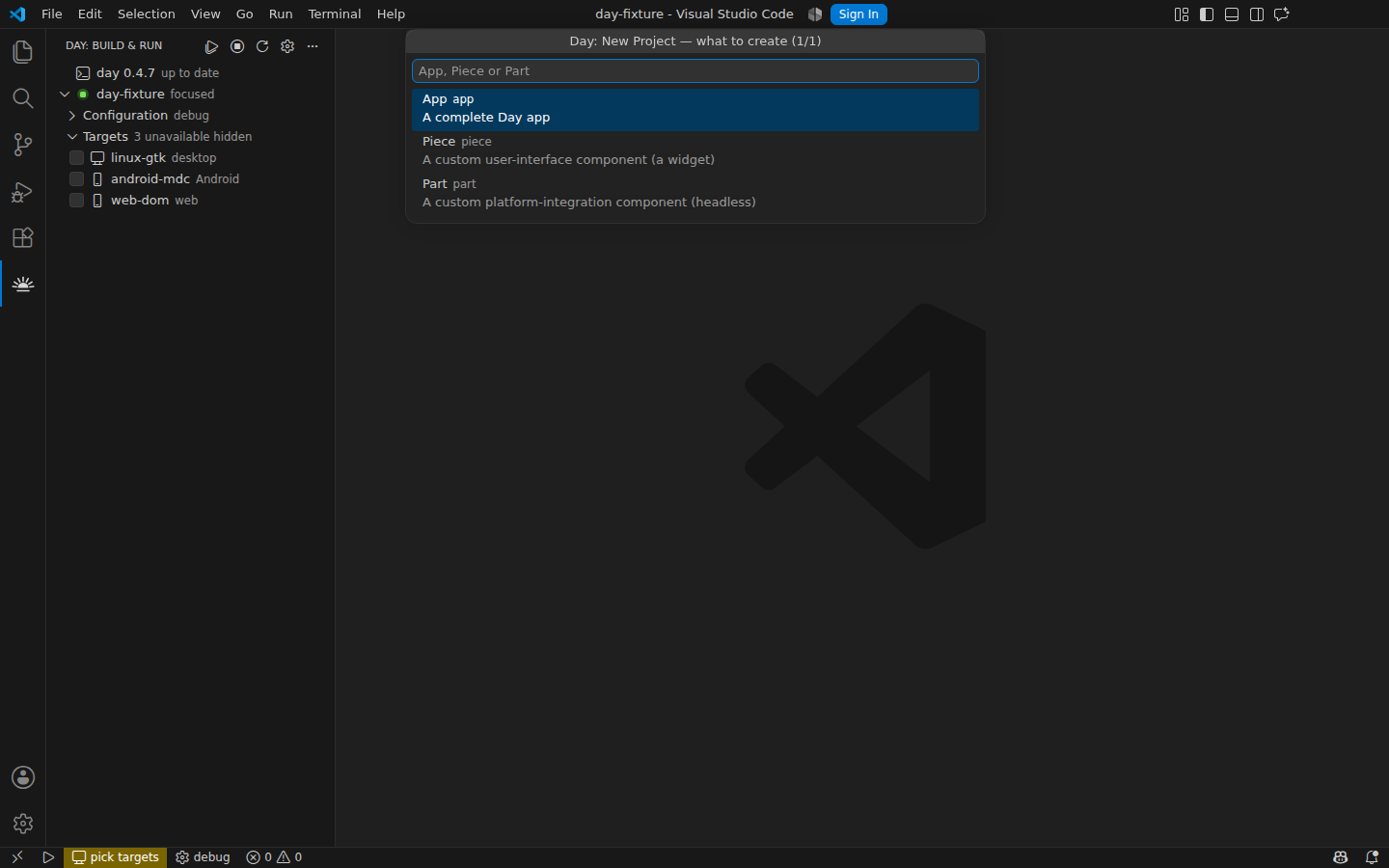
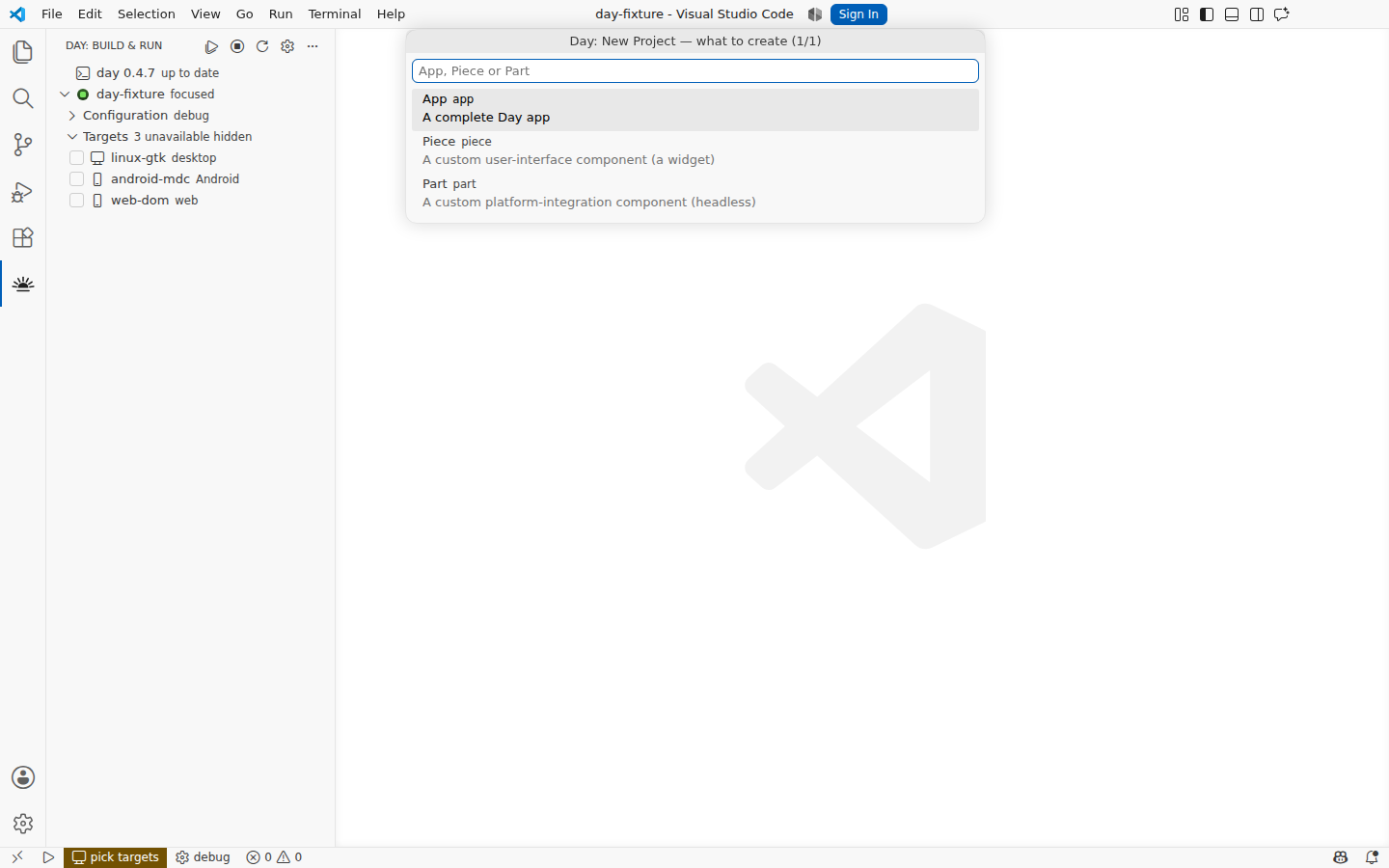
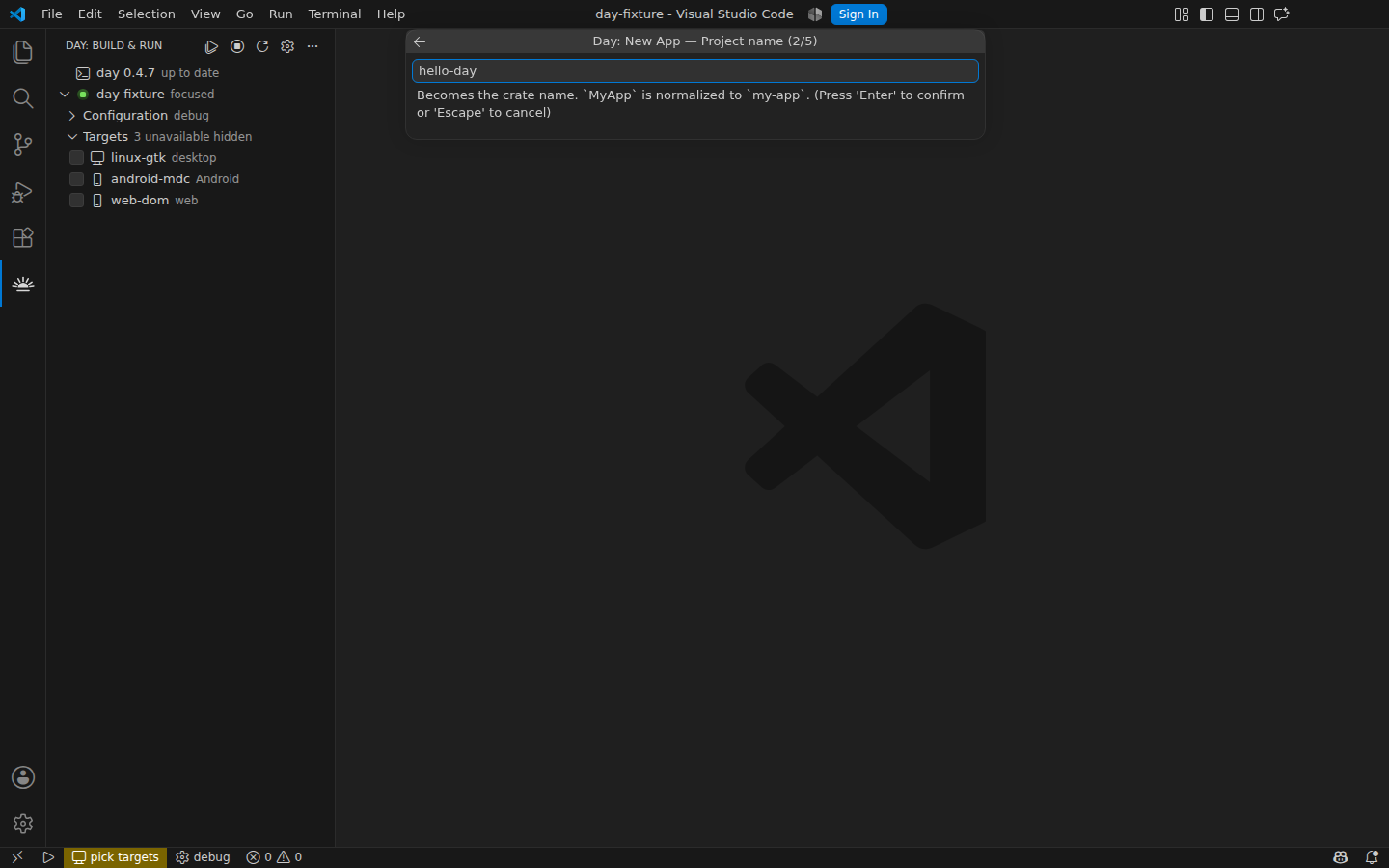
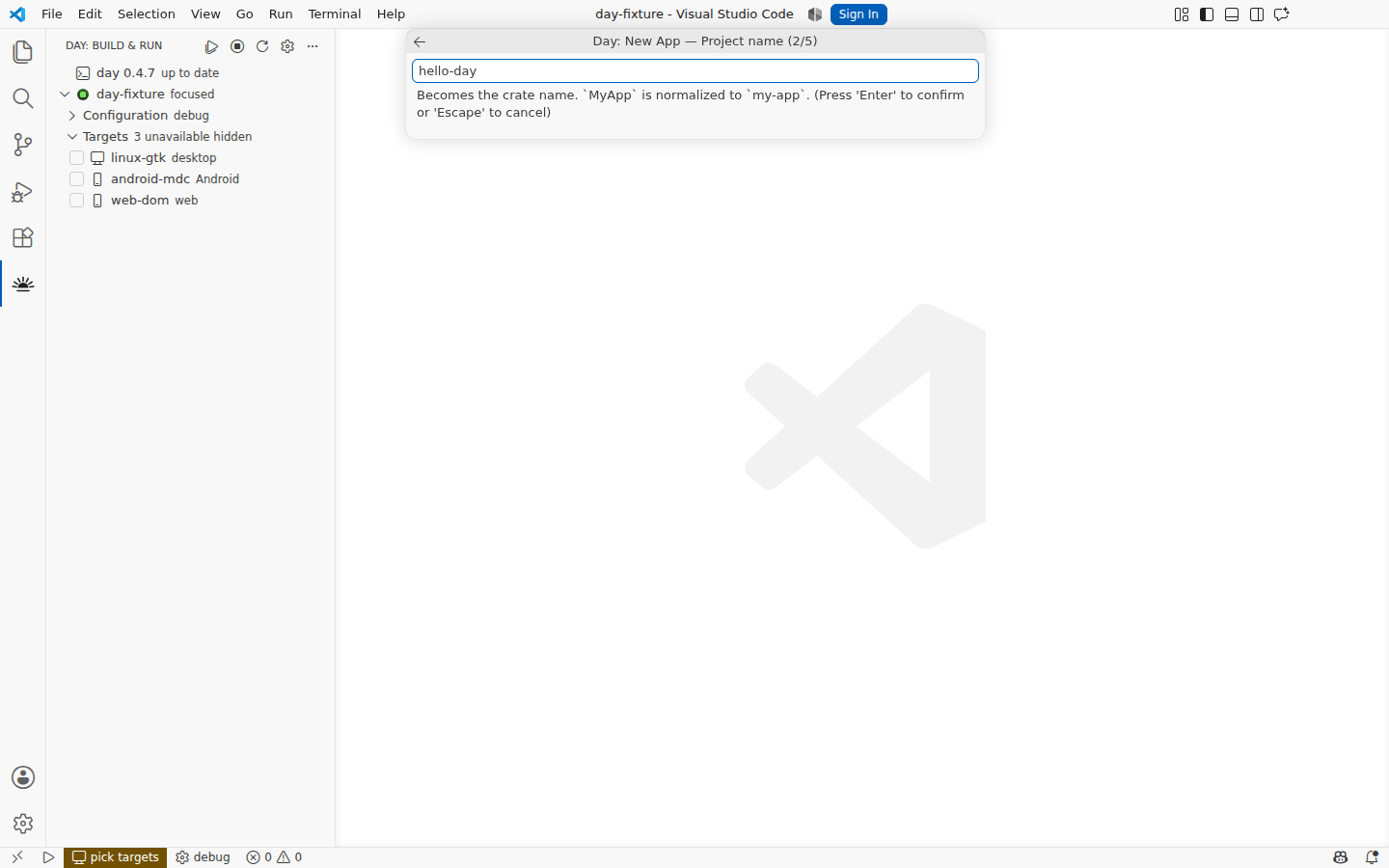
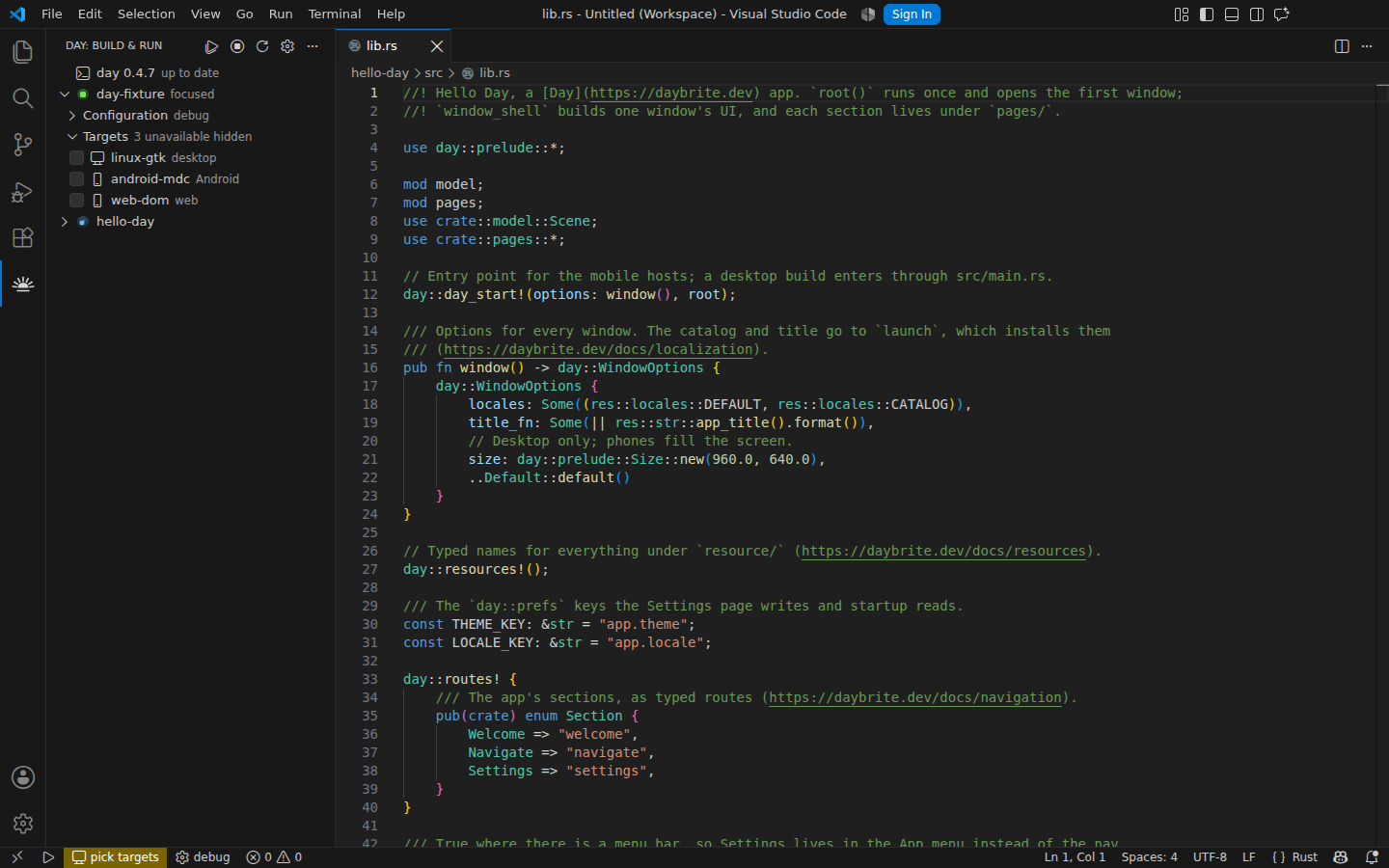
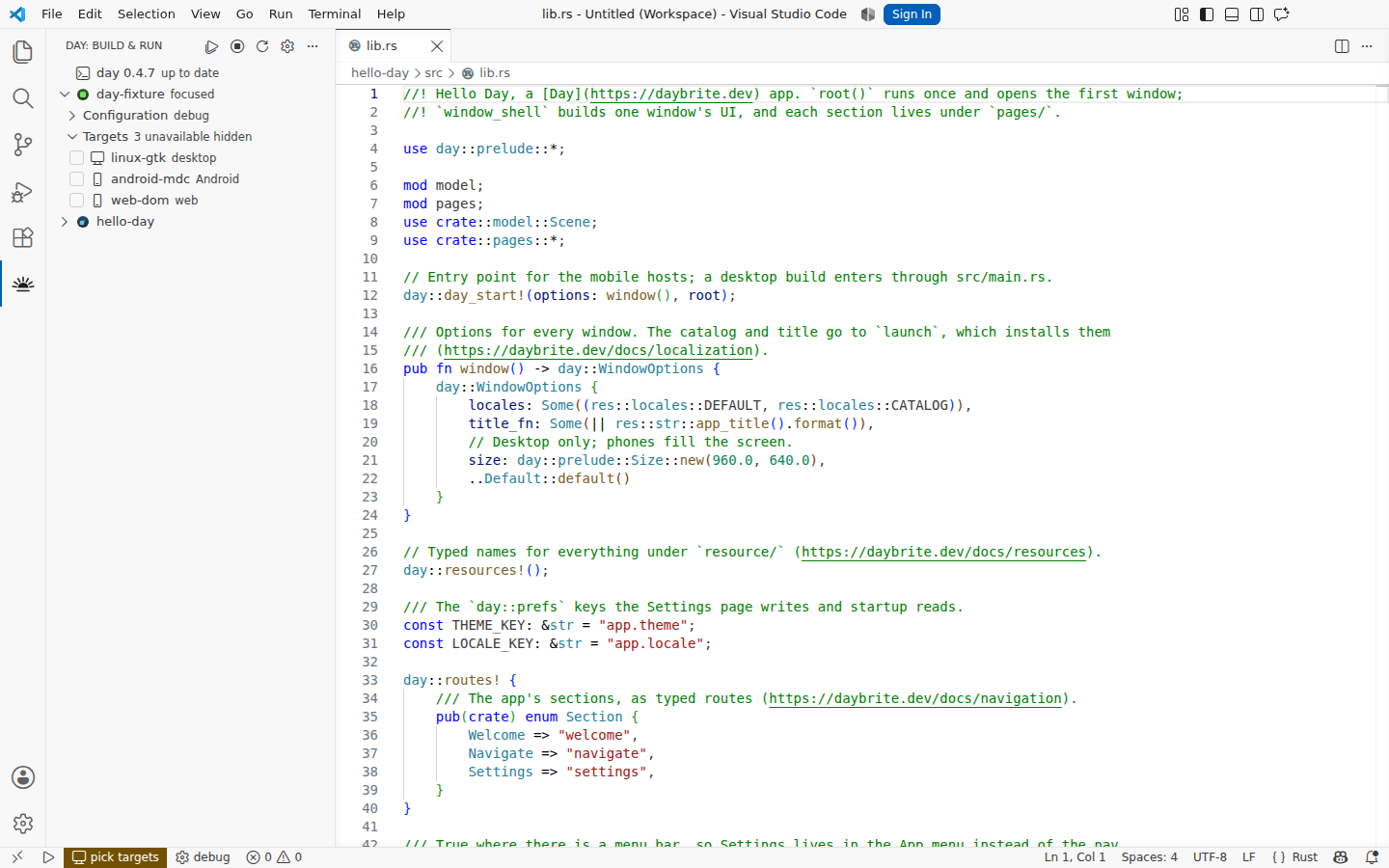
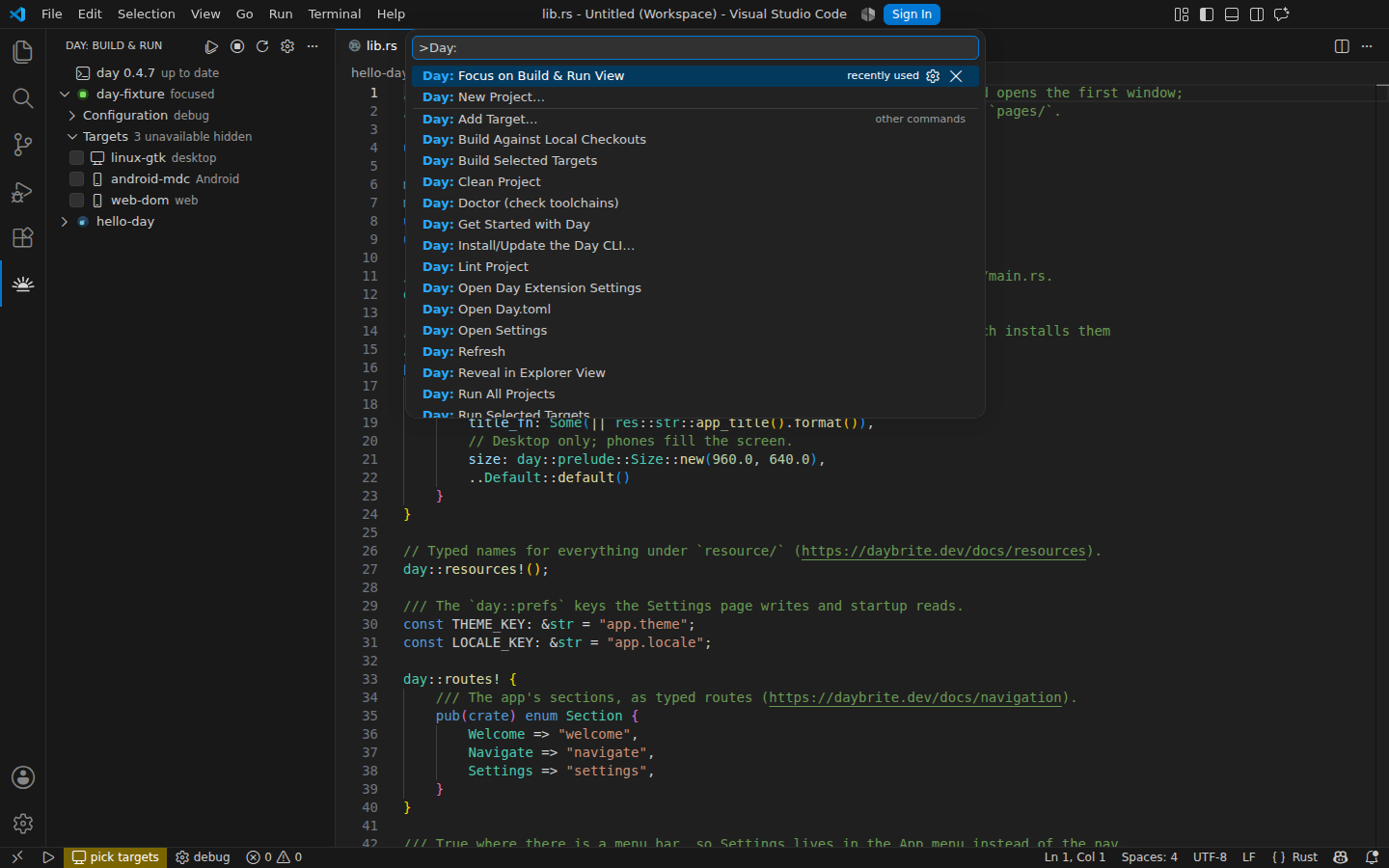
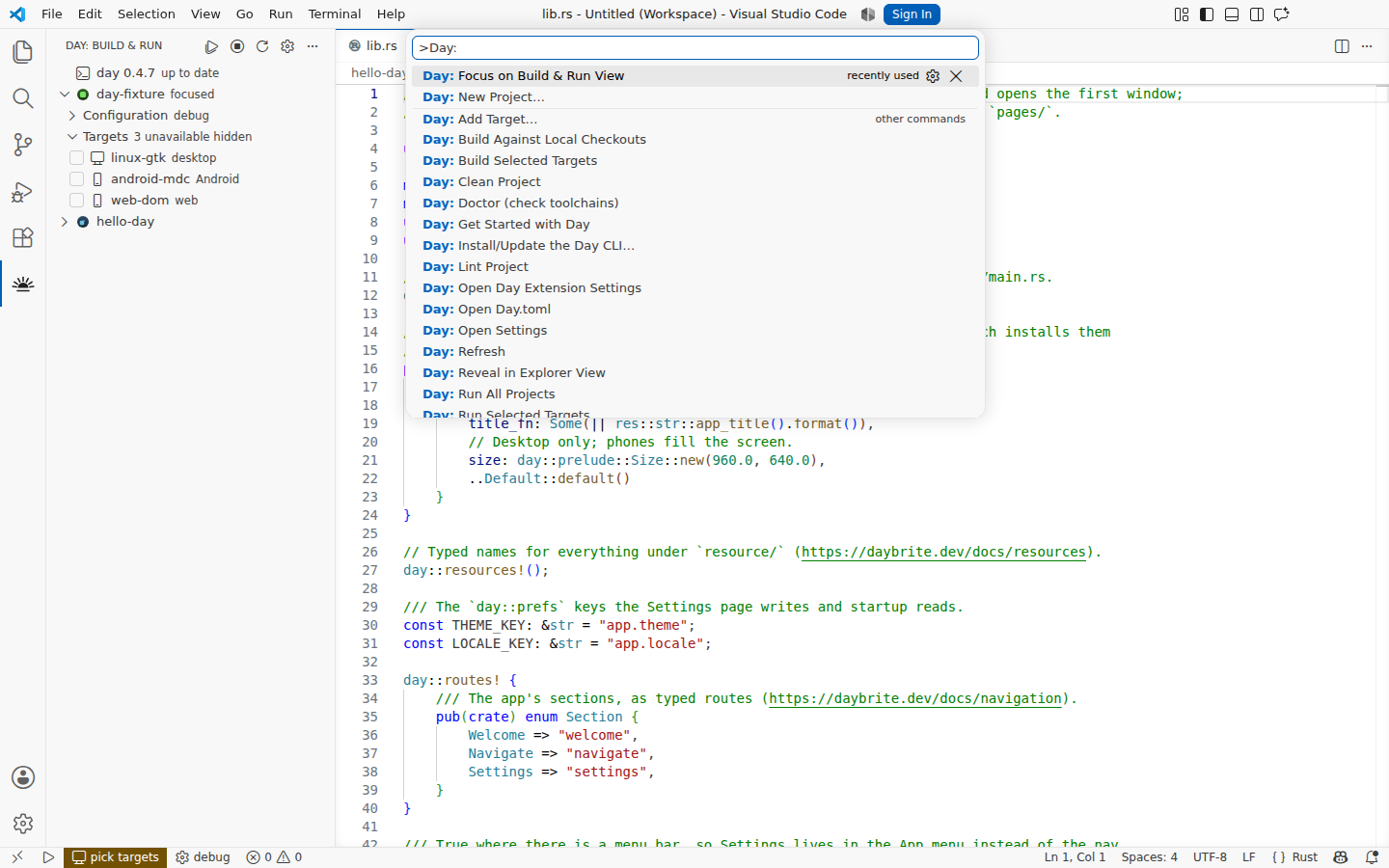
42 captures across 3 platforms, taken by the extension's own end-to-end run. Every one of them was produced by a script, on a clean runner, against the same.vsix the release publishes.
Download every capture as one zip, or read gallery.json for the list: each image with its platform, theme, caption, pixel size and SHA-256. Both keep these addresses from one run to the next, and both are attached to every tagged release. The manifest uses the schema a Day app's gallery publishes, so a reader of one reads the other.
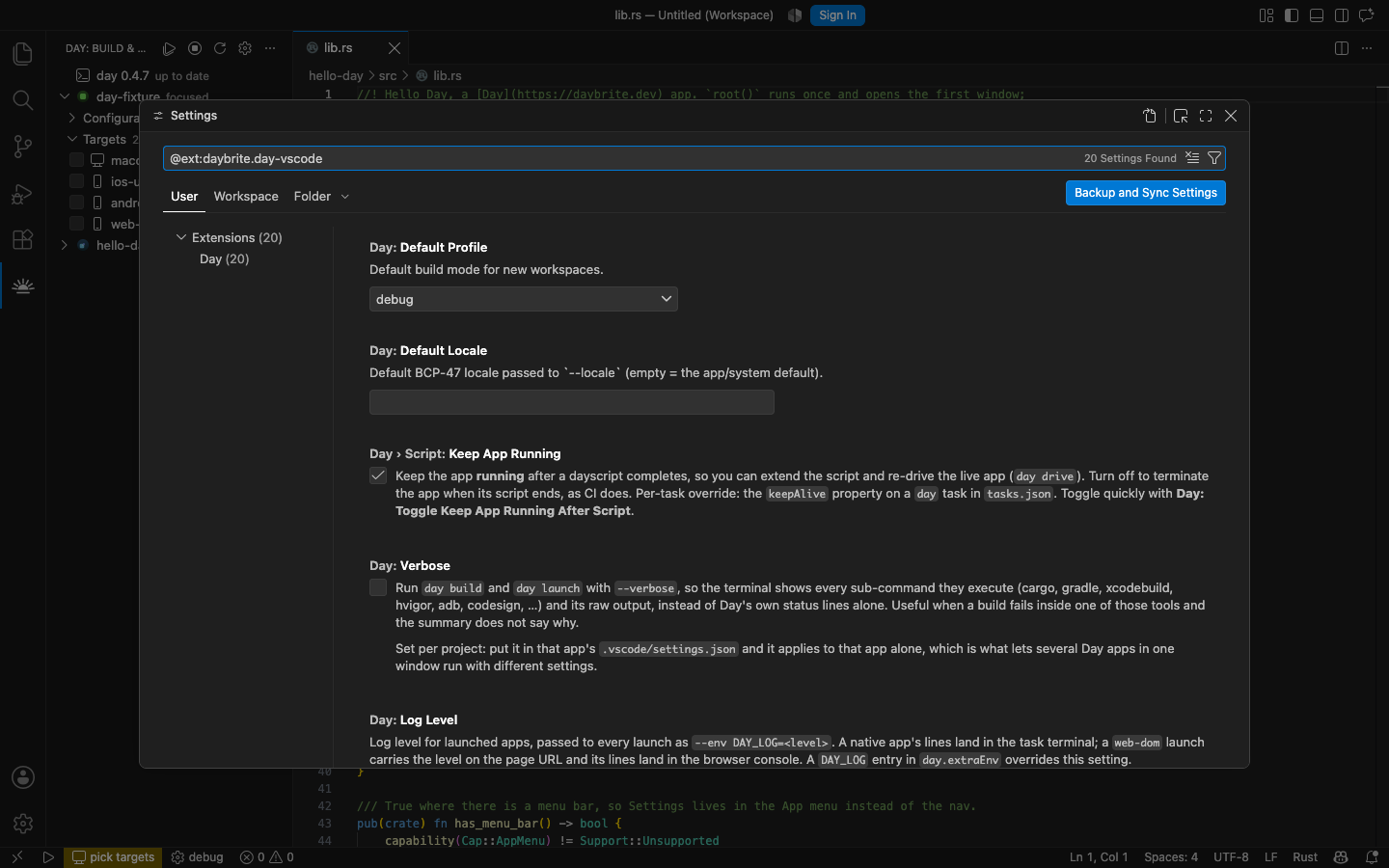
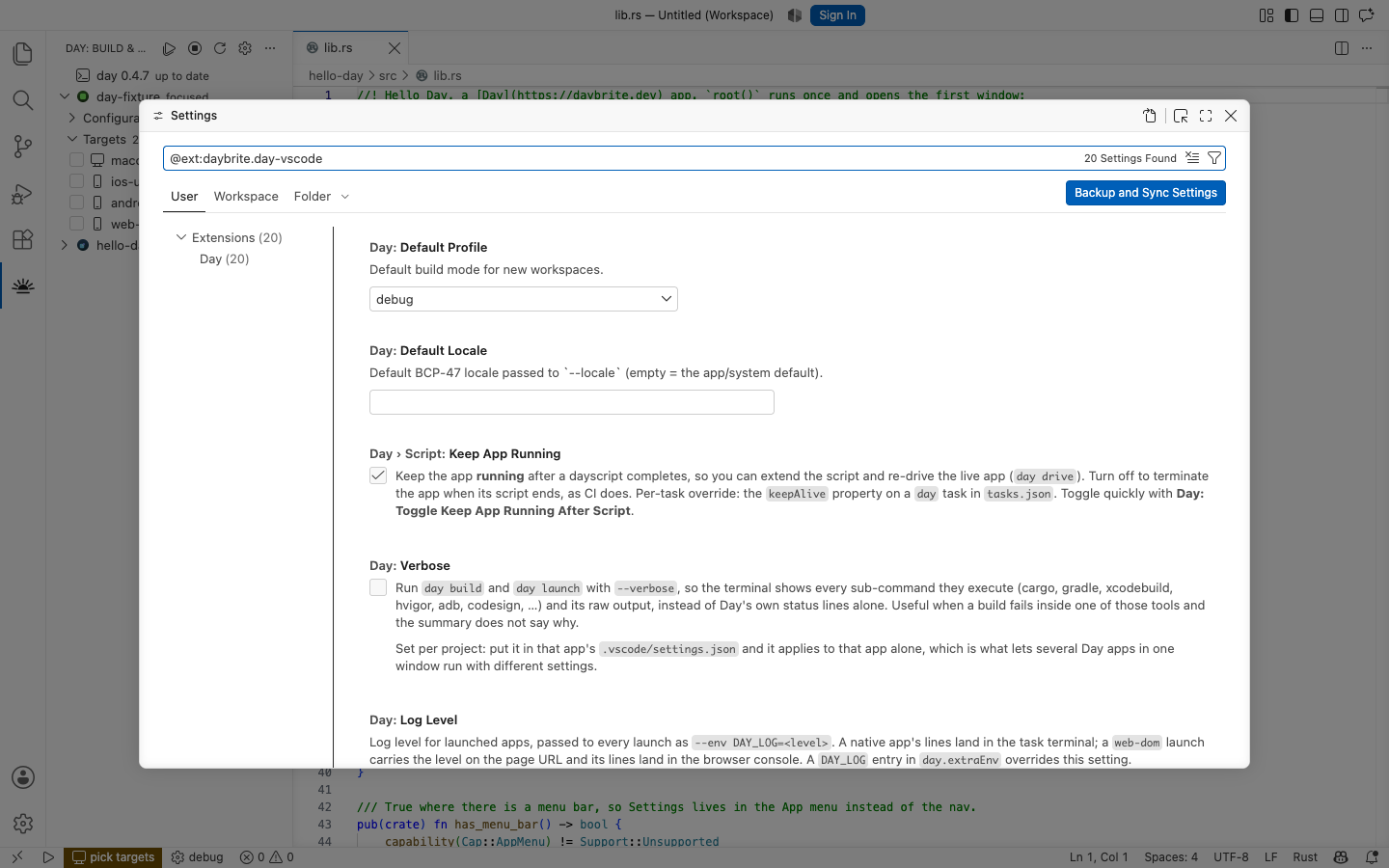
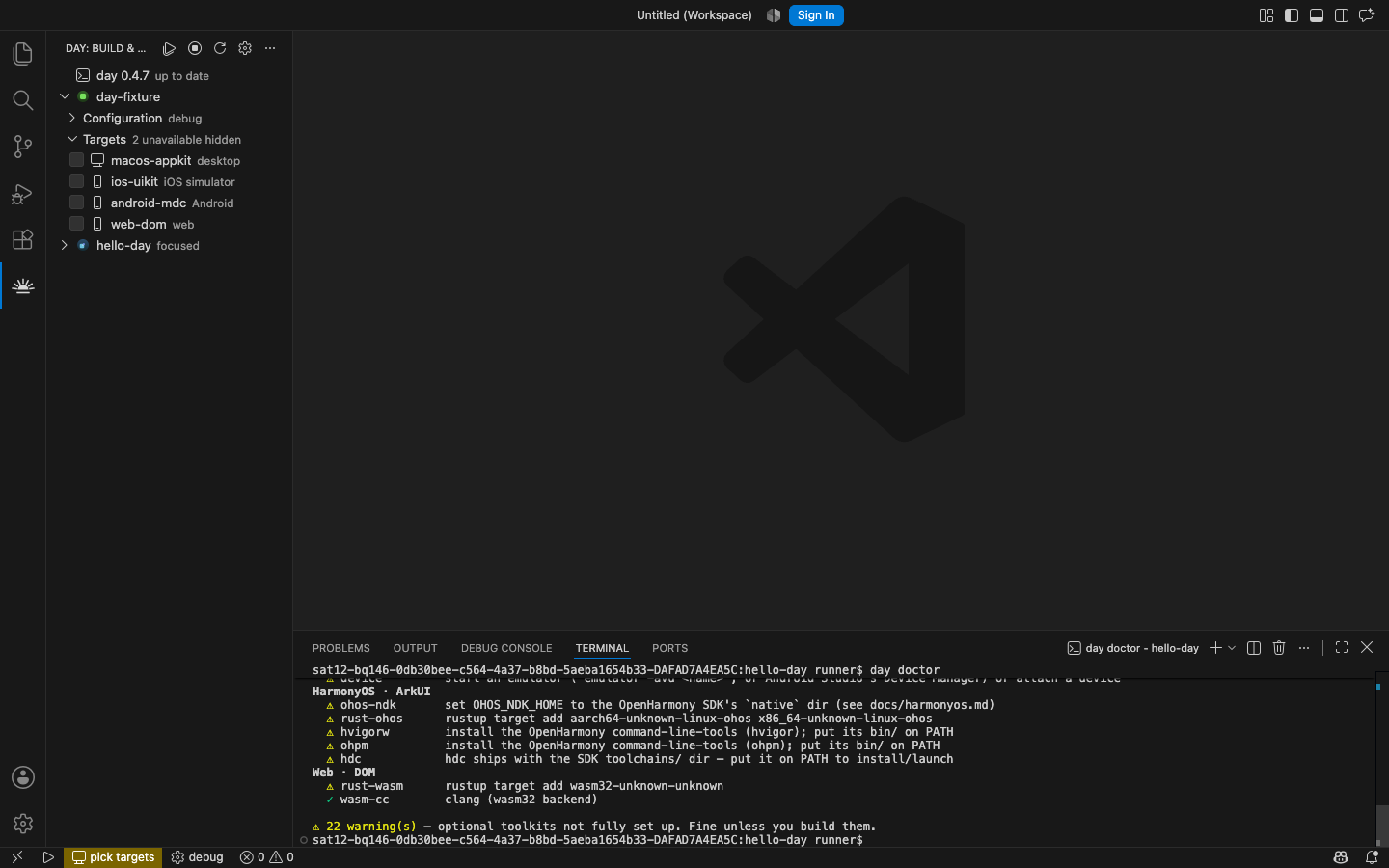
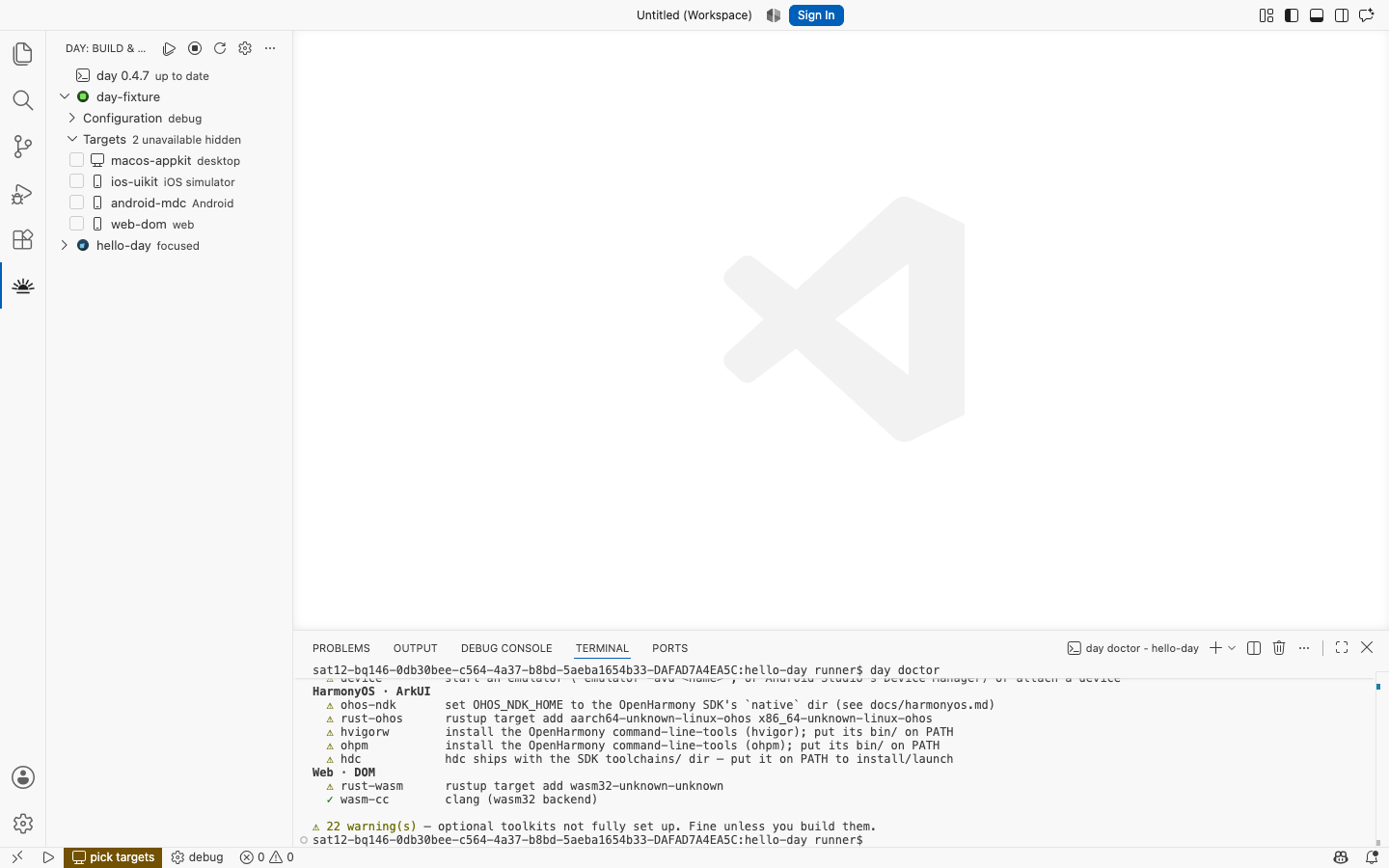
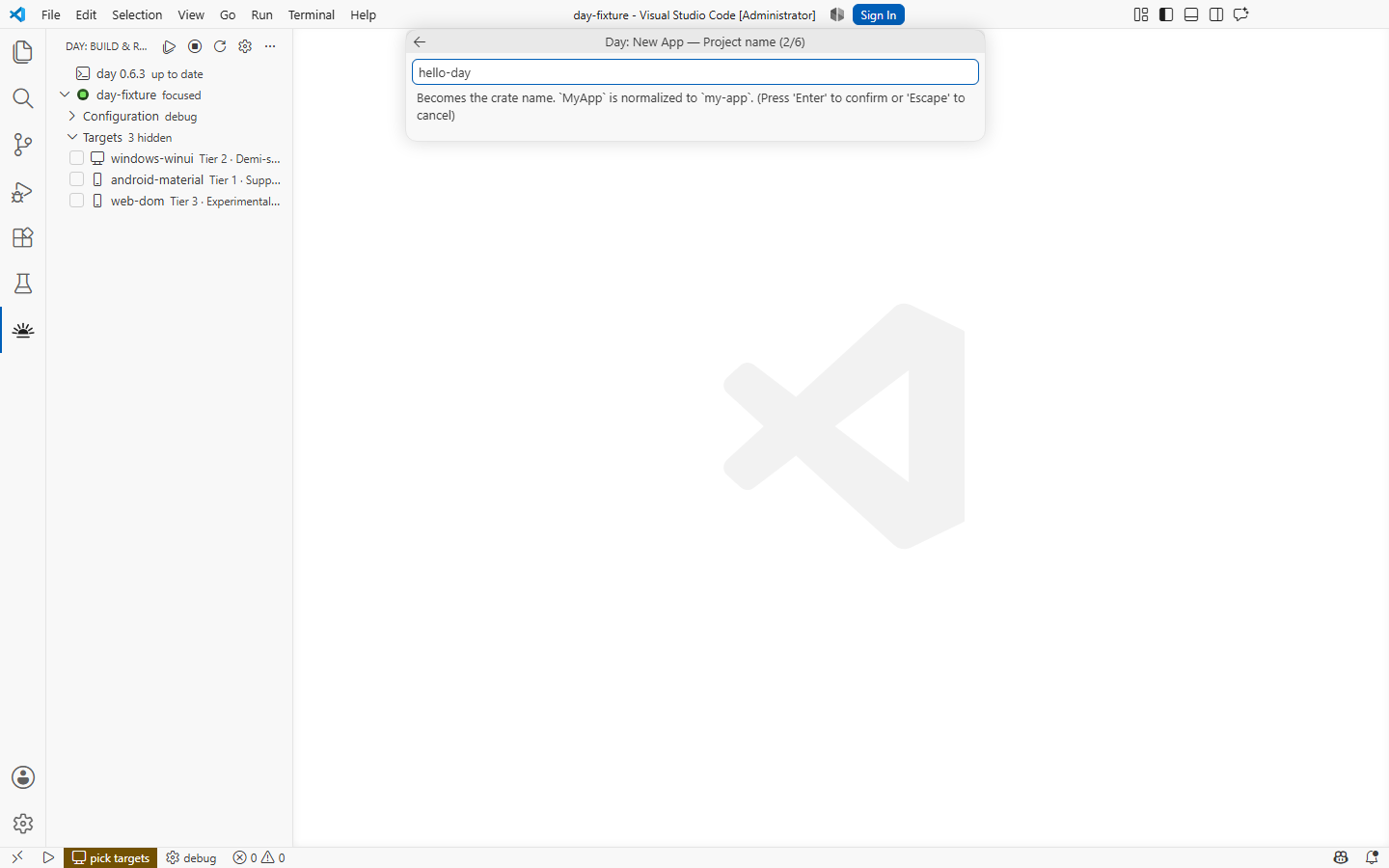
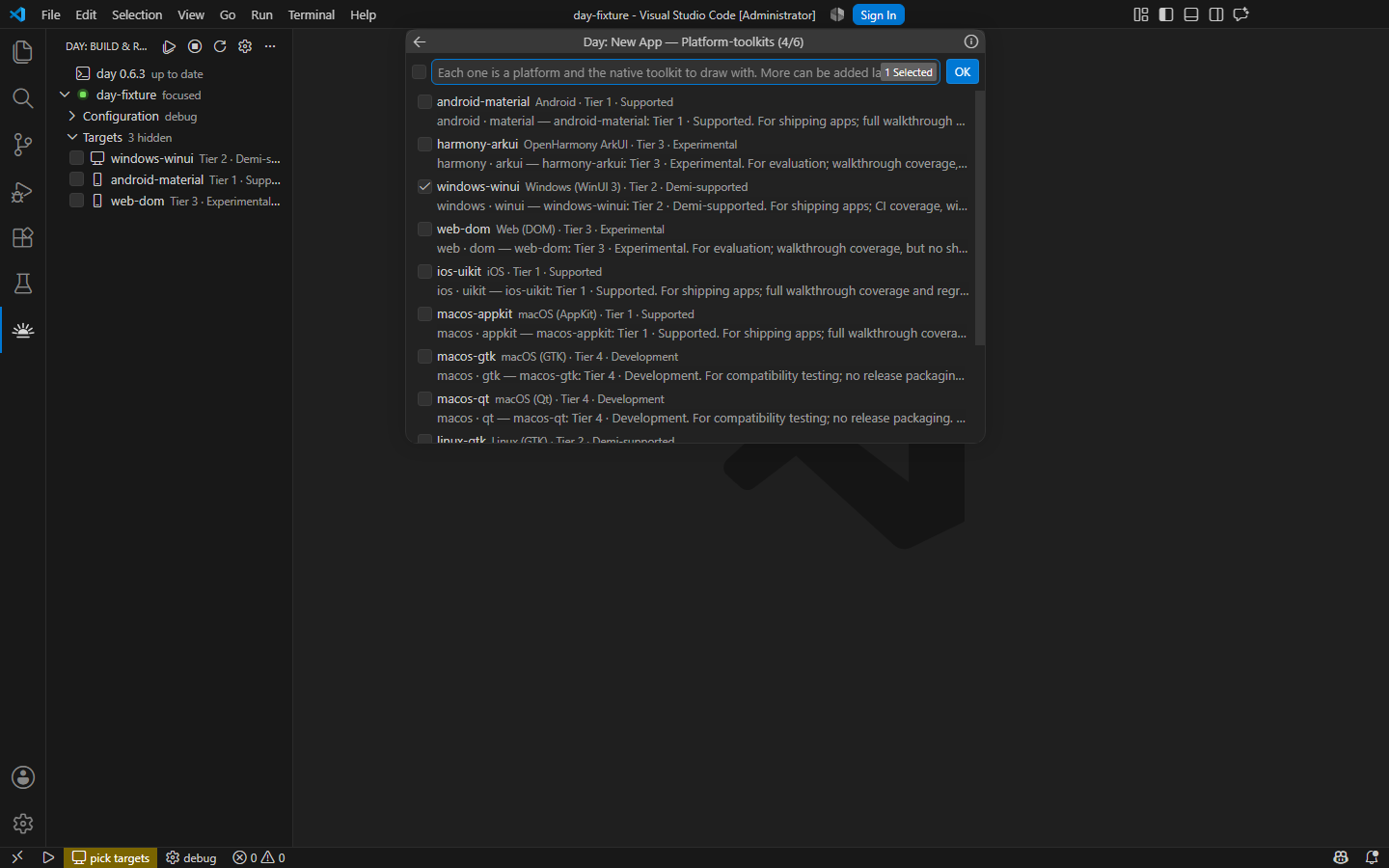
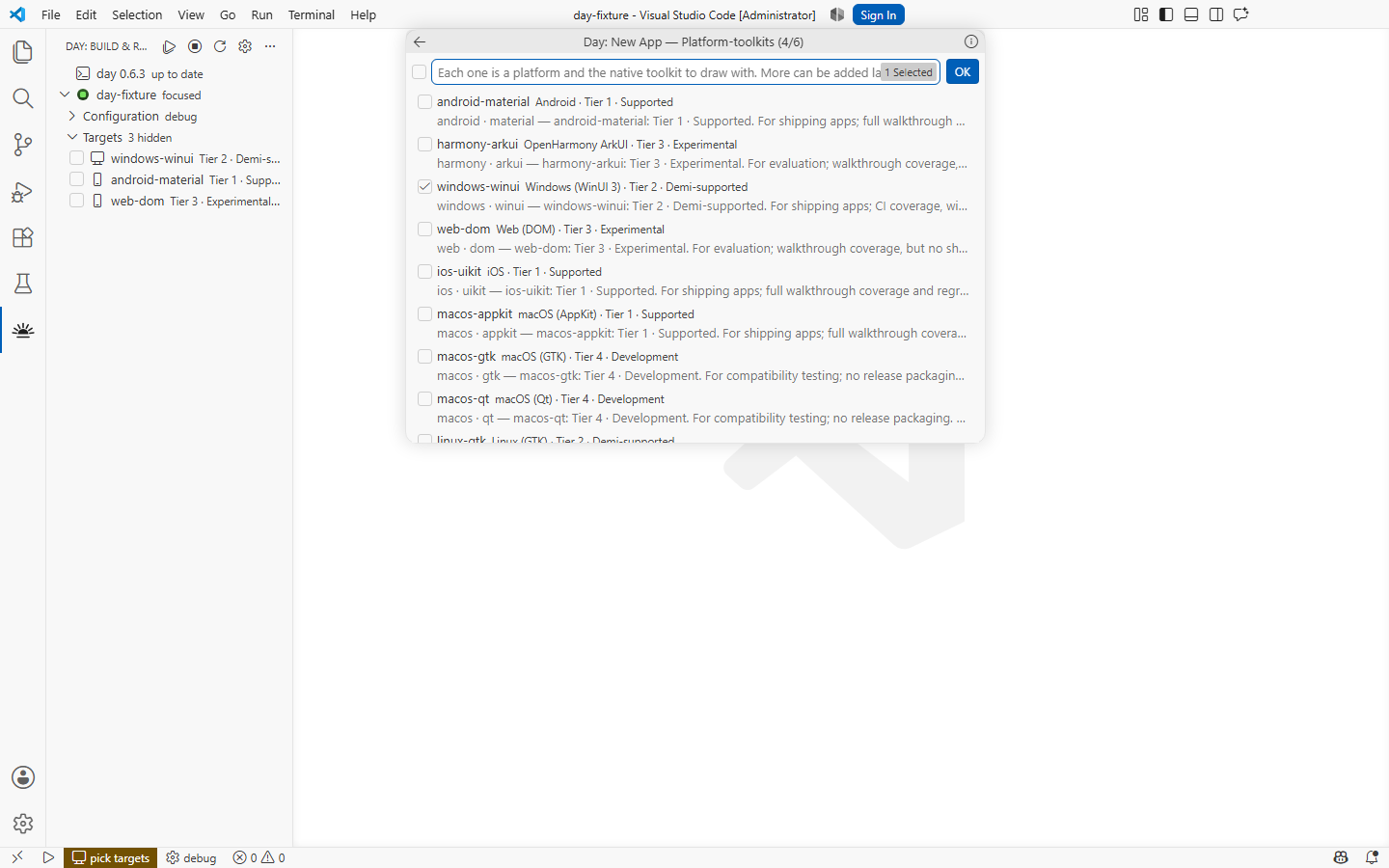
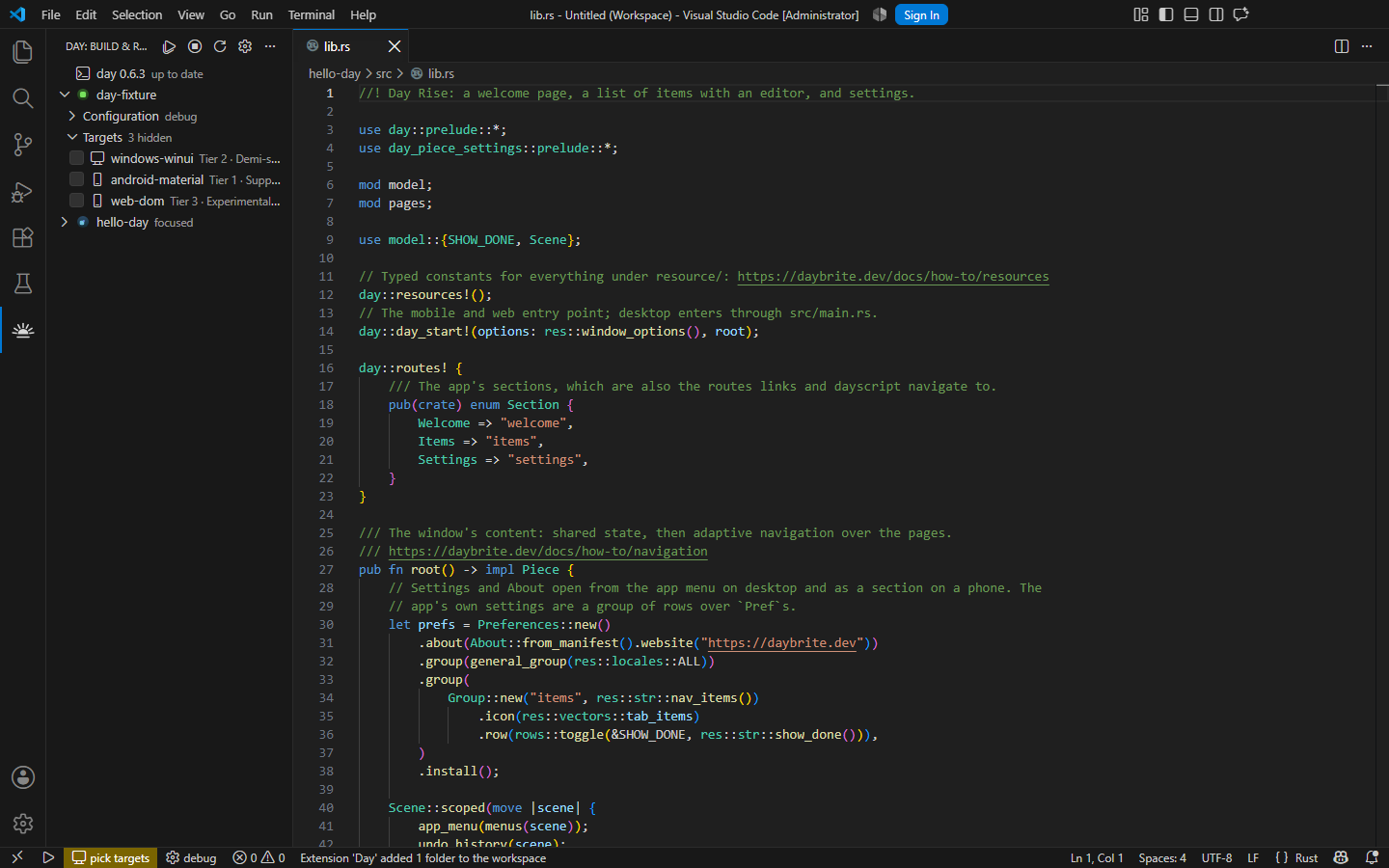
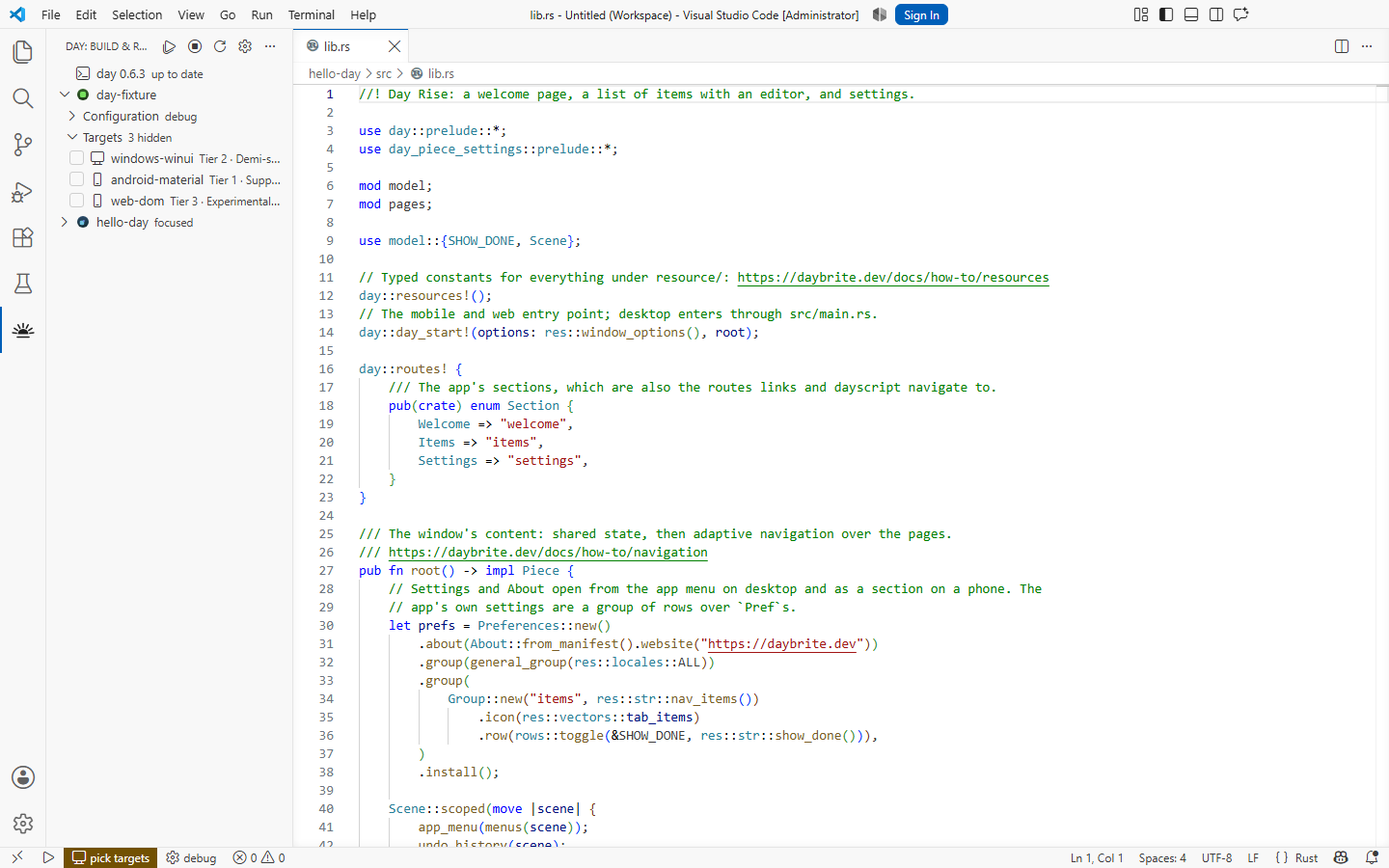
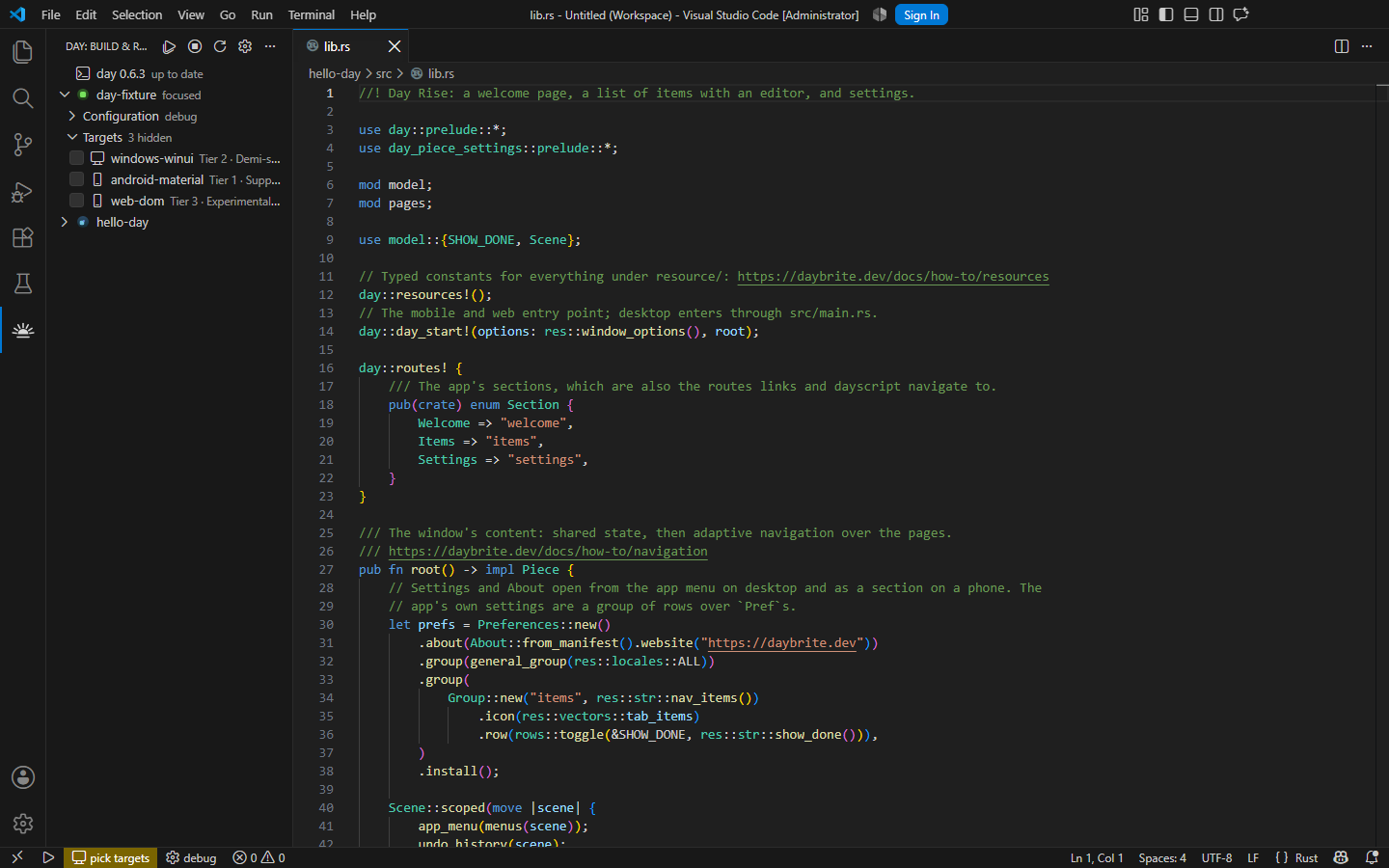
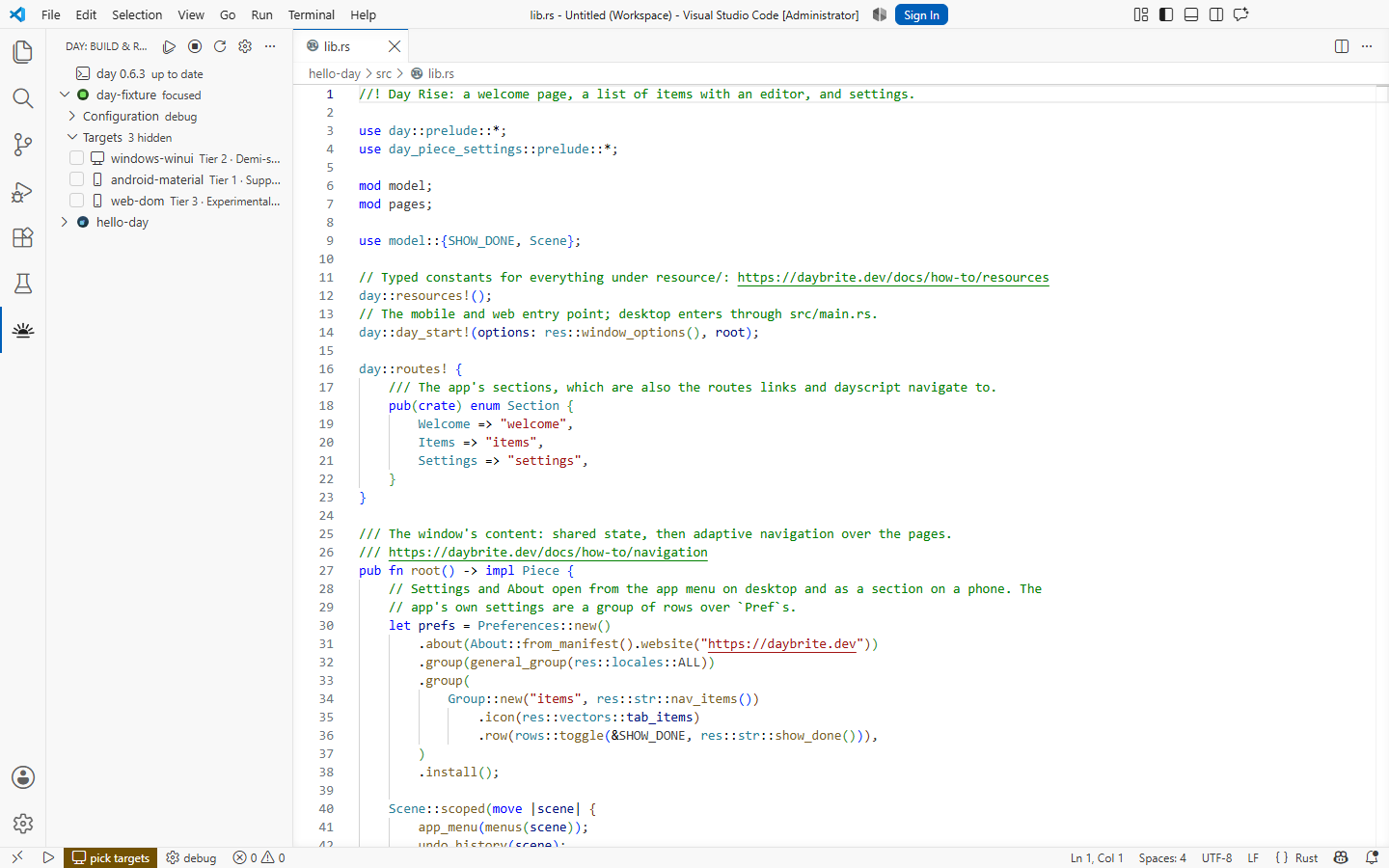
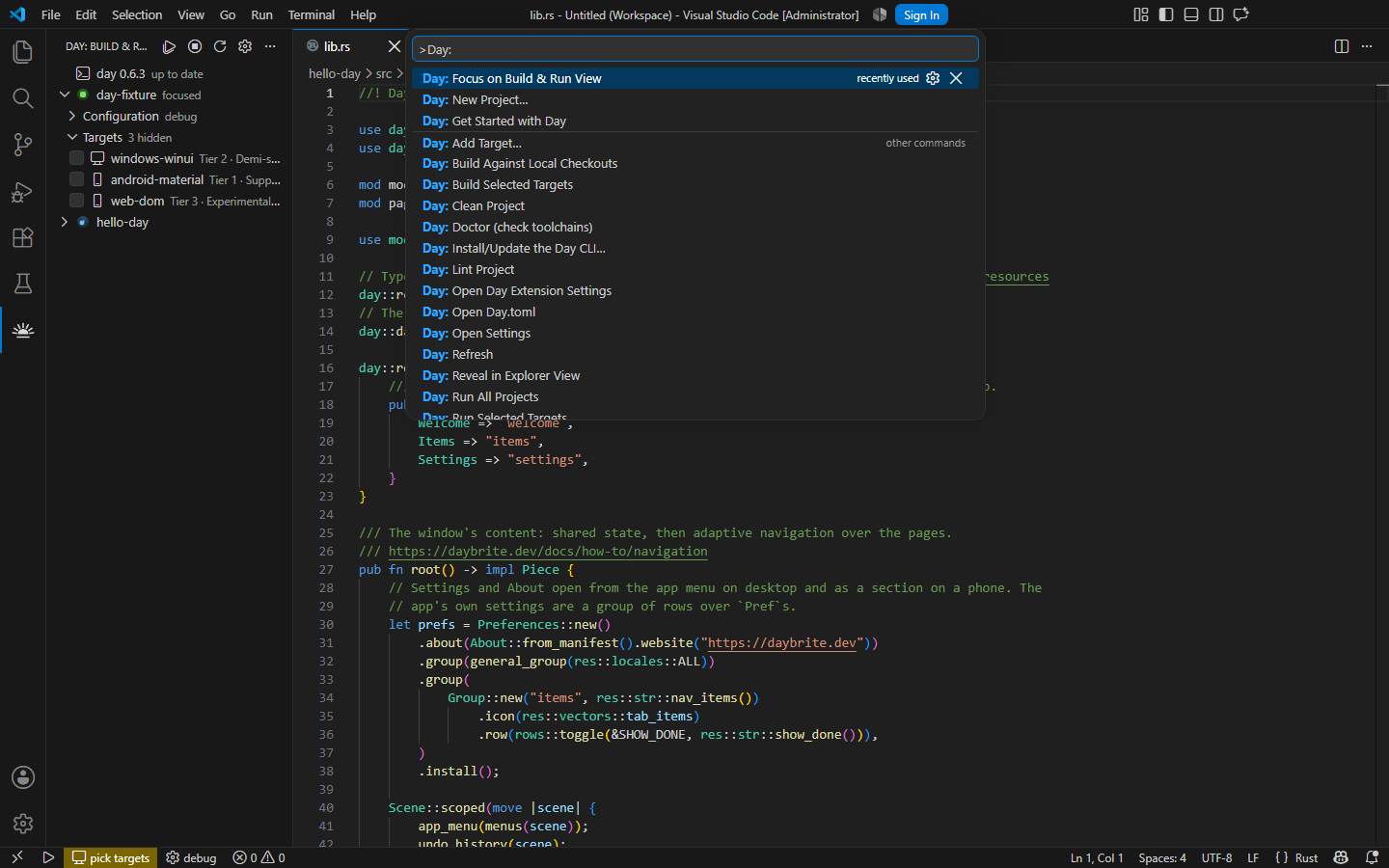
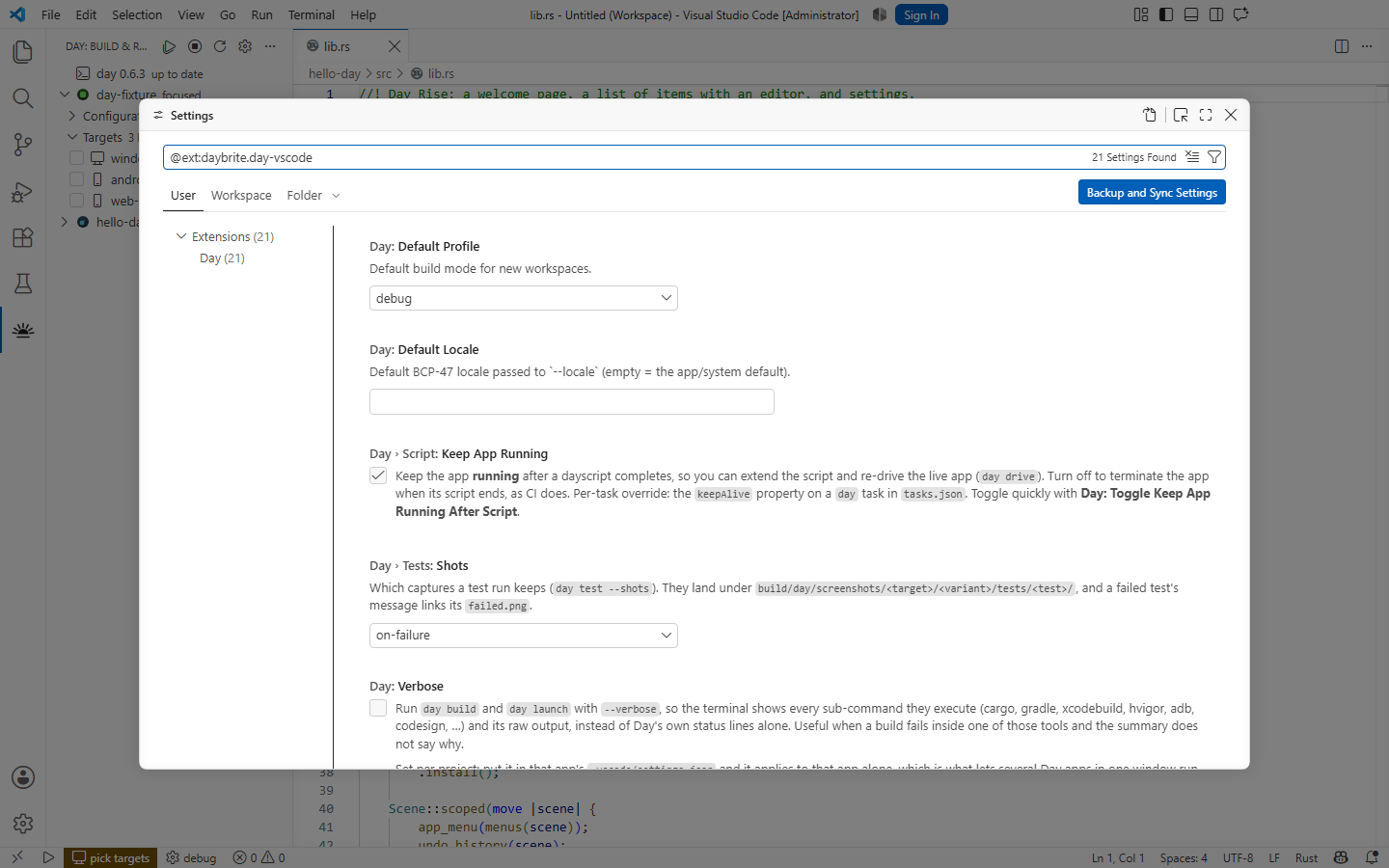
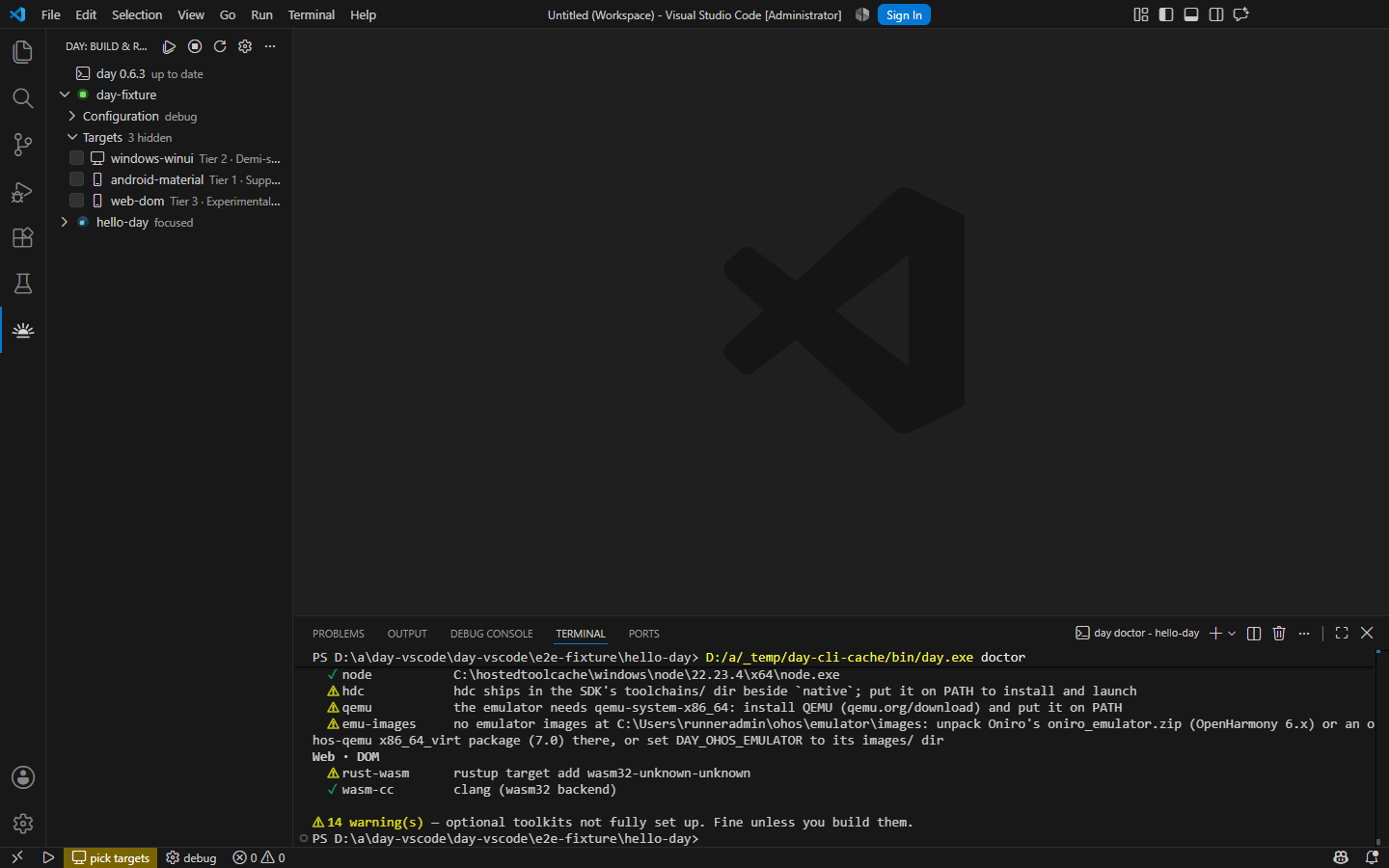
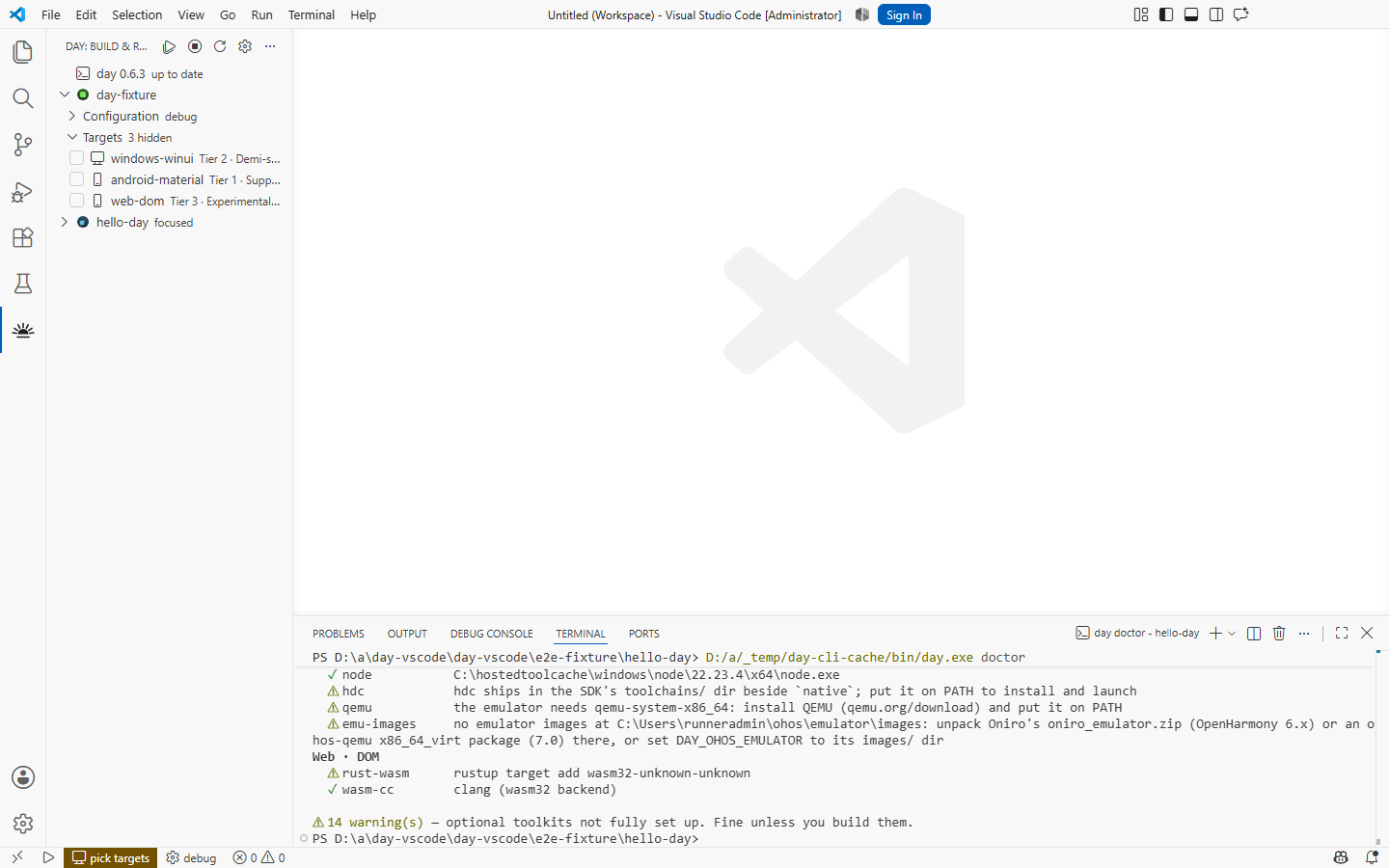
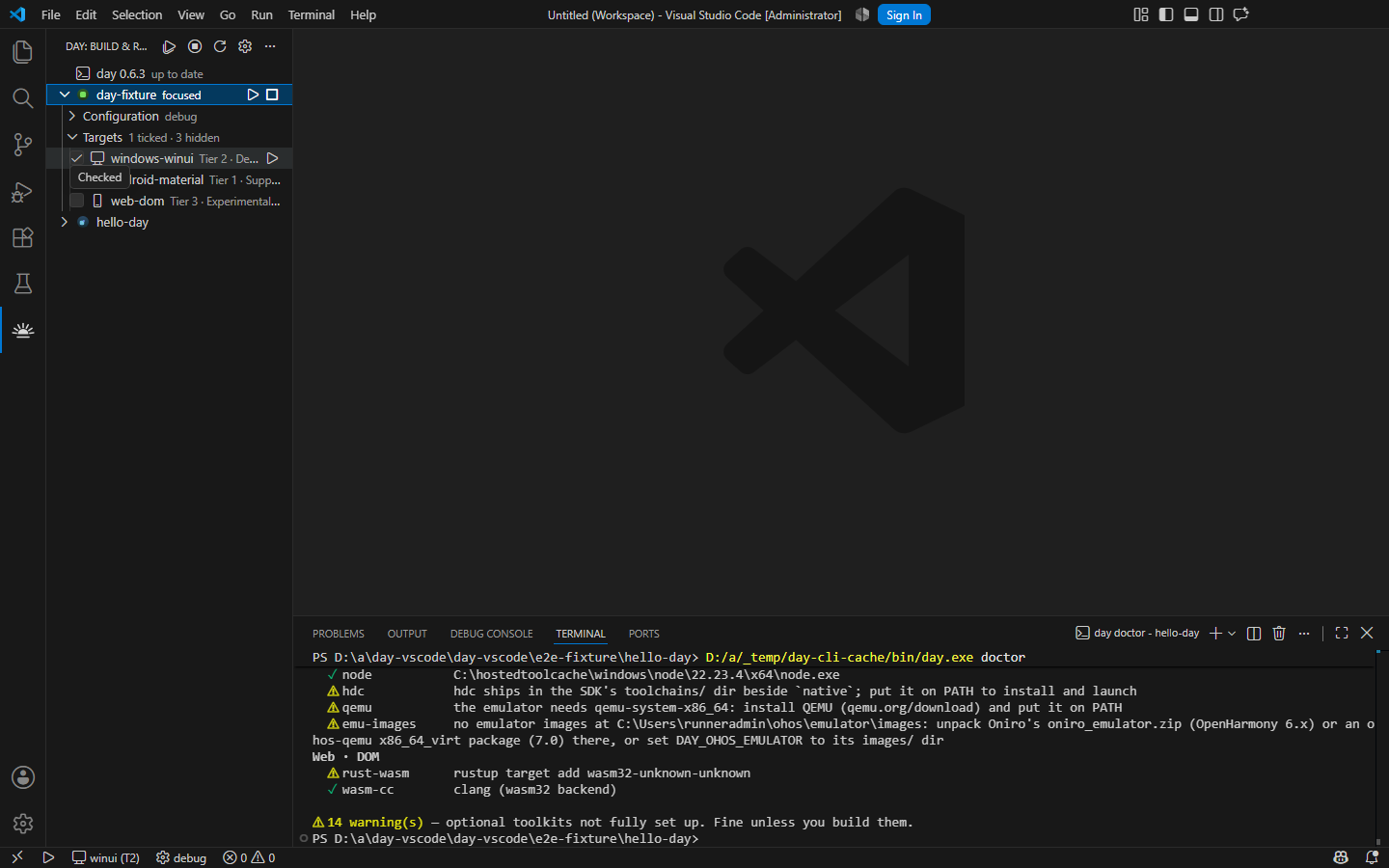
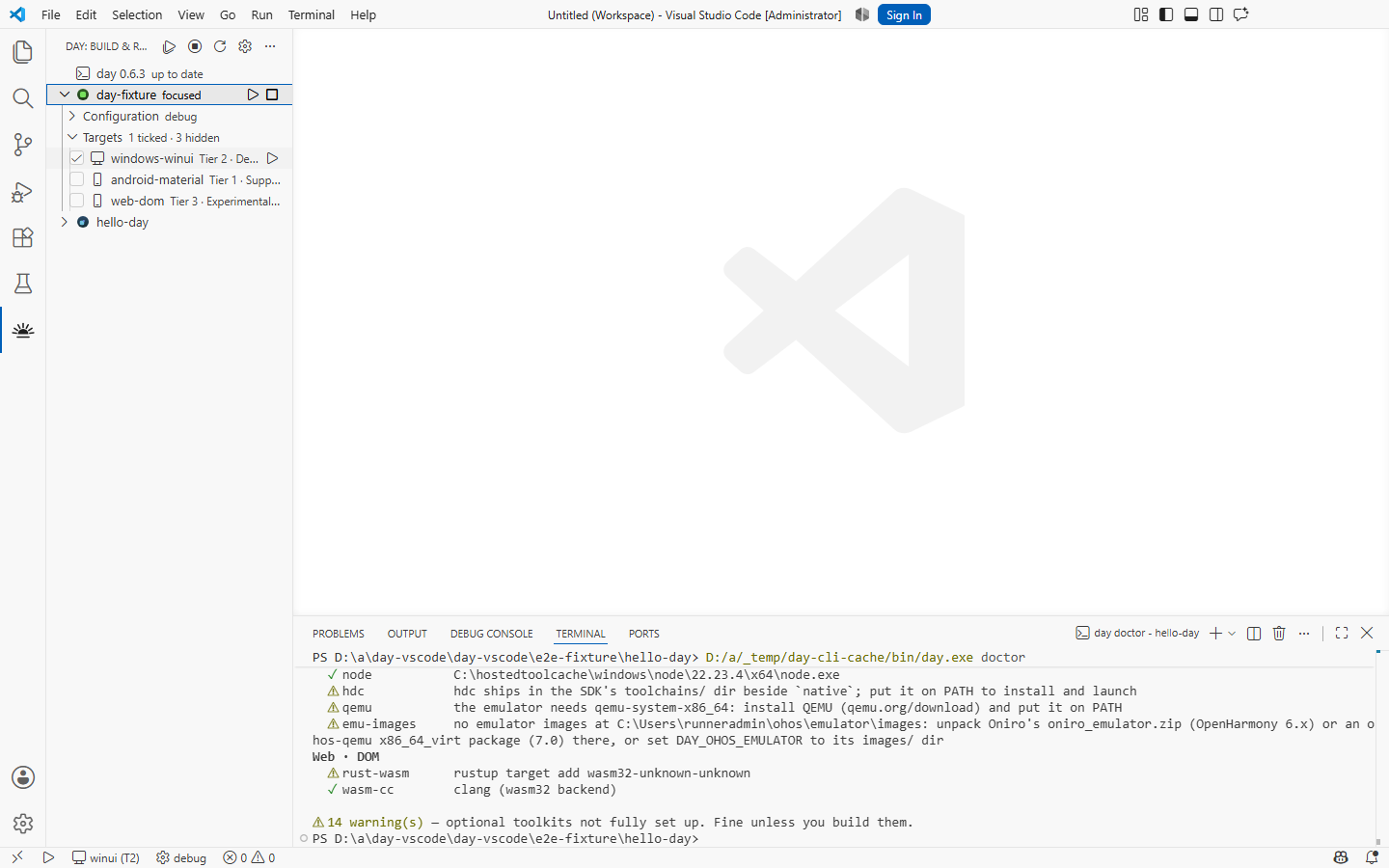
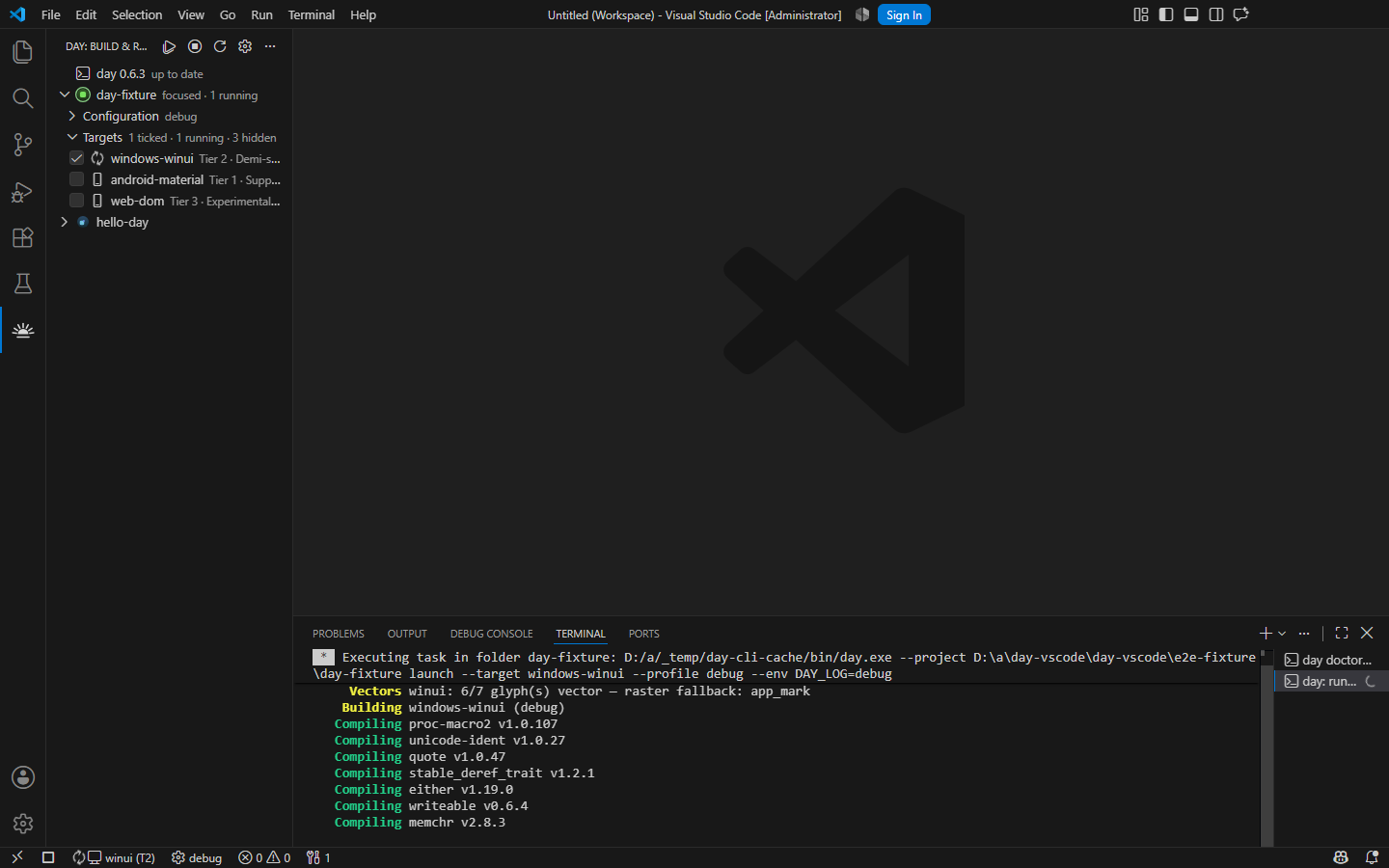
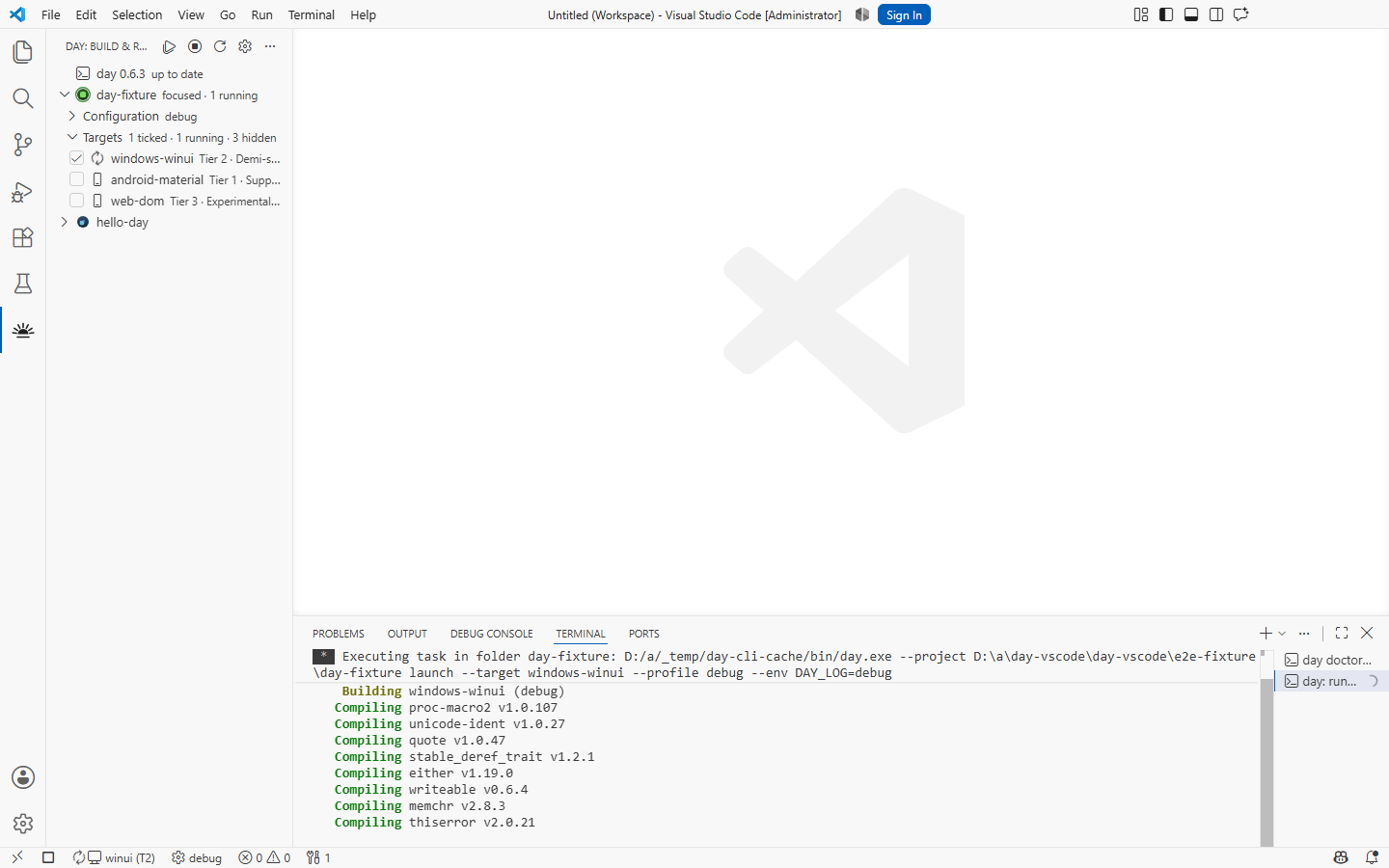
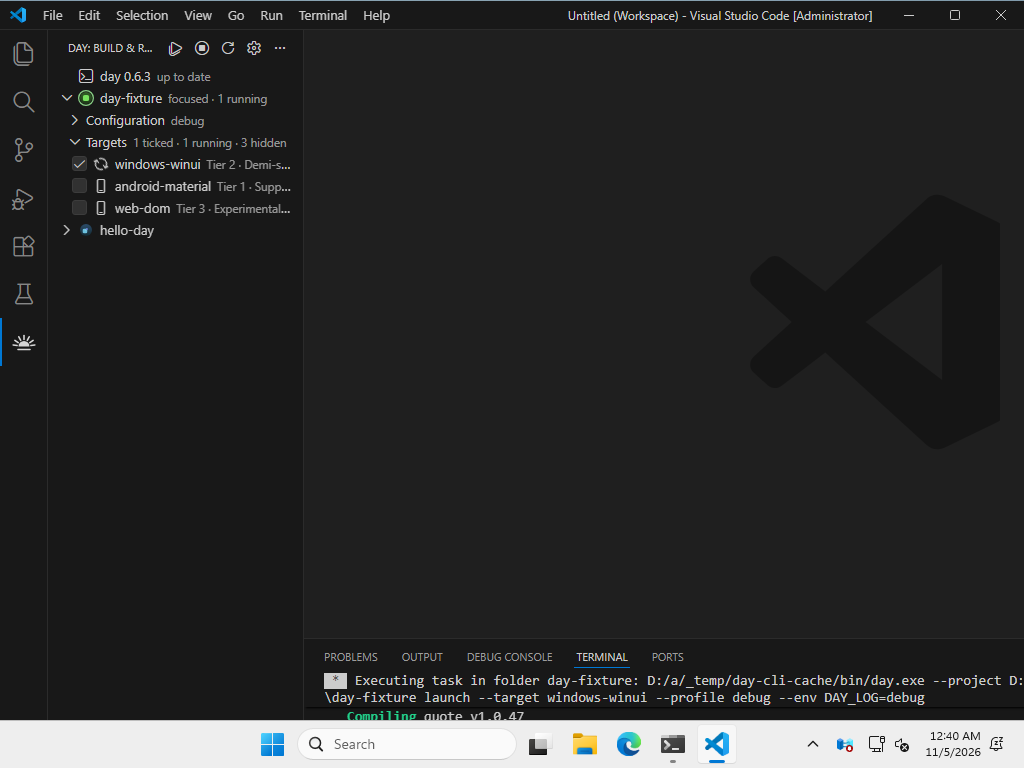
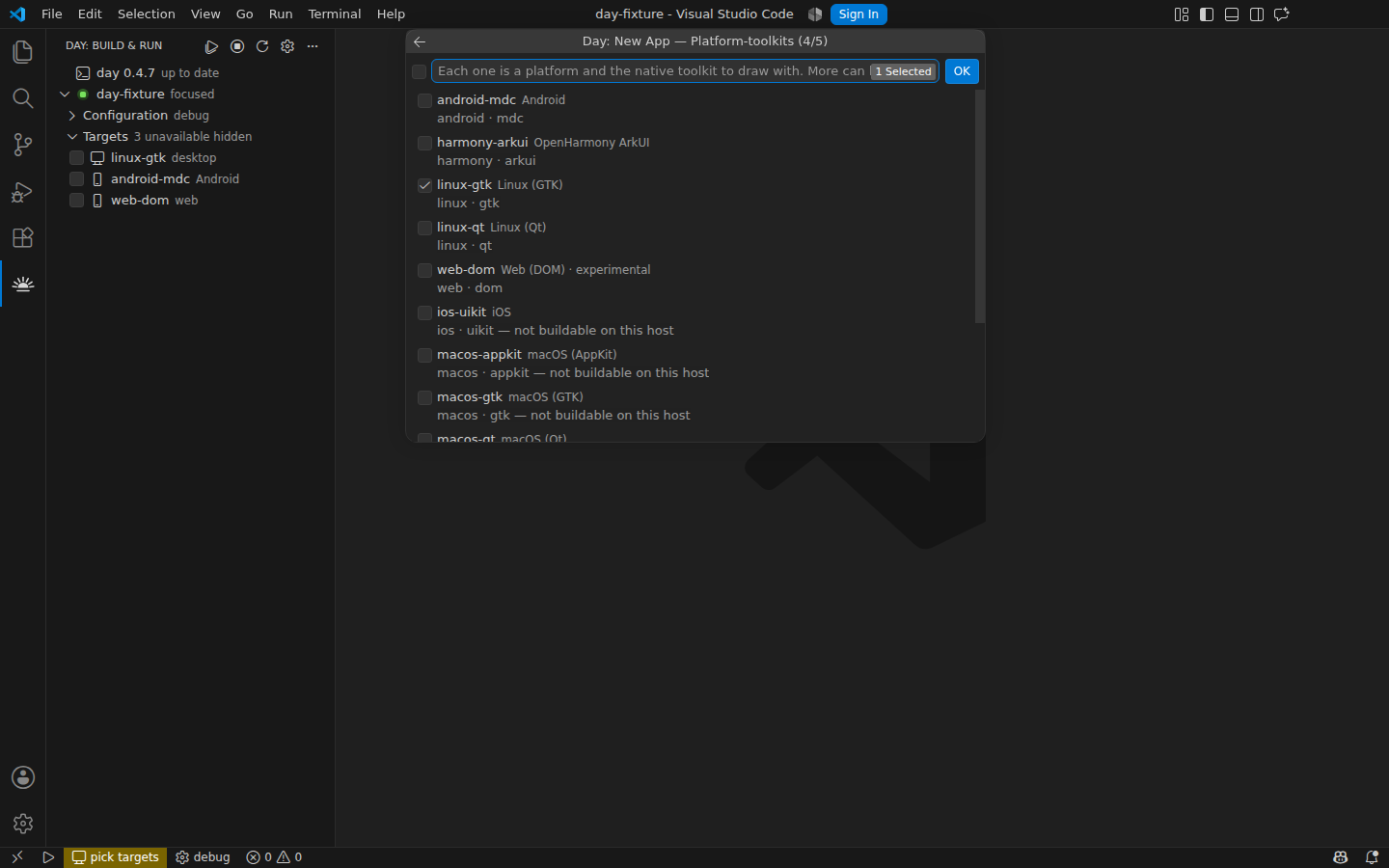
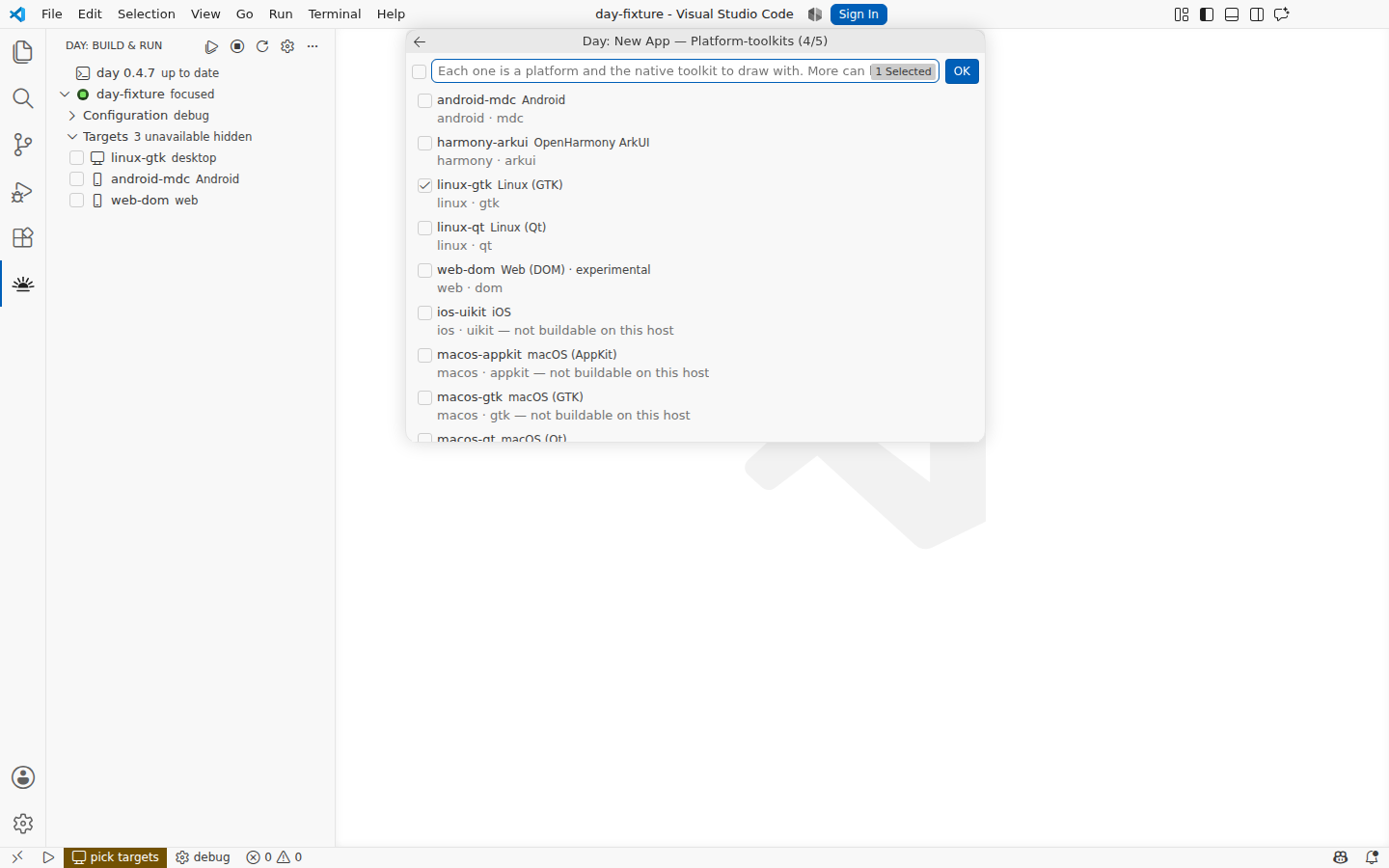
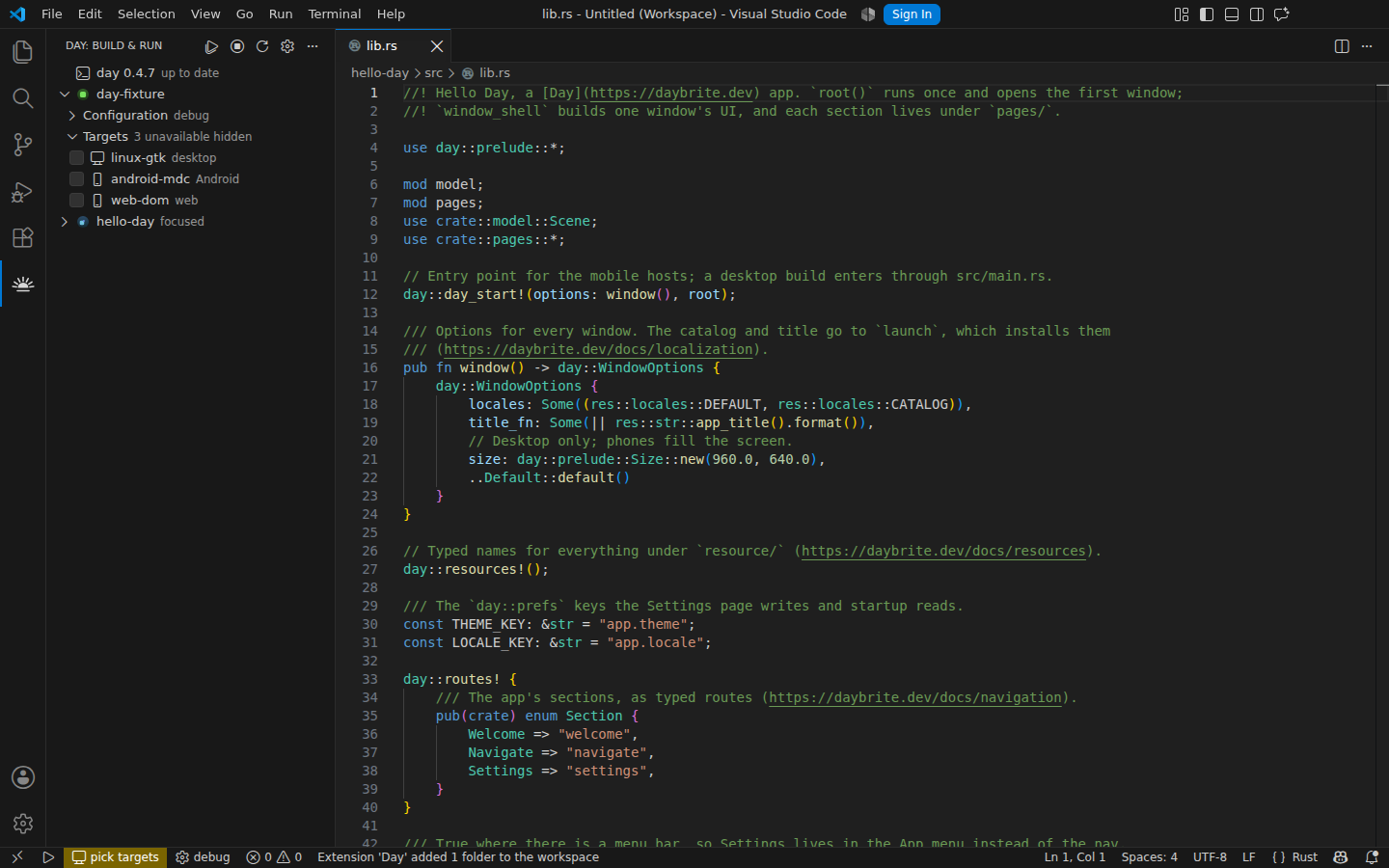
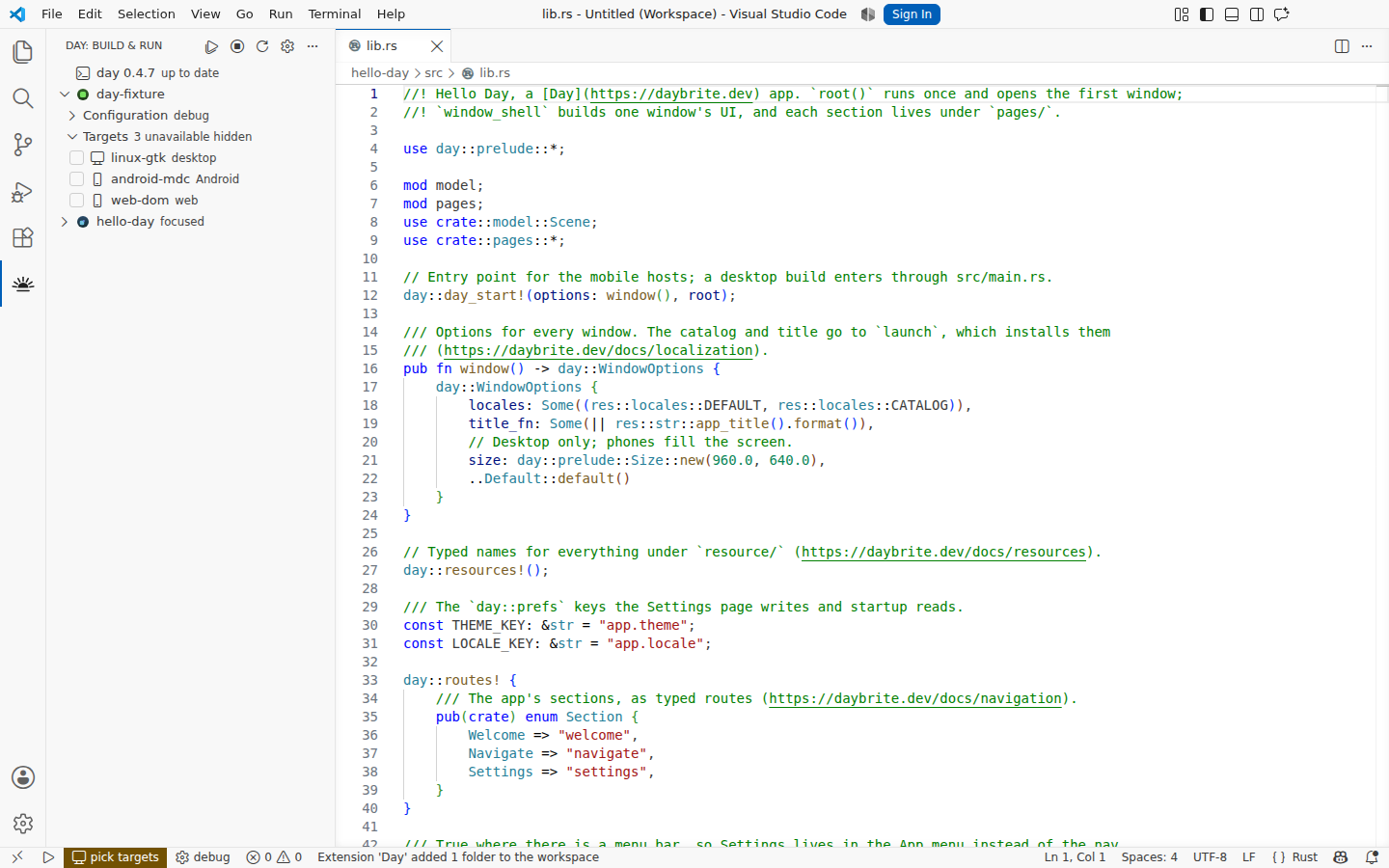
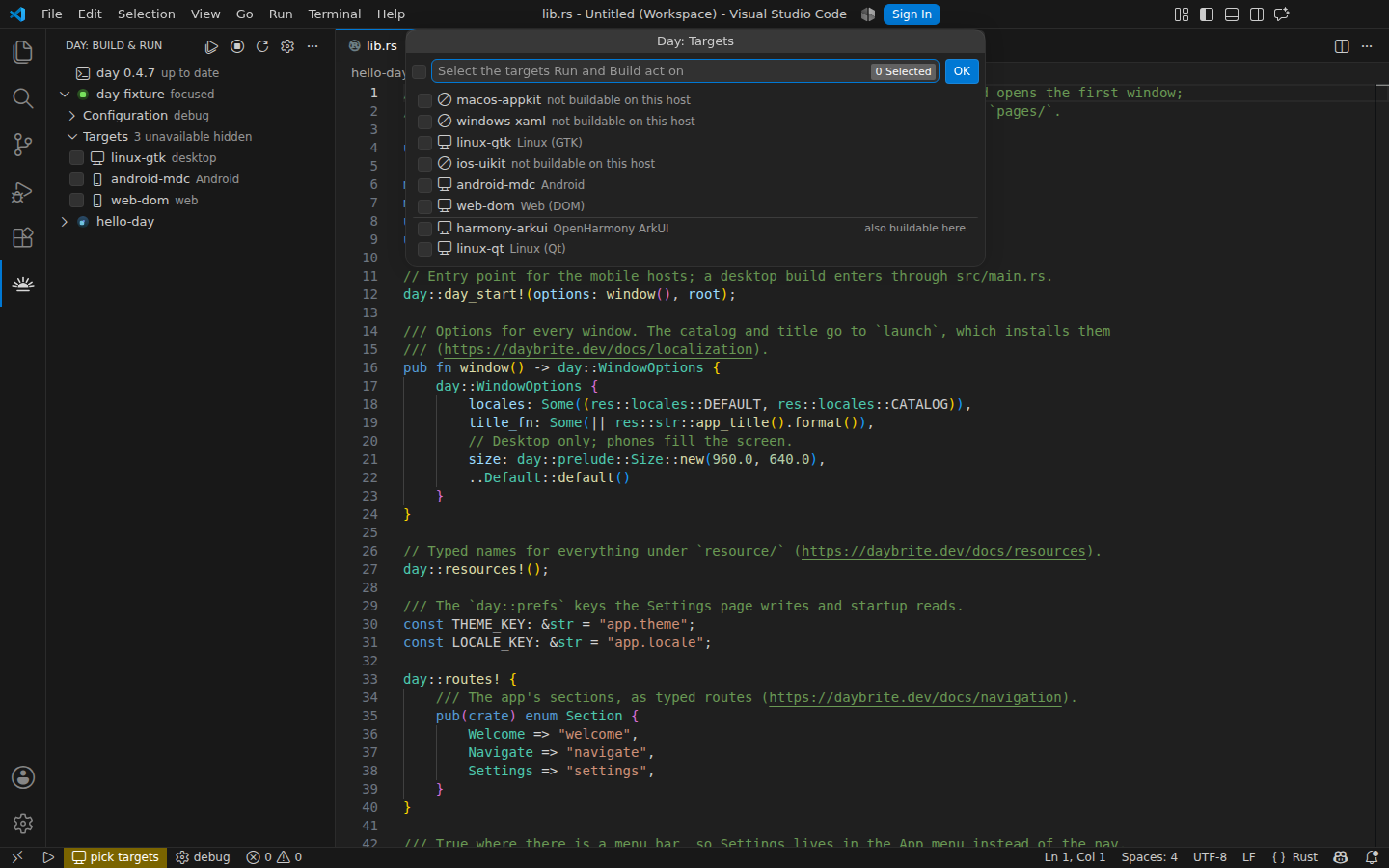
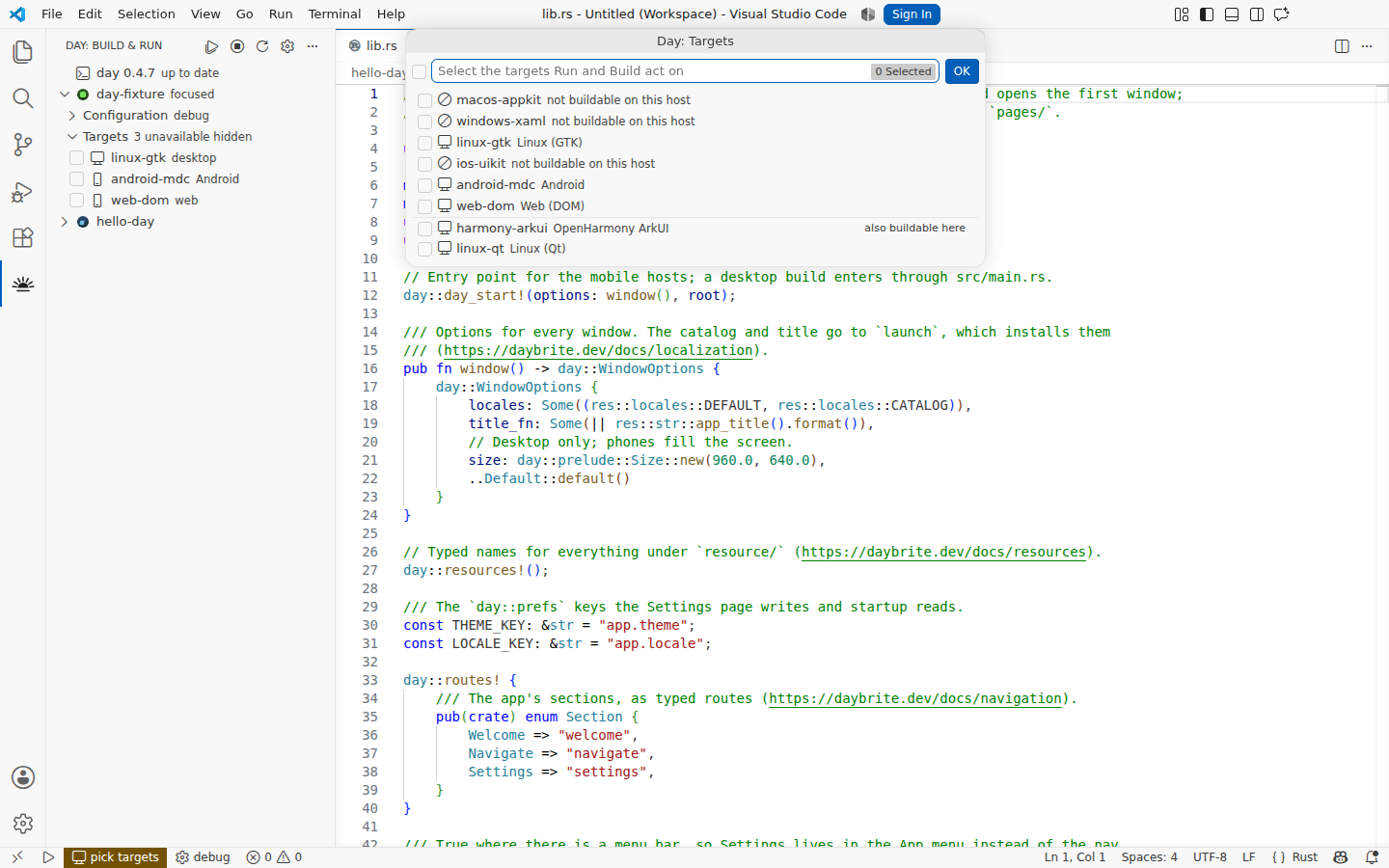
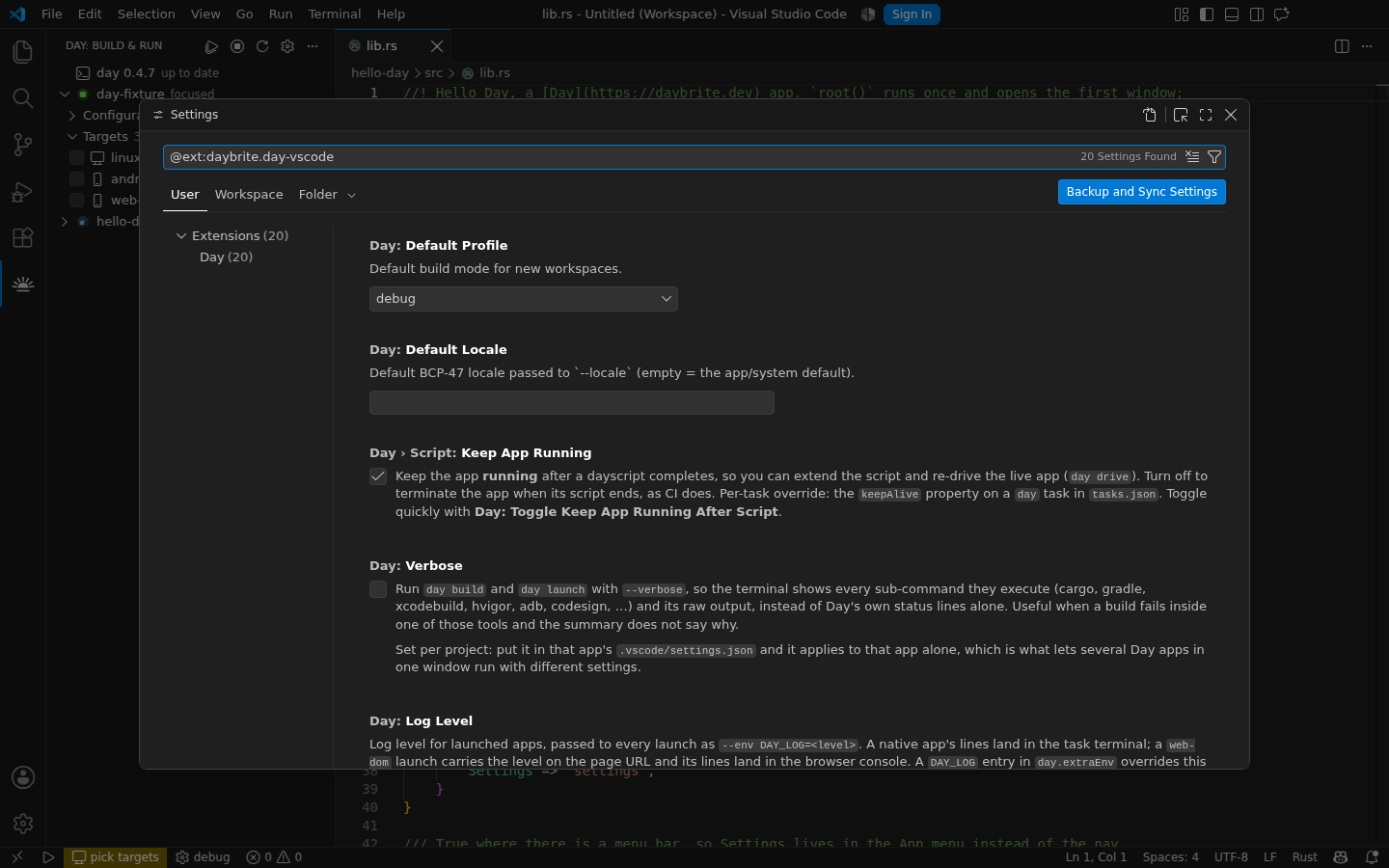
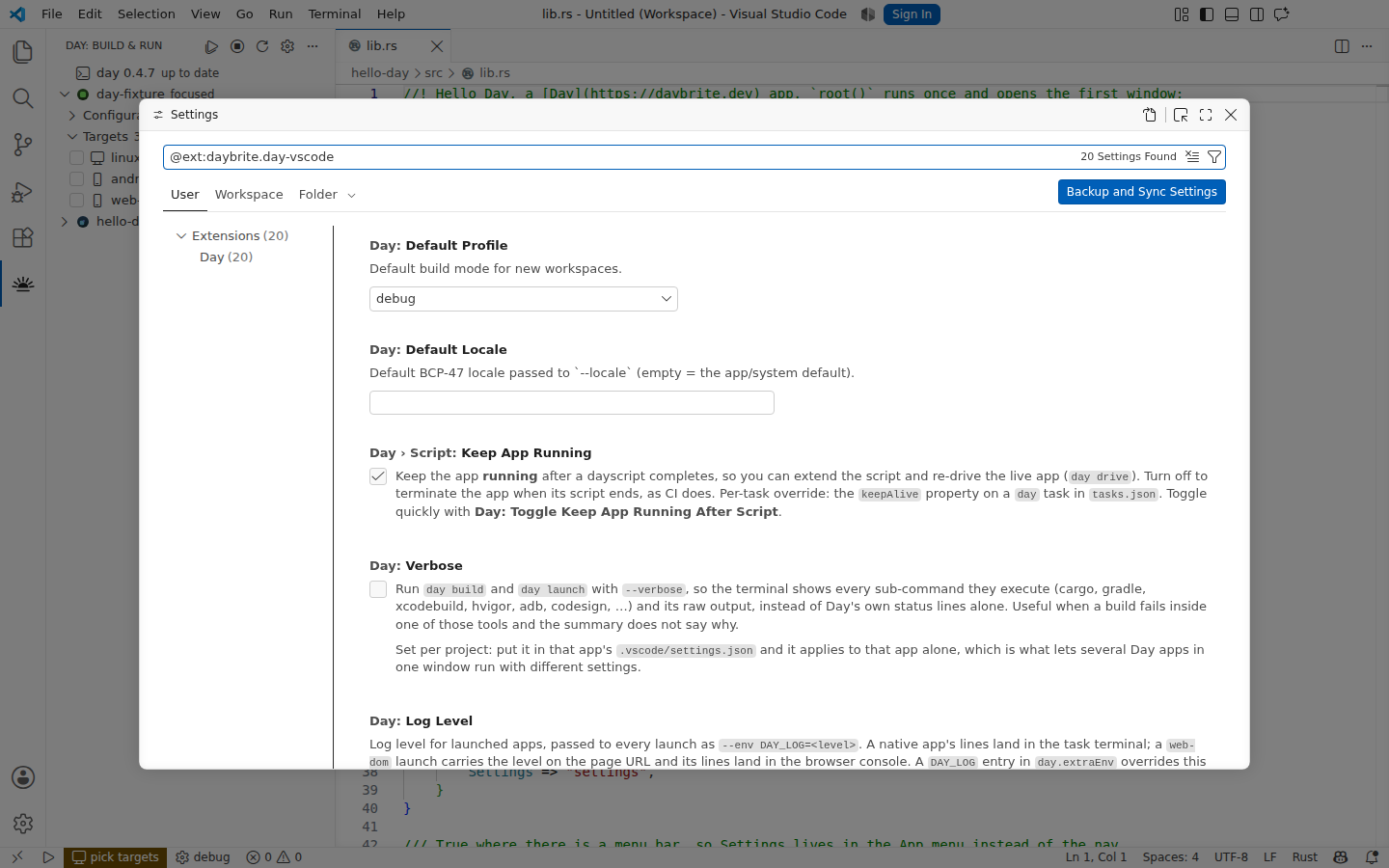
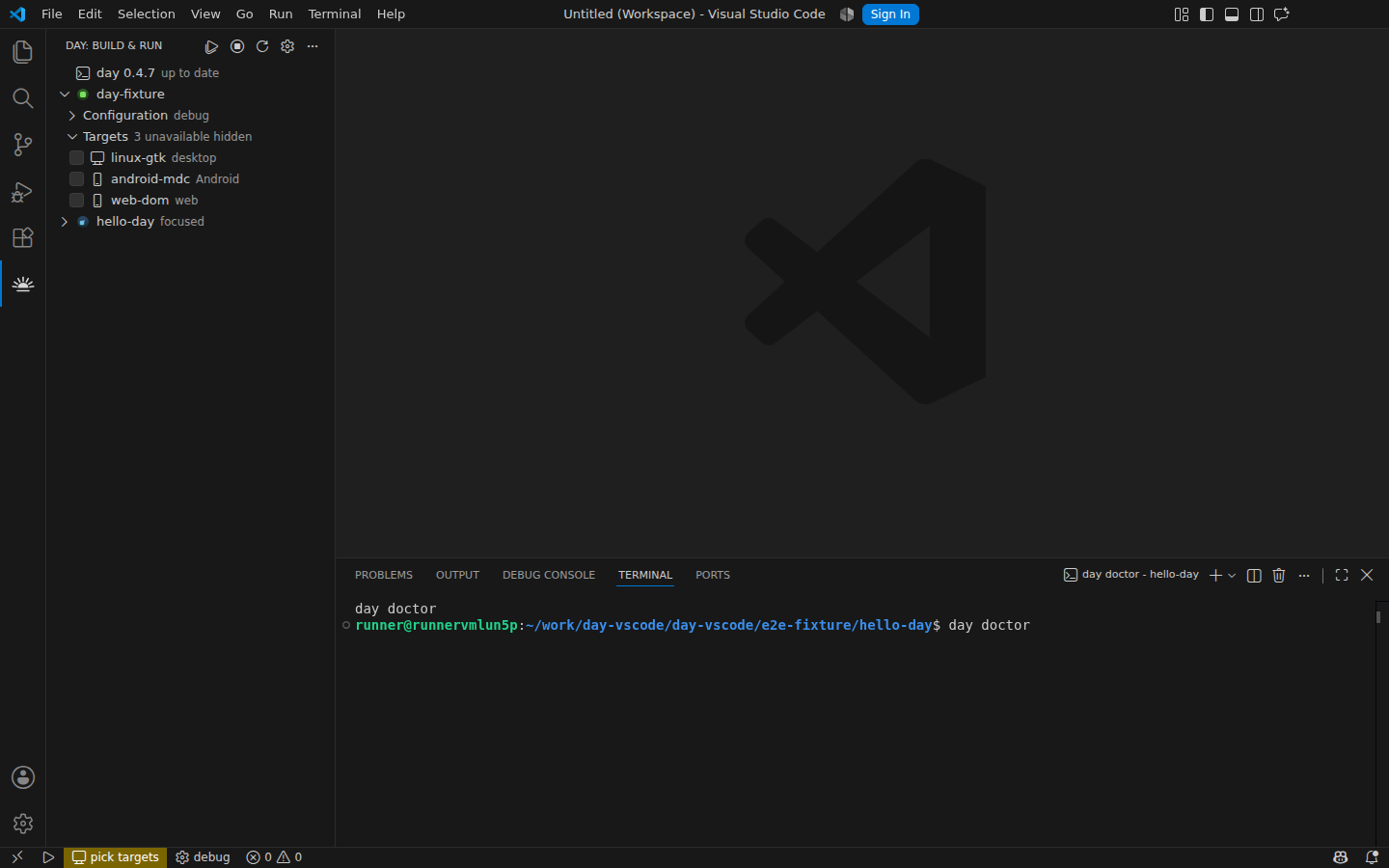
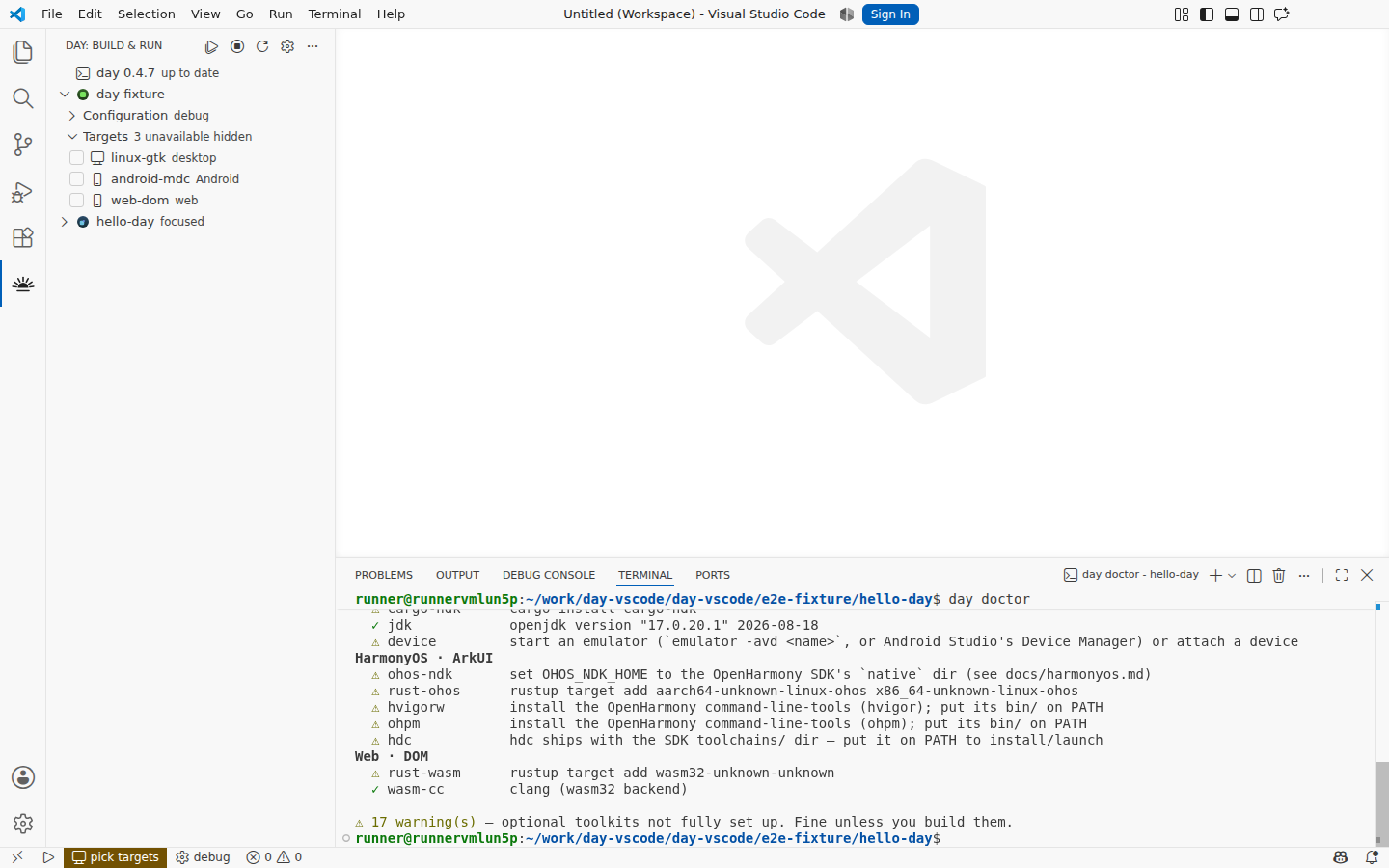
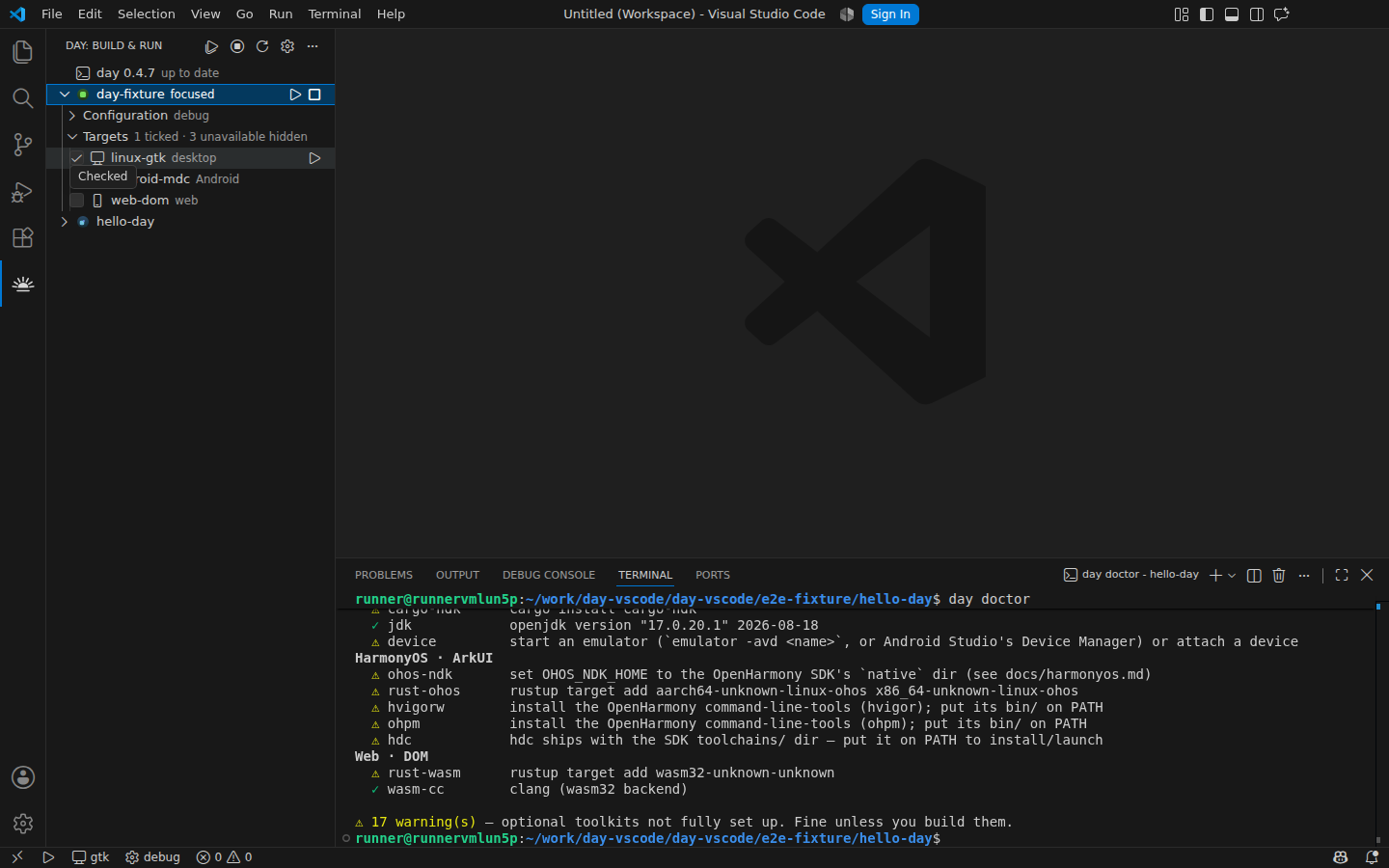
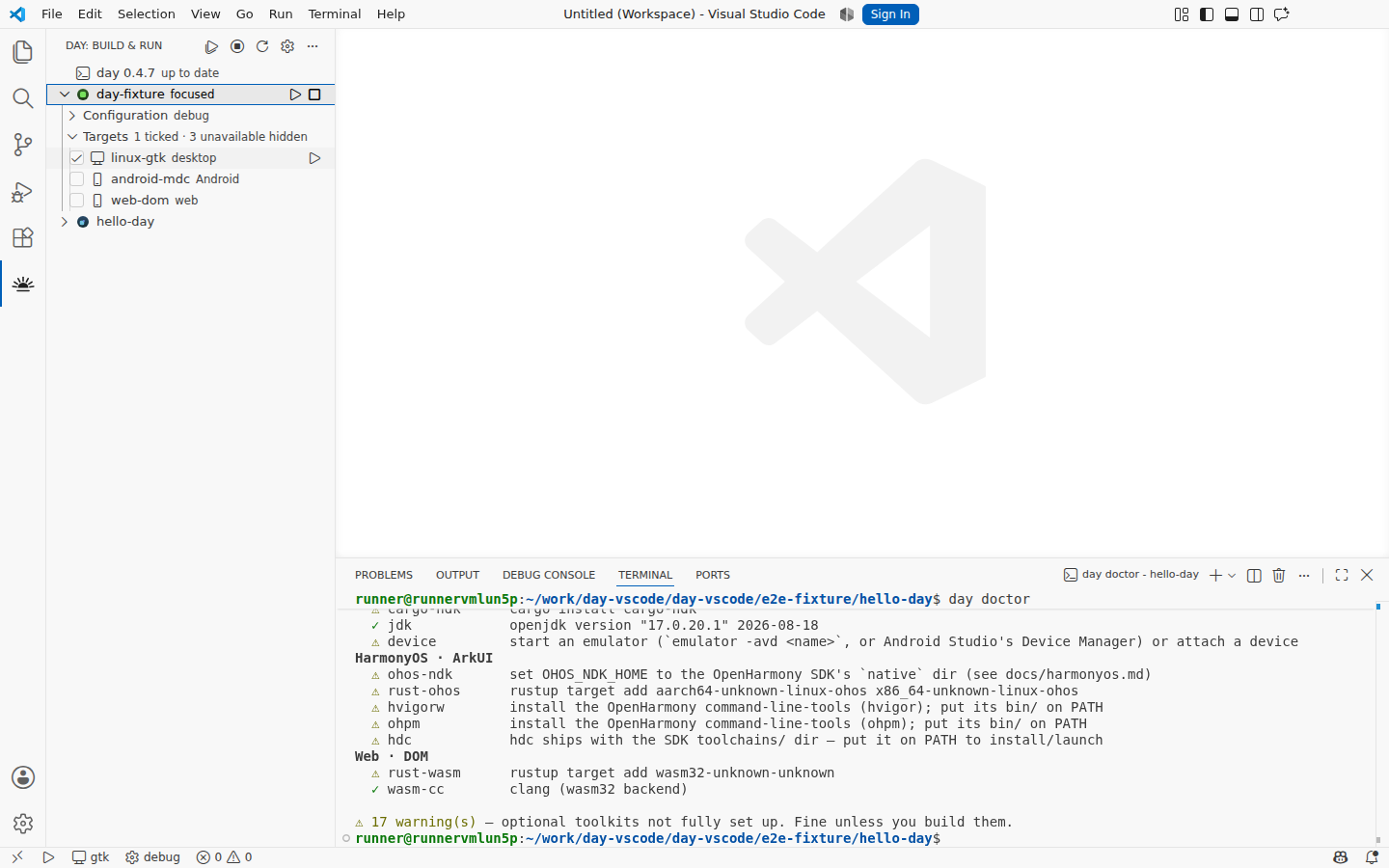
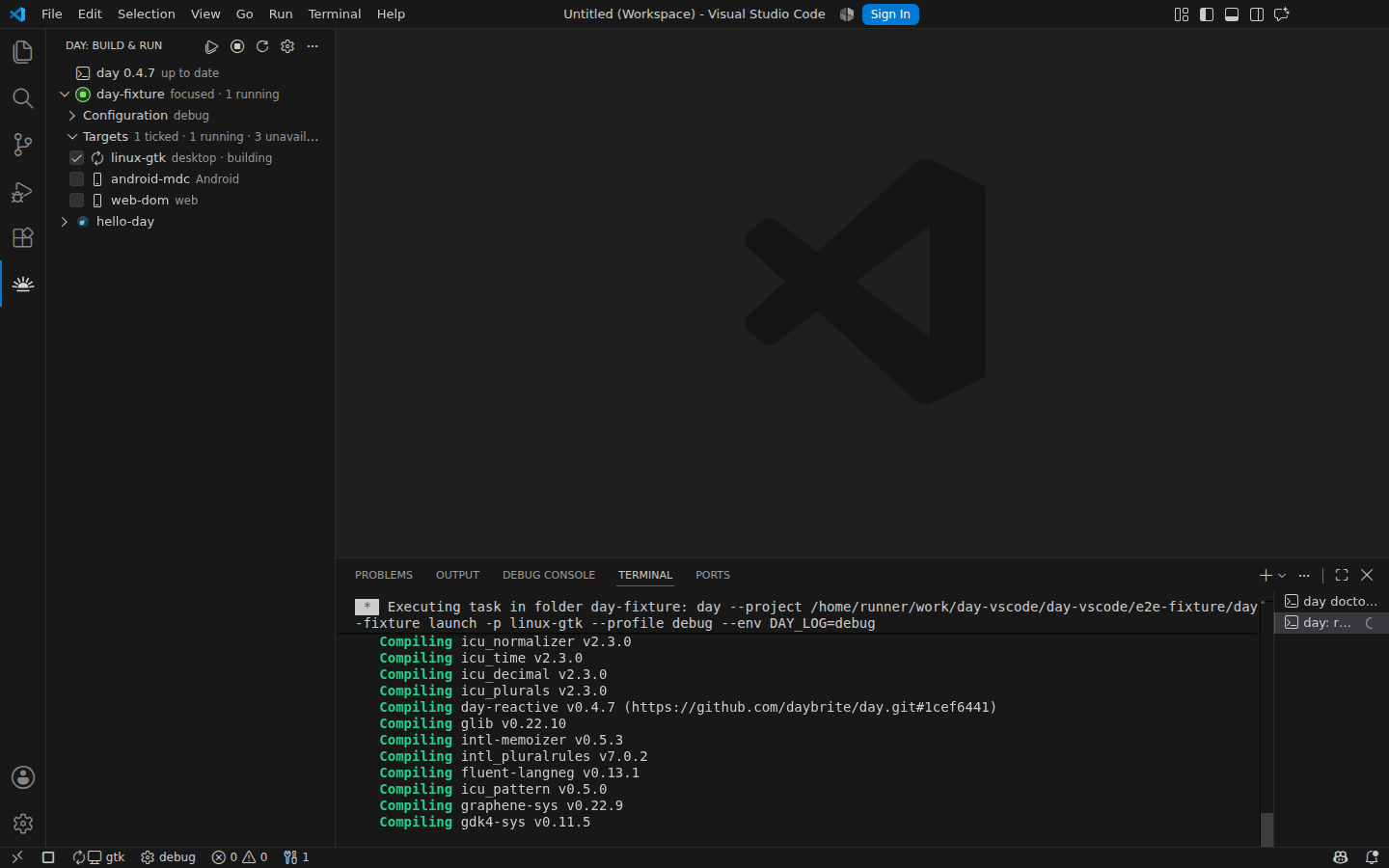
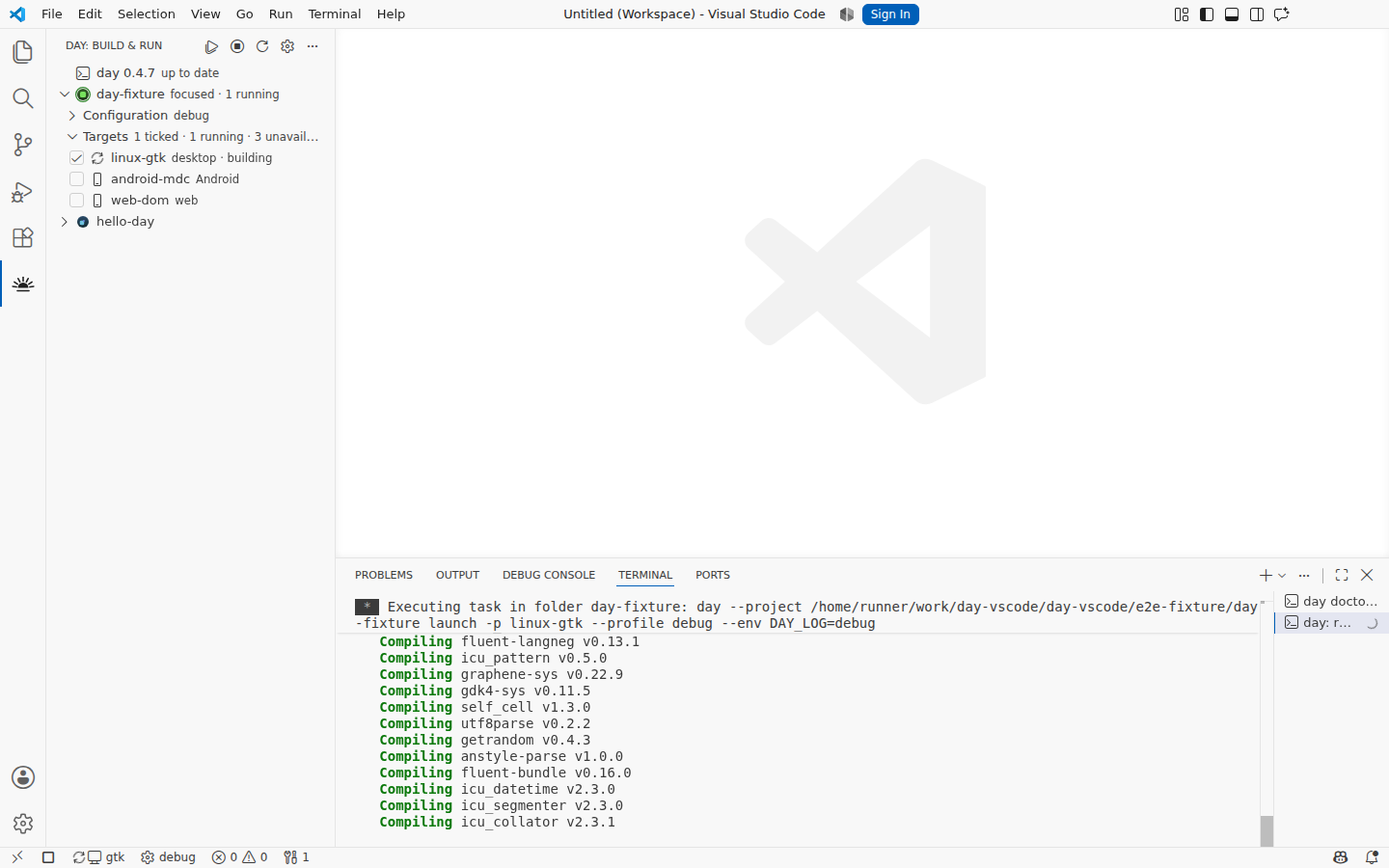
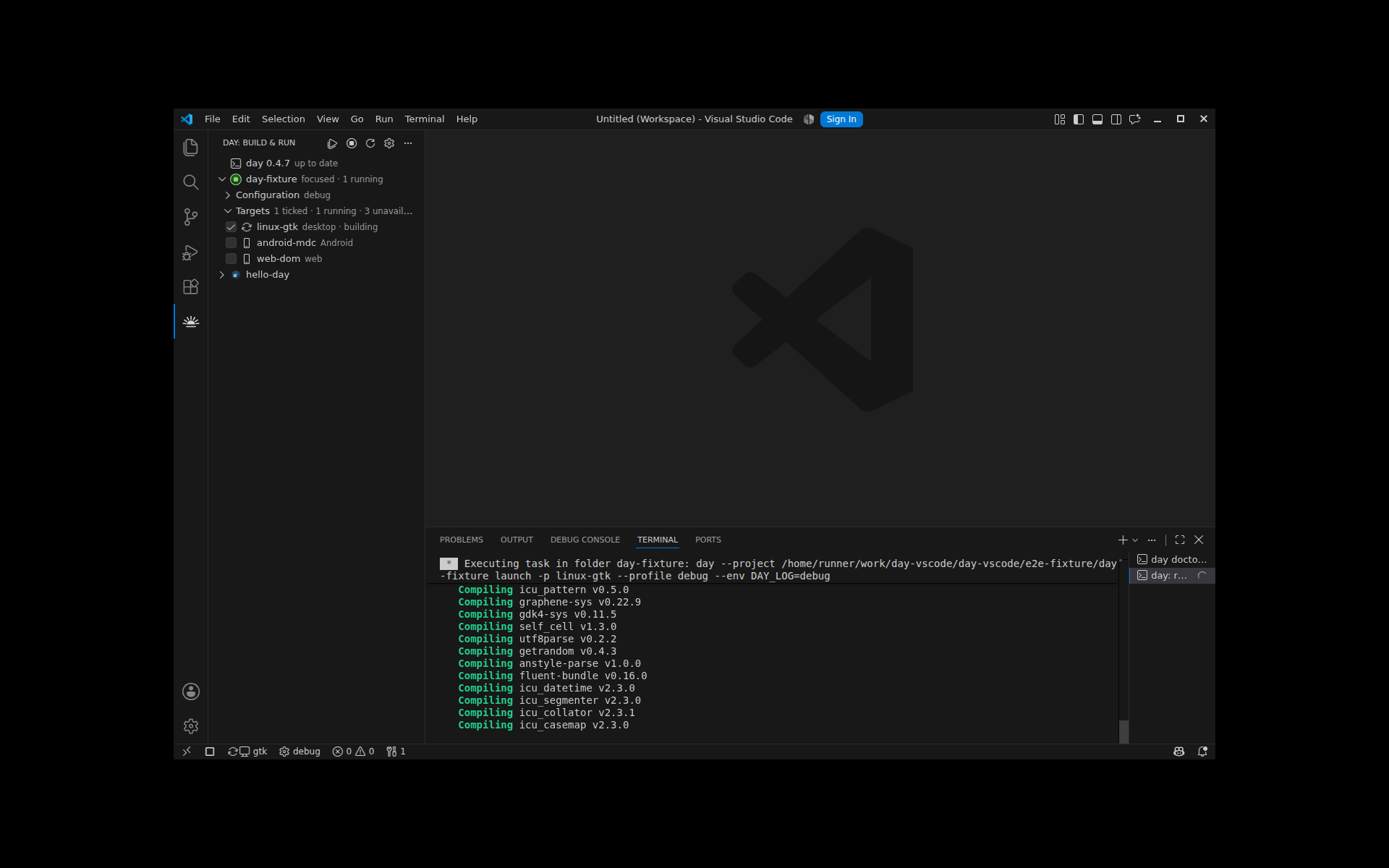
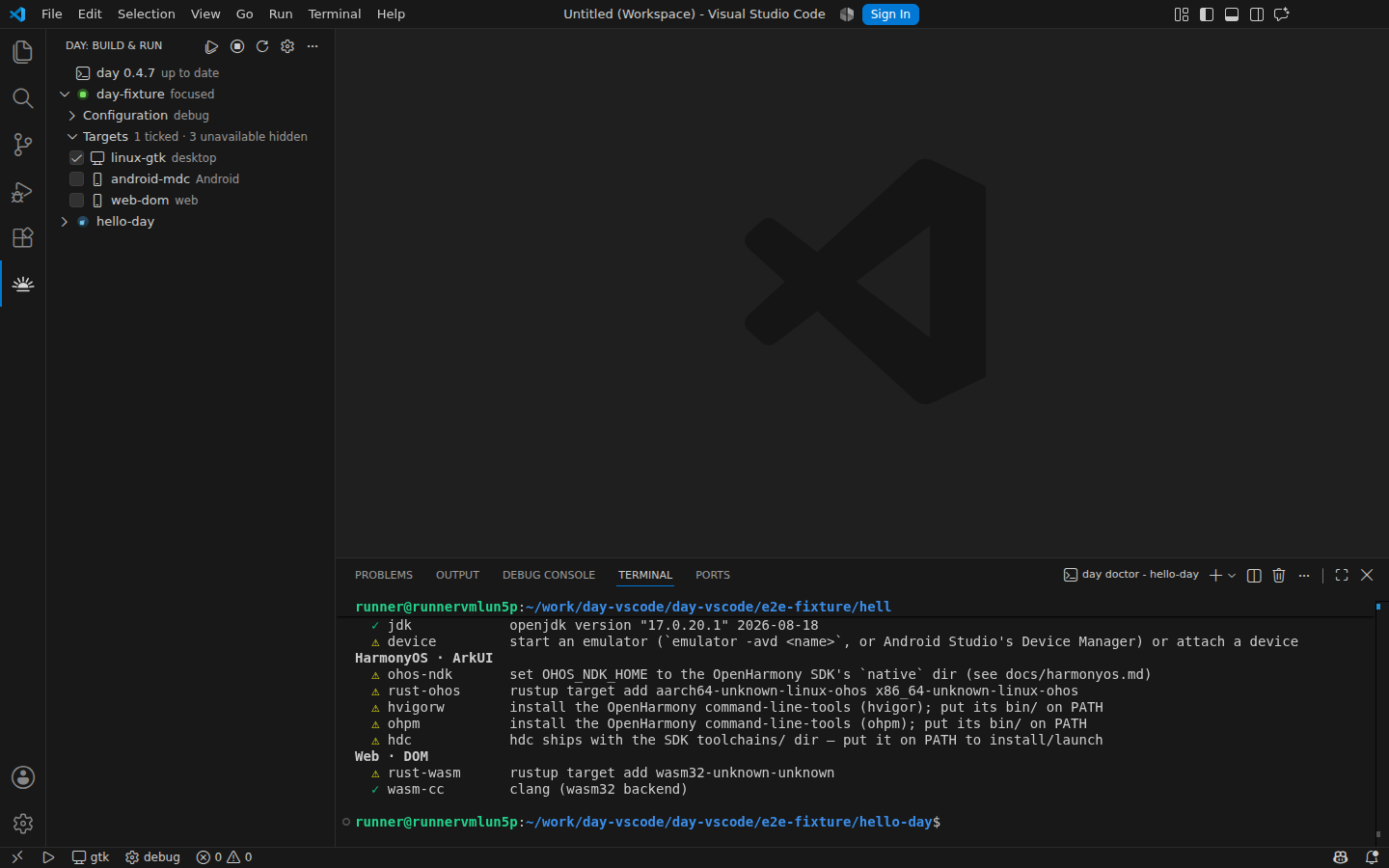
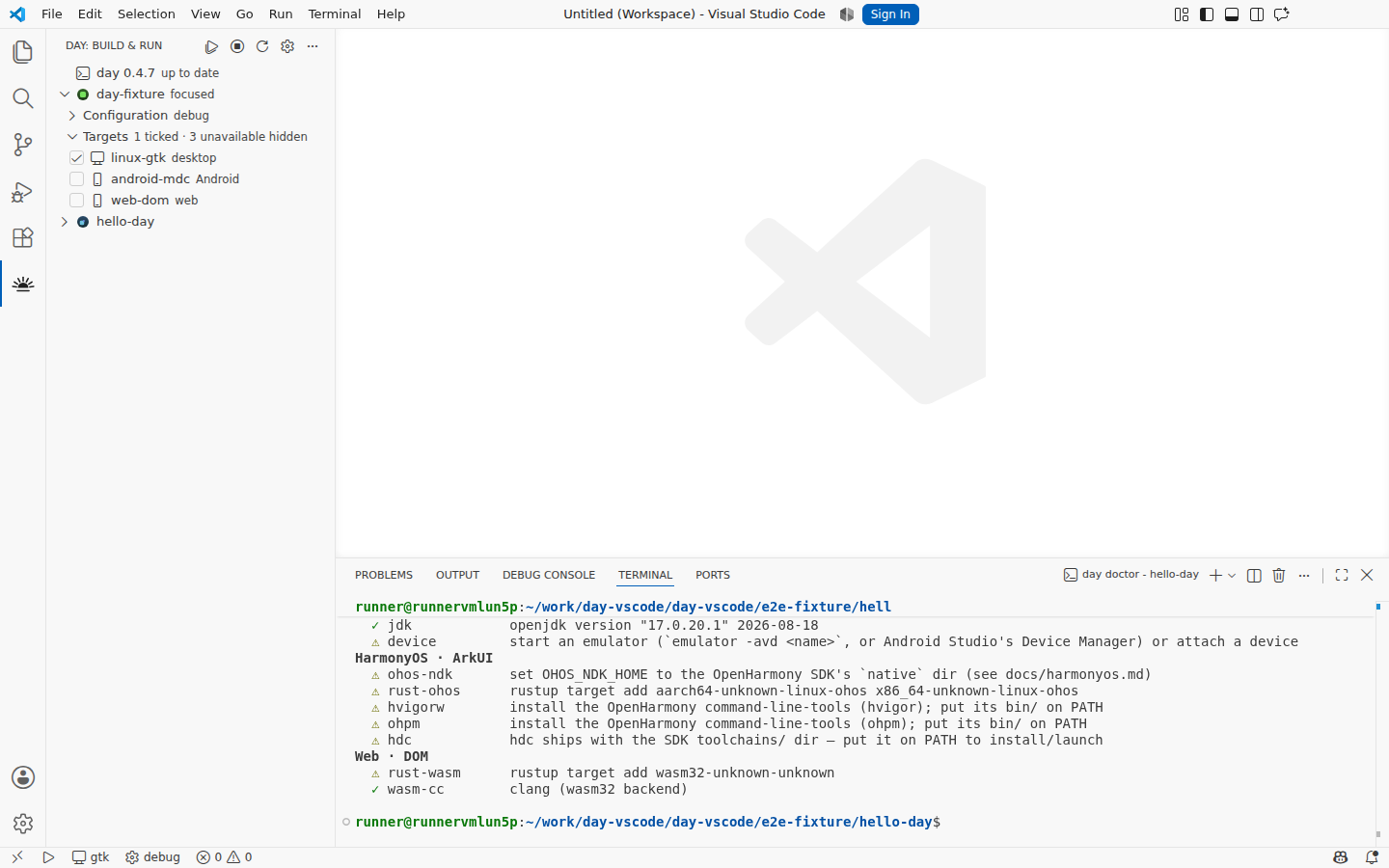
macOS · AppKitThe walkthrough VS Code shows before there is a Day projectmacOS · AppKitNew Project: an app, a piece, or a partmacOS · AppKitNaming the app, validated as you typemacOS · AppKitChoosing the platforms to ship on — macos-appkit is preselected as this host's ownmacOS · AppKitThe scaffolded app open in the editor, listed in the Day view beside the one already theremacOS · AppKitThe Day view: project, build mode, and every target in Day.tomlmacOS · AppKitEvery Day command in the palettemacOS · AppKitPicking which targets Run and Build act onmacOS · AppKitThe extension's settings, from CLI path to agent accessmacOS · AppKitday doctor reporting this host's toolchains (darwin)macOS · AppKitmacos-appkit ticked for RunmacOS · AppKitmacos-appkit running: the cockpit tracks the live processmacOS · AppKitThe Day app running beside the editor that launched it (macos-appkit)macOS · AppKitBack to idle after Stop AllWindows · WinUI 3The walkthrough VS Code shows before there is a Day projectWindows · WinUI 3New Project: an app, a piece, or a partWindows · WinUI 3Naming the app, validated as you typeWindows · WinUI 3Choosing the platforms to ship on — windows-winui is preselected as this host's ownWindows · WinUI 3The scaffolded app open in the editor, listed in the Day view beside the one already thereWindows · WinUI 3The Day view: project, build mode, and every target in Day.tomlWindows · WinUI 3Every Day command in the paletteWindows · WinUI 3Picking which targets Run and Build act onWindows · WinUI 3The extension's settings, from CLI path to agent accessWindows · WinUI 3day doctor reporting this host's toolchains (win32)Windows · WinUI 3windows-winui ticked for RunWindows · WinUI 3windows-winui running: the cockpit tracks the live processWindows · WinUI 3The Day app running beside the editor that launched it (windows-winui)Windows · WinUI 3Back to idle after Stop AllLinux · GTK 4The walkthrough VS Code shows before there is a Day projectLinux · GTK 4New Project: an app, a piece, or a partLinux · GTK 4Naming the app, validated as you typeLinux · GTK 4Choosing the platforms to ship on — linux-gtk is preselected as this host's ownLinux · GTK 4The scaffolded app open in the editor, listed in the Day view beside the one already thereLinux · GTK 4The Day view: project, build mode, and every target in Day.tomlLinux · GTK 4Every Day command in the paletteLinux · GTK 4Picking which targets Run and Build act onLinux · GTK 4The extension's settings, from CLI path to agent accessLinux · GTK 4day doctor reporting this host's toolchains (linux)Linux · GTK 4linux-gtk ticked for RunLinux · GTK 4linux-gtk running: the cockpit tracks the live processLinux · GTK 4The Day app running beside the editor that launched it (linux-gtk)Linux · GTK 4Back to idle after Stop All
Captured November 5, 2026 by the extension's own end-to-end run: a project scaffolded on the runner, the packaged .vsix installed into a real VS Code, and the app built and launched through the extension.
How these are made
The e2e driver downloads a pinned VS Code, installs the packaged extension into it, scaffolds a Day project on the runner withday new app, then drives the UI: open the Day view, tick the host's own target, run it, wait for the app to launch, photograph each step. macOS buildsmacos-appkit, Windows builds windows-winui, and Linux buildslinux-gtk under a virtual display that holds both the editor and the app it launched.
Each editor surface is photographed twice, once in each of VS Code's default themes, and the gallery shows whichever one matches the theme you are reading in.
Because the same script produces the pictures and the assertions, a screenshot that looks right is also a test that passed. Anything the extension stops doing shows up here as a missing image rather than as stale marketing.