Linting
A Day app has correctness that the Rust compiler cannot check for you. A tr("greeting") with no
message in the catalog compiles perfectly and renders the word greeting on screen. A route
nothing declares compiles and navigates nowhere. day lint checks that class of thing, and this
extension puts the answers in your editor.
Running it
Day: Lint Project — from the command palette, the icon in the Day view’s title bar, or right-click a project row. Findings land in the Problems panel and on the lines they name.
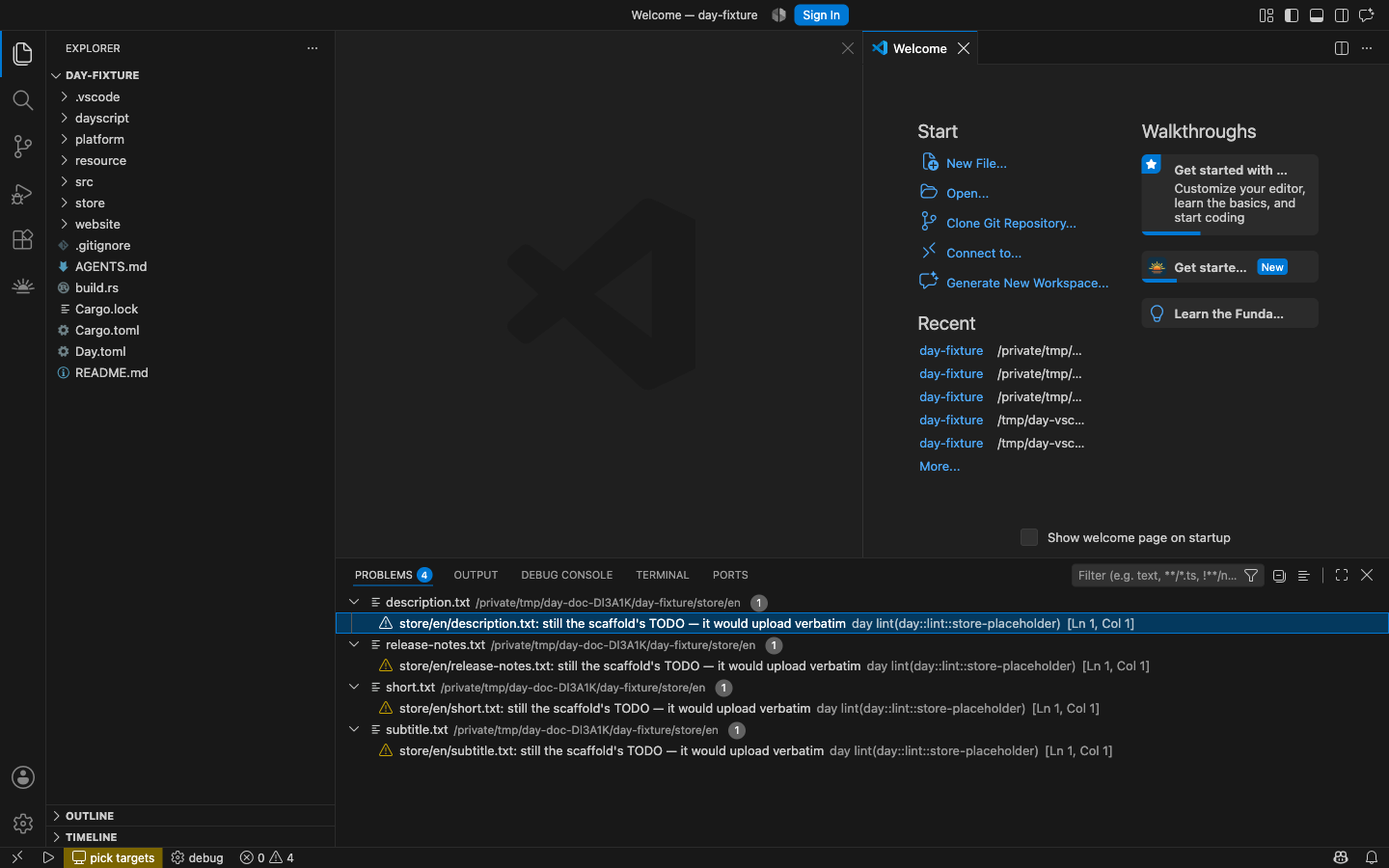
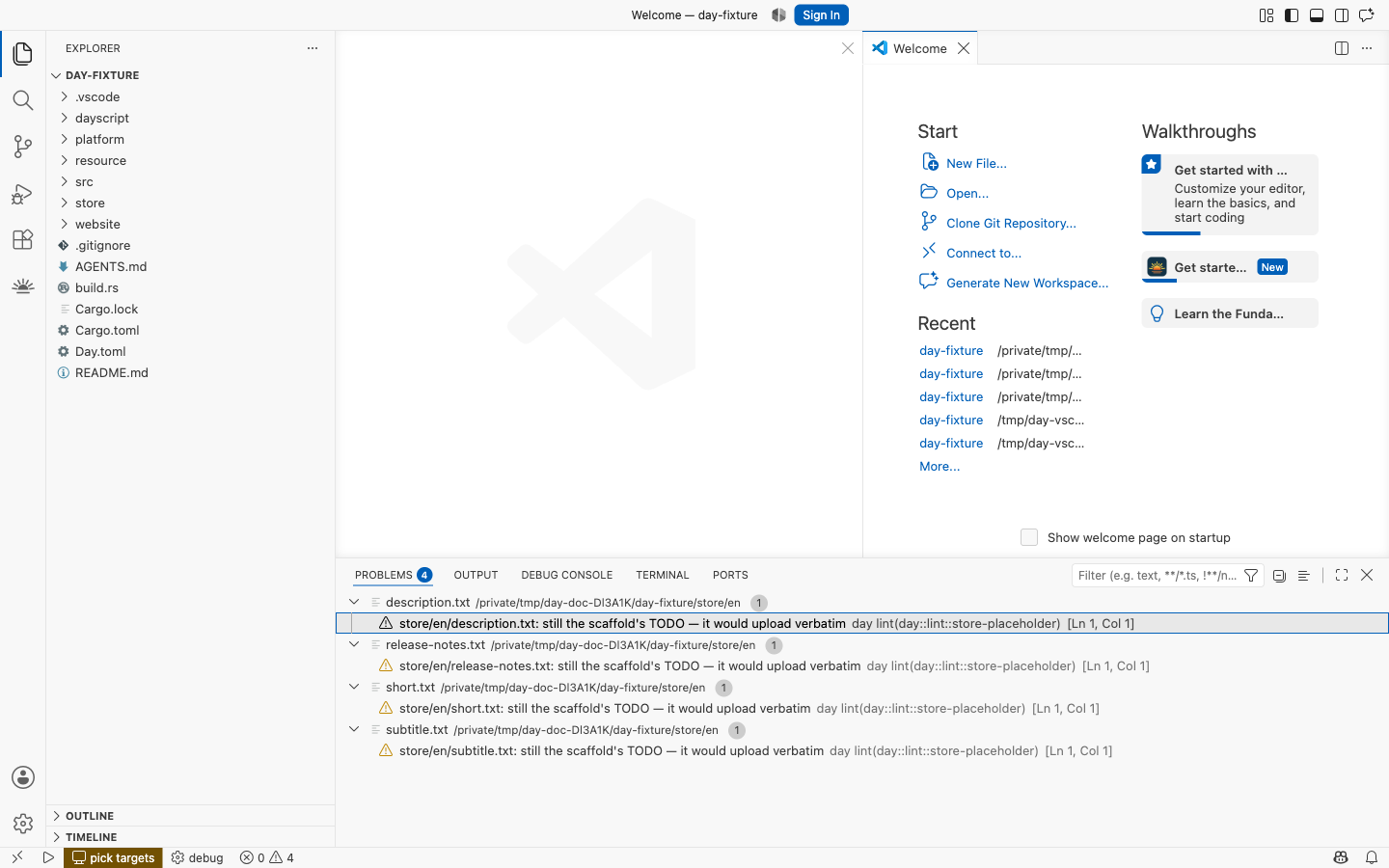
Linting is per project and on demand — it reads the whole tree, so it belongs on a gesture rather than on every keystroke. In a window with several Day projects, each one keeps its own findings; linting one never clears another’s.
Errors and warnings
A finding is an error when it names something that does not exist, or that will misbehave once the app runs:
- a route nothing declares
- a permission the code uses but
Day.tomldoes not declare — which terminates the app on iOS - an unknown target or override in
Day.toml - an unknown Fluent function, or an invalid format option
Coverage gaps and store copy are warnings: a missing translation, an unused key, a listing
field still holding the scaffold’s TODO.
One rule sits deliberately on the warning side despite meeting the error test. unknown-key — a
tr("…") with no message — is found by scanning your source for the text after tr(", and tr(
is a two-character name that turns up inside longer identifiers. An error is a strong claim, and it
is held to the standard of the evidence behind it.
Quick fixes
Where the CLI can describe a repair that is both safe and unambiguous, it comes through as a quick fix. Put the cursor on the squiggle and press ⌘. (Ctrl+.), or click the lightbulb. When a file has more than one, Fix all in file appears too.
Only a few rules offer one, and that is deliberate: a repair is offered when there is exactly one right answer and applying it invents nothing. Trimming stray whitespace around a store field qualifies. Writing a French translation does not.
Applying a fix re-lints the project, so a repair computed against the old text cannot undo the one you just applied.
The same thing from a terminal
day lint                  # the human report, with file:line on every finding
day lint --fix            # apply the safe repairs and say what happened to each
day lint --strict         # exit non-zero on any finding, for CI
day lint --allow store-placeholder    # let one rule stand, still reported
day lint --json prints the same findings as a versioned envelope — it is what this extension
reads. See the CLI reference.
Where the rules are documented
The rules themselves belong to the framework, not to this extension:
- Localization — message keys, catalogs, and what coverage means
- Navigation — declared routes and deep links
- Permissions — declaring what the app asks for
- Accessibility — stable ids, which double as dayscript’s addressing