Creating a project
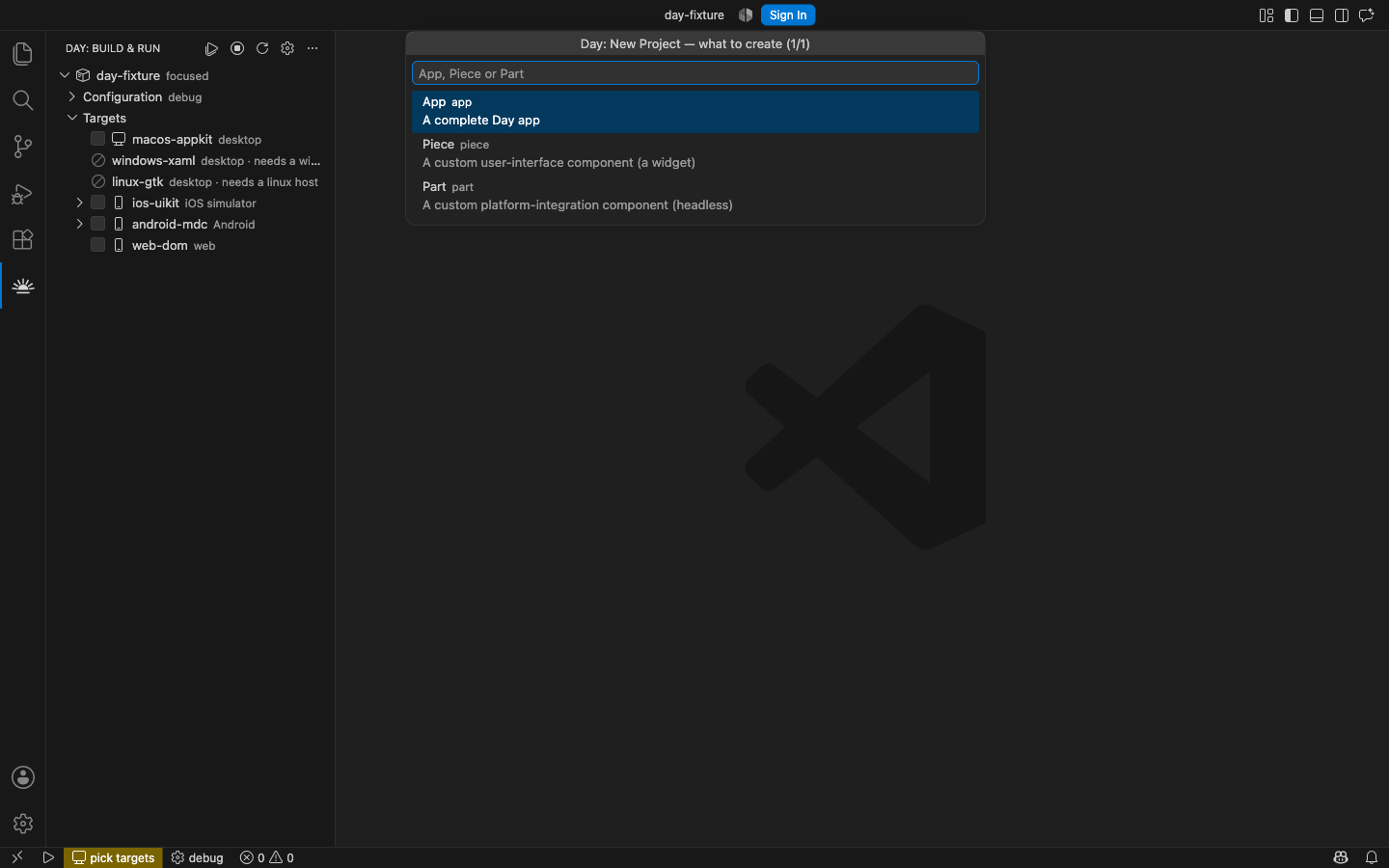
Day: New Project… scaffolds a Day project without leaving the editor. It asks one question at a time, with a Back button on every step, and a counter so you know how far along you are.
The questions are not built into the extension. It asks the day CLI what to ask, so the platforms
and toolkits offered are exactly the ones your CLI supports — a newer CLI offers more without the
extension needing an update.
What you can create
| Kind | What it is |
|---|---|
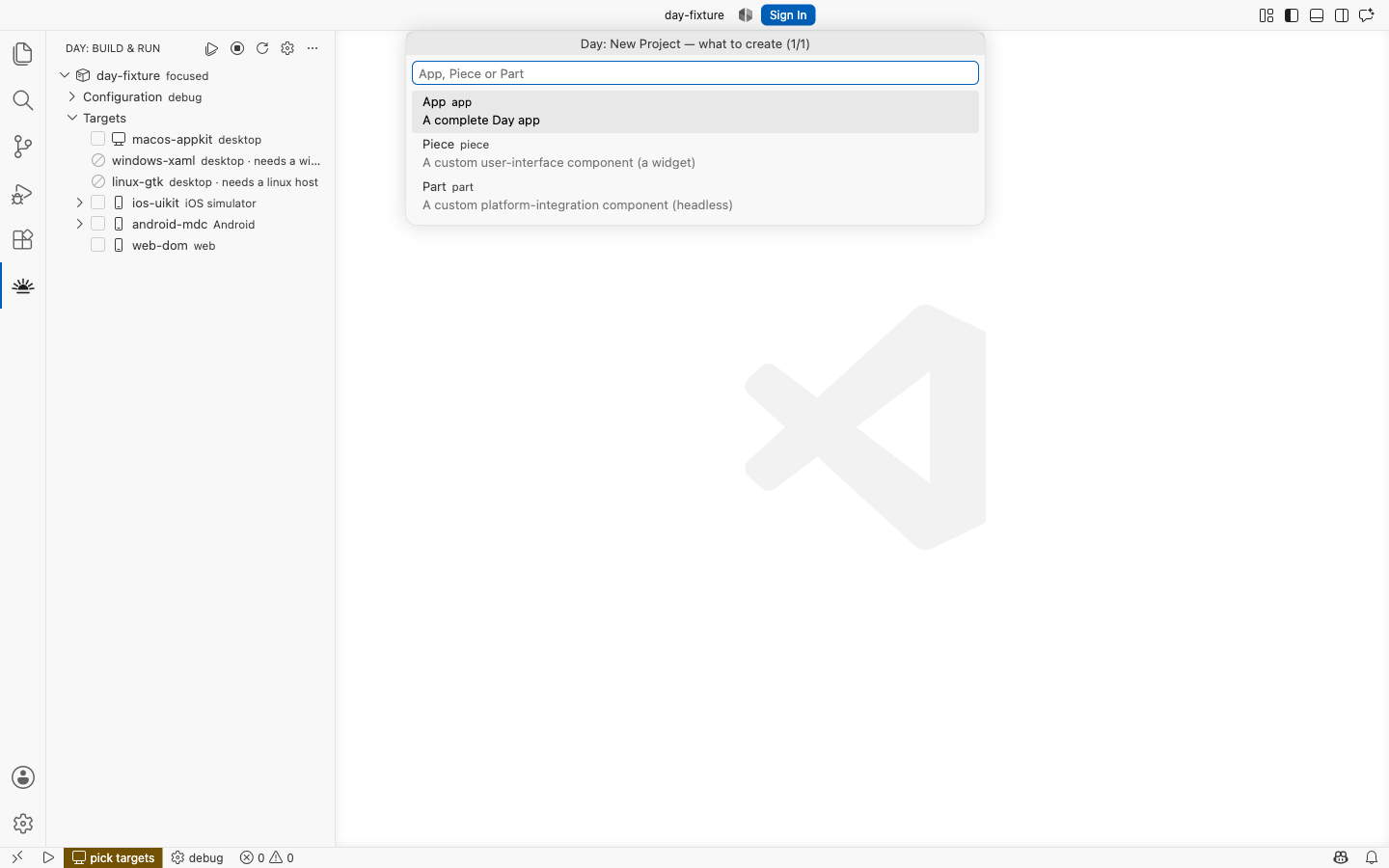
| App | A complete Day app. Start here. |
| Piece | A reusable piece of user interface — a widget. Either composite, built by combining existing pieces and working on every platform for free, or native, with one implementation per toolkit. See Pieces. |
| Part | A headless platform-integration component — storage, notifications, a sensor. No UI. See Parts. |
The questions
Project name
Becomes the crate name, so it is lowercased and hyphenated: type MyApp and you get my-app. The
window title keeps the capitalisation you typed.
Application id
The reverse-DNS identifier — the Apple bundle id and the Android application id. Leave it blank and
the CLI uses dev.example.<name>, which is fine until you ship.
Platform-toolkits
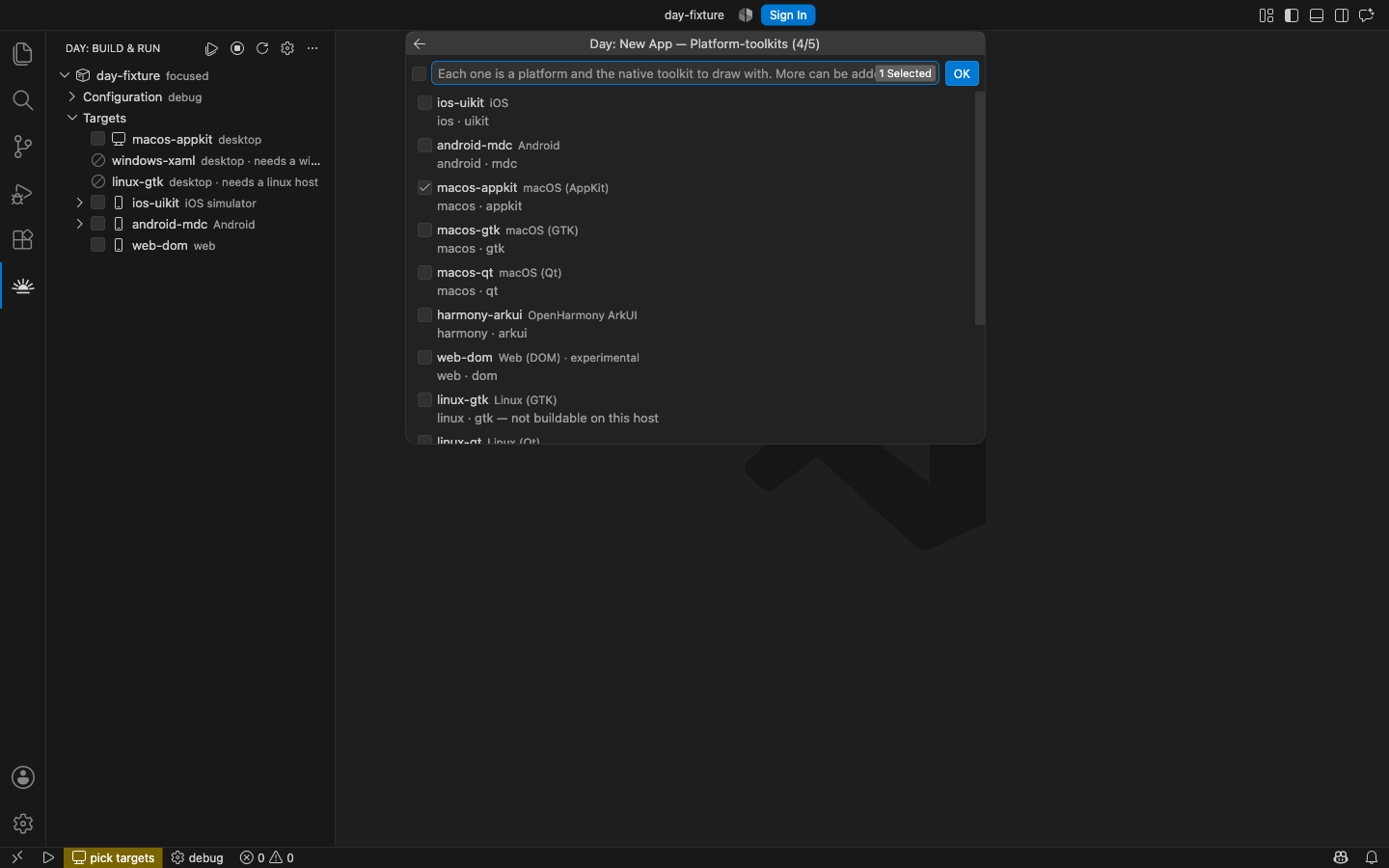
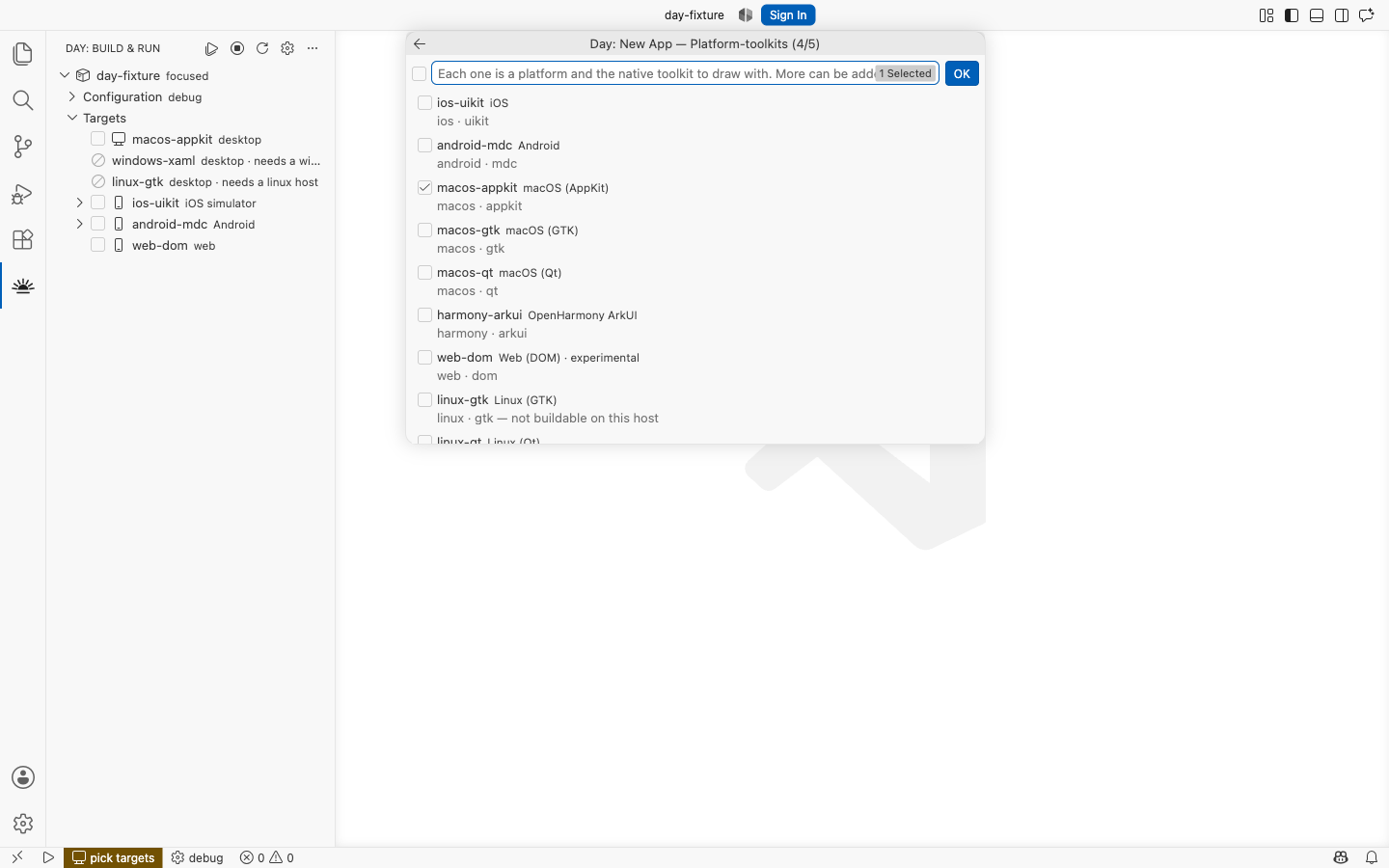
A target pairs a platform with the toolkit that draws it — macos-appkit is macOS drawn with
AppKit, linux-qt is Linux drawn with Qt. Some platforms offer more than one. Pick as many as you
like; a target you cannot build locally can still be built by CI.
Nothing here is permanent. Adding a platform later is one command:
day project add-target android-materialIn the Day view, the + on a project’s Targets row runs it for you.
Platforms lists every target and what it needs.
Window title
Shown in the window and as the store display name. Blank means the name, title-cased.
Where to put it
A folder picker, then the project is created inside it.
After it is created
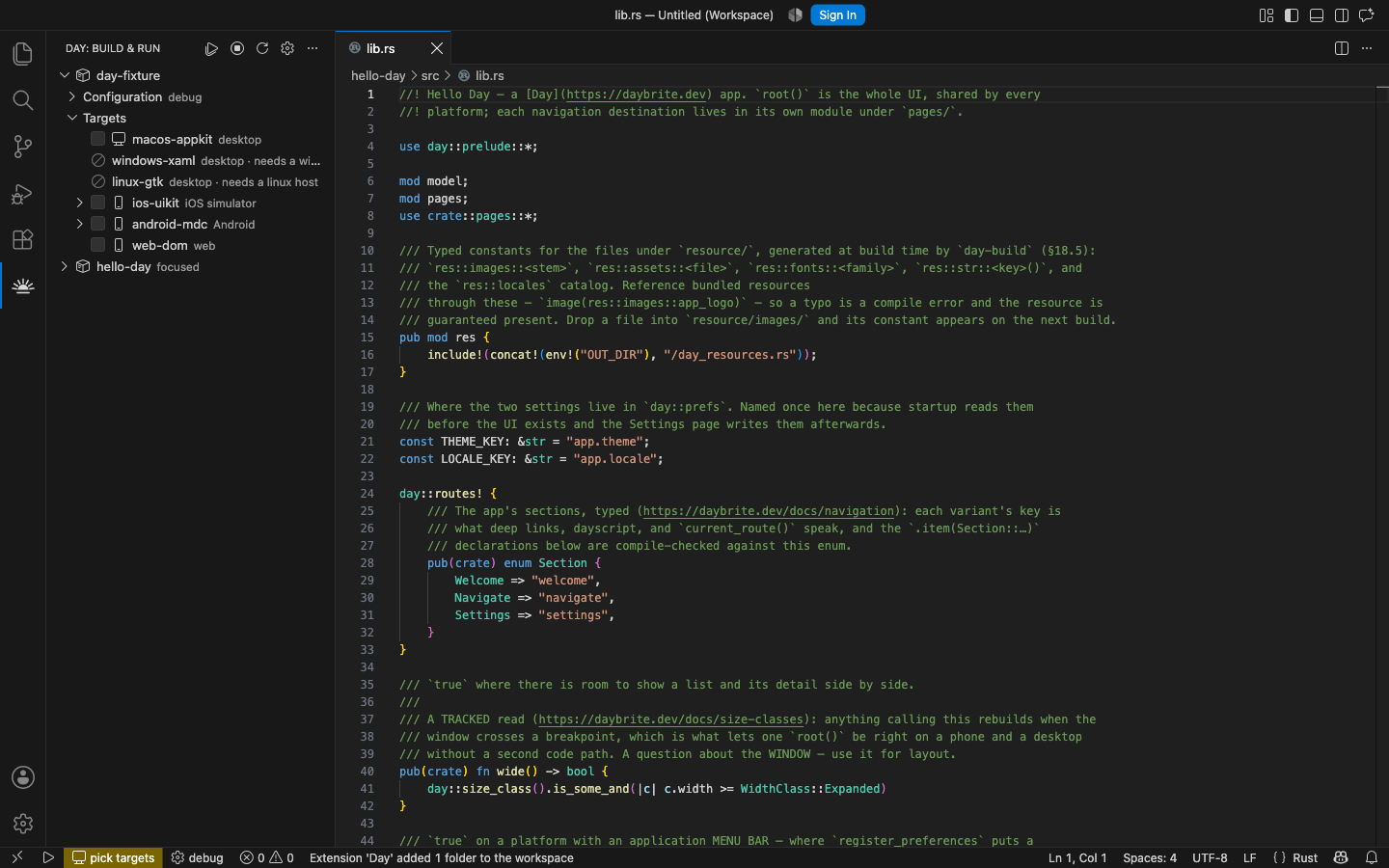
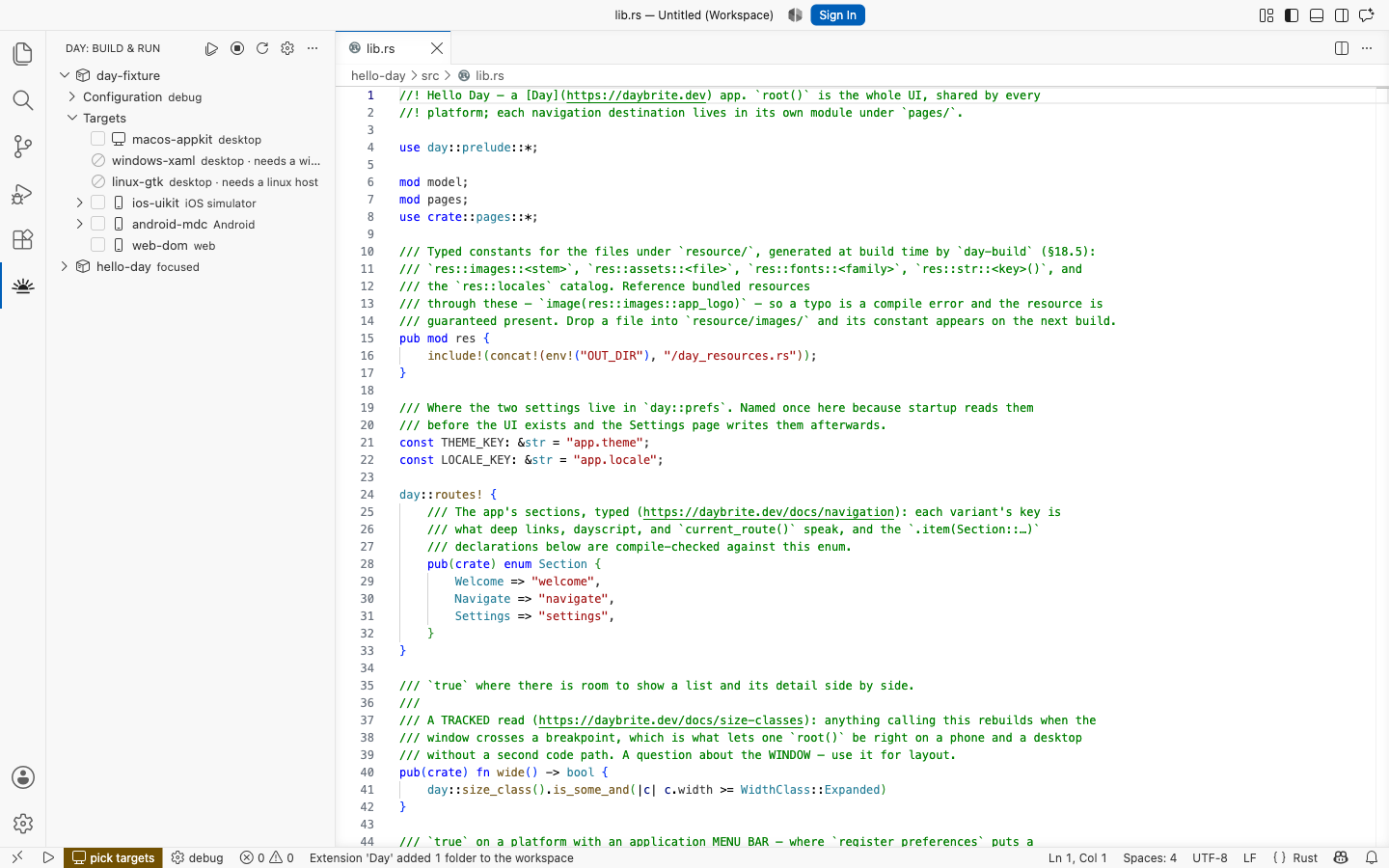
By default you are asked whether to open it here, in a new window, or add it to the current
workspace. Set day.newProject.openAfterCreate to make that choice stick.
What you get is a working app, not an empty directory: a typed-route sidebar over four sample panels, locales, a dayscript walkthrough, and the native host projects each mobile target builds through. Project structure is the tour.
The same thing from a terminal
The wizard composes an ordinary CLI command, so anything it can do you can script:
day new app my-app --toolkit macos-appkit --toolkit linux-gtk
day new piece my-dial --toolkits appkit,gtk
day new part my-sensor --platforms macos,linux
Every question has a flag, and day new --describe prints the whole set as JSON — which is exactly
what the wizard reads. See the CLI reference.